AXISM5075-GPTZCamera
Thewebinterface
Troubleshooting
UsetheAdvancedsettingstohelptroubleshootorrenetheZ-Wavedevicesettings.
YoucanaddaZ-WavedevicetotheprovisioninglistwithSmartStartinclusion.AZ-Wavedeviceaddedtotheprovisioninglistis
automaticallyaddedtothedevicemanagementlistassoonasthedeviceispoweredon.
Note
AZ-Wavedevicewillnotberemovedfromthedevicemanagementlistifyouremoveitfromtheprovisioninglist.
Adddeviceinformation:WhenadeviceisfoundfollowtheinstructionsasperyourZ-Wavedeviceinstallationmanual.
ManuallyaddDevicenameandDevicelocation,thesewillbedisplayedintheDevicemanagementtable.
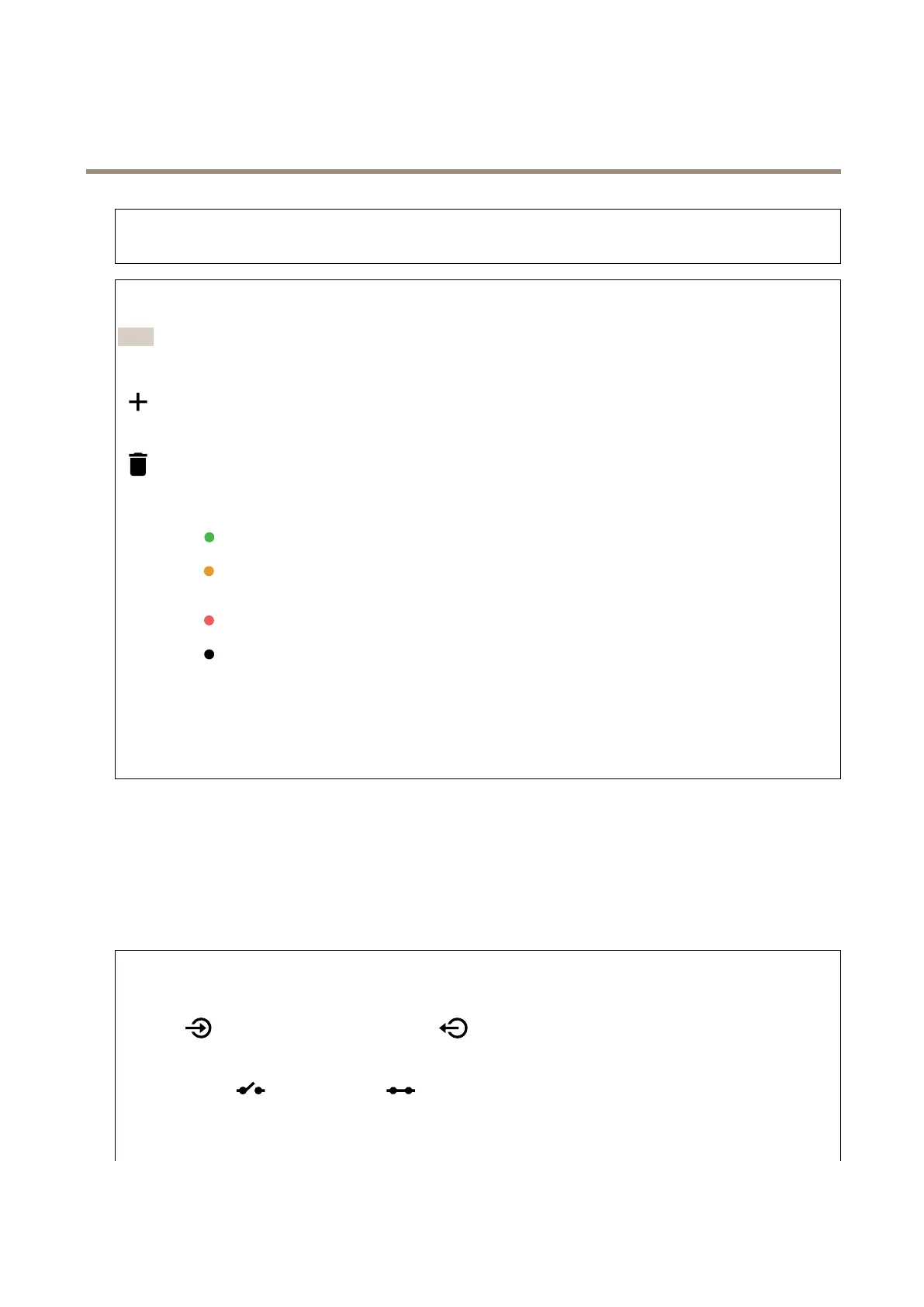
:Hoveroveradeviceinthelisttoshowtheicon.Clicktheicontodeleteitfromthelist.
Status:Thestatusofthedevicearecolorcoded.
•
Alive:Thedeviceisactiveandworking.
•
Sleeping:Thedeviceisinalow-powerstateinacontrolledmanner.Noticationshappeninstantly,butifyou
changesettingsthesedon’ttakeaffectuntilthedevicewakesup.
•
Down:Thenodeiscurrentlyunresponsiveandtherecanbeanerrorinthenetwork.
•
Unavailable:Thedeviceisnotavailableonthenetwork.
DeviceSpecicKey:TheDSKstringcodethatisfoundonthepackageorthedevice.
Devicename:Thenameofthedevice.Thisisthenameyougivethedevicewhenitisadded.
Devicetype:Whattypeofdeviceitis.
Devicelocation:Thelocationwherethedeviceispositioned.Youenterthismanually.
Accessories
I/Oports
Usedigitalinputtoconnectexternaldevicesthatcantogglebetweenanopenandclosedcircuit,forexample,PIRsensors,door
orwindowcontacts,andglassbreakdetectors.
UsedigitaloutputtoconnectexternaldevicessuchasrelaysandLEDs.YoucanactivateconnecteddevicesthroughtheVAPIX®
ApplicationProgrammingInterfaceorthewebinterface.
Port
Name:Editthetexttorenametheport.
Direction:
indicatesthattheportisaninputport.indicatesthatit’sanoutputport.Iftheportiscongurable,
youcanclicktheiconstochangebetweeninputandoutput.
Normalstate:Clickforopencircuit,andforclosedcircuit.
Currentstate:Showsthecurrentstateoftheport.Theinputoroutputisactivatedwhenthecurrentstateisdifferentfromthe
normalstate.Aninputonthedevicehasanopencircuitwhenit’sdisconnectedorwhenthereisavoltageabove1VDC.
52



 To Next Page