AXISM5525-EPTZNetworkCamera
Additionalsettings
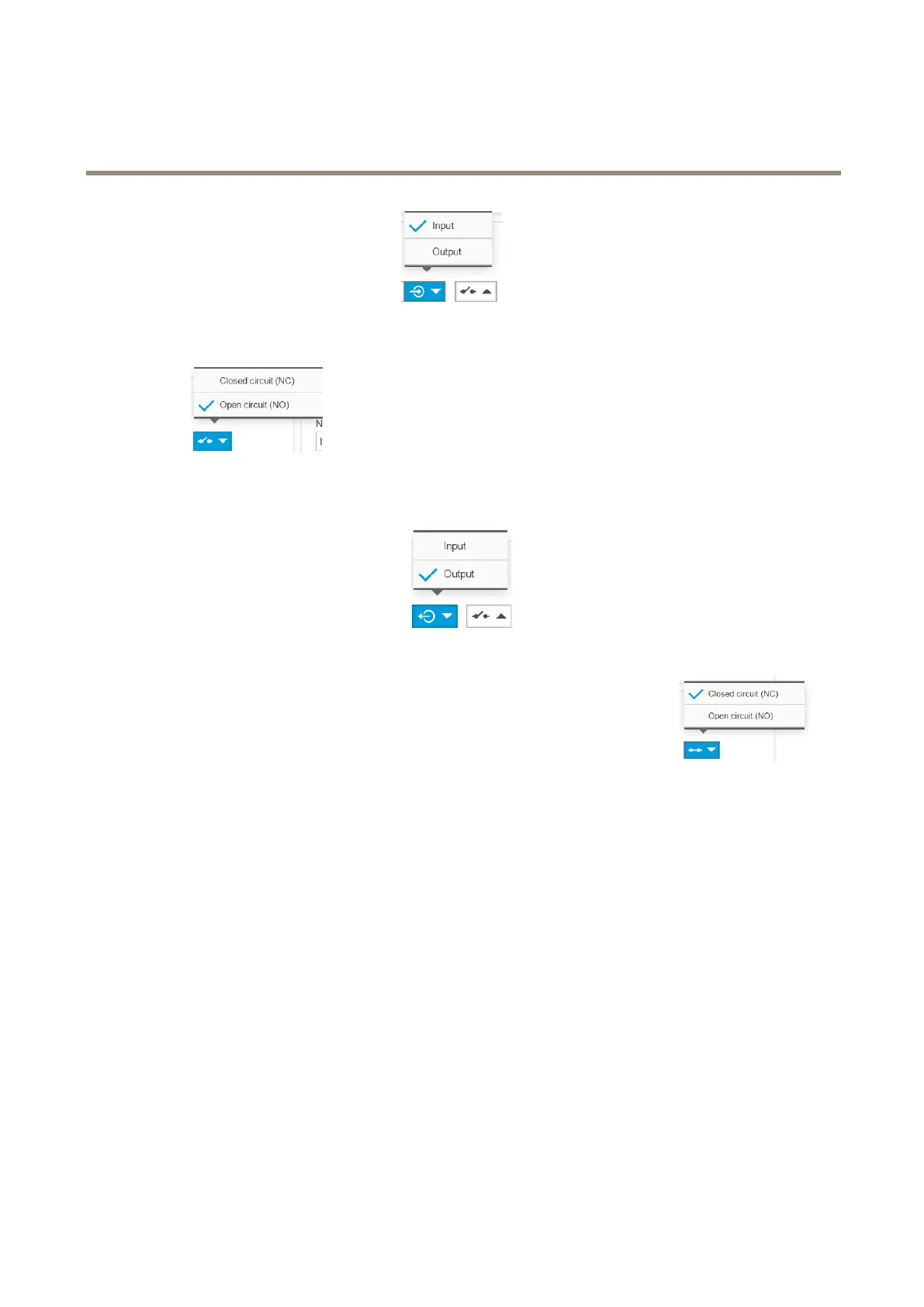
2.SelectInputinthePort1drop-downlist.
3.Givetheinputmoduleadescriptivename,forexample“PIRdetector”.
4.TotriggeraneventwheneverthePIRdetectorsensesmotion,selectOpencircuitinthedrop-down
list.
Settheswitchrelaytoanoutputport
1.GotoSystem>I/Oports.
2.SelectOutputinthePort2drop-downlist.
3.Givetheoutputmoduleadescriptivename,forexample“Gateswitch”.
4.Toopenthegatewheneveraneventistriggered,selectClosedcircuitinthedrop-downlist.
Createrules
ForthecameratoopenthegatewhenthePIRdetectorsensessomeonenearby,youneedtocreatearuleinthecamera:
1.GotoSystem>Events>Actionrules.
2.ClickAdd.
3.Givetheactionruleaname,forexample“Opengate”.
4.IntheTriggerdrop-downmenu,selectInputsignal.
5.SelectDigitalinputsignal.
6.Select”PIRdetector”,inthisexampleconnectedtoport1.
7.UnderActions,selectOutputportfromtheTypedrop-downmenu.
8.InthePortdrop-downmenu,select“Gateswitch”.
9.ClickOk.
10.Createanotheractionrulewiththename“Directthecameratothegate".
11.Selectthesameinputsignalasbefore,butasactionselectthepreviouslycreated“Gateentrance”presetposition.
15



 To Next Page