AXISP1375NetworkCamera
Setup
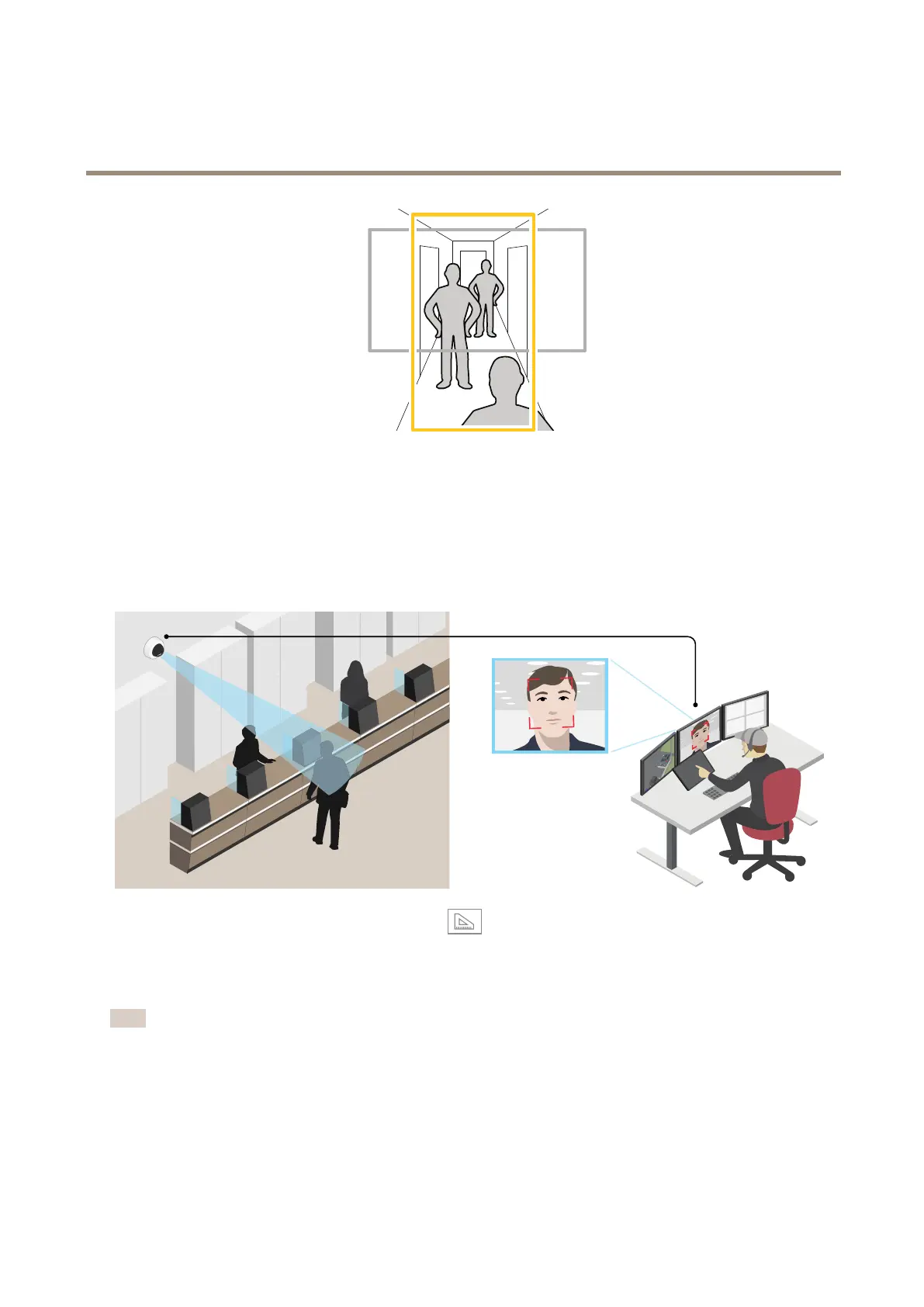
1.Dependingonyourproduct,turnthecameraorthe3-axislensinthecamera90°or270°.
Findoutmoreataxis.com/axis-corridor-format
Improvefacialrecognition
Tobetterrecognizethefaceofapersonpassingbythecamera,youcansettheoptimalpixelresolutionwiththecamera’spixel
counter.
1.GotoSettings>System>Orientationandclick.
2.Adjustthesizeandplacementoftherectangleinthecamera’sliveviewaroundtheareaofinterest,forexamplewhere
thefacesofpassingpersonsareexpectedtoappear.Youcanthenseethenumberofpixelsrepresentedbythesidesof
therectangle.
Note
Youcanuseanobjectofaknownsizeintheviewasareferencetodecidehowmuchresolutionisneededforrecognition.
Aboutviewarea
Aviewareaisacroppedpartofthefullview.Youcanstreamandstoreviewareasinsteadofthefullviewtominimizebandwidth
andstorageneeds.IfyouenablePTZforaviewarea,youcanpan,tiltandzoomwithinit.Byusingviewareasyoucanremoveparts
ofthefullview,forexample,thesky.
8



 To Next Page