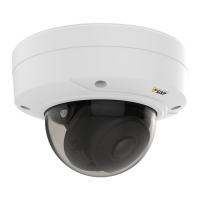
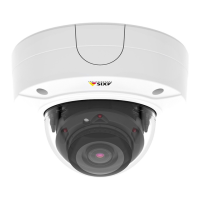
AXISP3225-LVNetworkCamera
HardwareOverview
•Resettingtheproducttofactorydefaultsettings.Seepage57.
•ConnectingtoanAXISVideoHostingSystemservice.Seepage49.Toconnect,pressandholdthebuttonforabout3
secondsuntiltheStatusLEDashesgreen.
•ConnectingtoAXISInternetDynamicDNSService.Seepage49.Toconnect,pressandholdthebuttonforabout3seconds.
LEDIndicators
StatusLED
Indication
Unlit
Connectionandnormaloperation.
GreenShowssteadygreenfor10secondsfornormaloperationafterstartupcompleted.
Amber
Steadyduringstartup.Flashesduringrmwareupgrade.
Amber/RedFlashesamber/redifnetworkconnectionisunavailableorlost.
8



 To Next Page