AXISP3365-VFixedDomeNetworkCamera
AccesstheProduct
SetPowerLineFrequency
PowerlinefrequencyissetthersttimetheAxisproductisaccessedandcanonlybechangedfromPlainCong(seepage54)
orbyresettingtheproducttofactorydefault.
Selectthepowerlinefrequency(50Hzor60Hz)usedatthelocationoftheAxisproduct.Selectingthewrongfrequencymaycause
imageickeriftheproductisusedinuorescentlightenvironments.
Whenusing50Hz,themaximumframerateislimitedto25fps.
Note
Powerlinefrequencyvariesdependingongeographicregion.TheAmericasusuallyuse60Hz,whereasmostotherpartsof
theworlduse50Hz.Localvariationscouldapply.Alwayscheckwiththelocalauthorities.
TheLiveViewPage
ThecontrolsandlayoutoftheLiveViewpagemayhavebeencustomizedtomeetspecicinstallationrequirementsanduser
preferences.Consequently,someoftheexamplesandfunctionsfeaturedheremaydifferfromthosedisplayedinyourownLiveView
page.Thefollowingprovidesanoverviewofeachavailablecontrol.
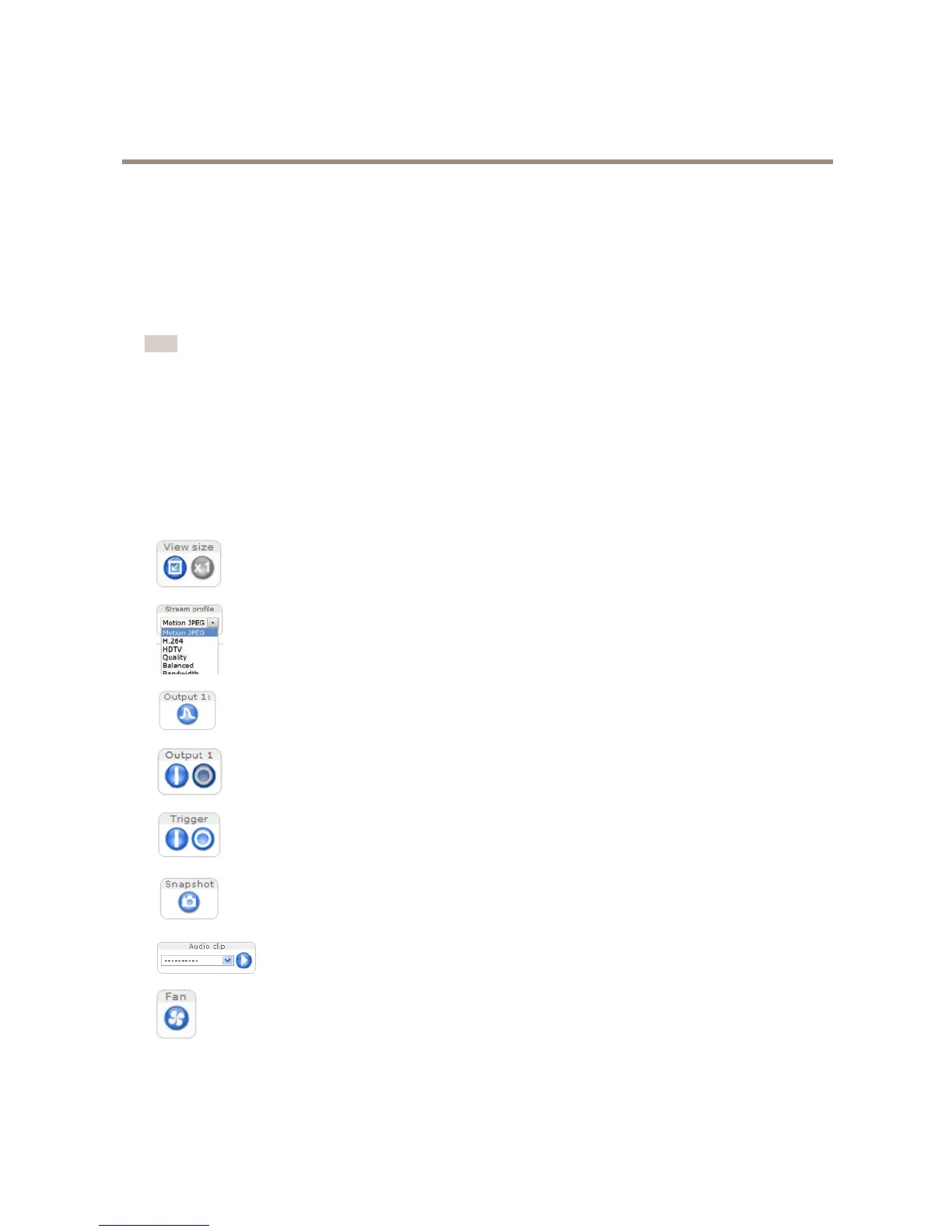
ControlsontheLiveViewPage
ClickViewsizetoscaletheimagedownto800pixelswideortofullscale.OnlyavailableinMJPEG.
SelectastreamprolefortheLiveViewpagefromtheStreamProledrop-downlist.Forinformationabouthow
tocongurestreamproles,seepage20.
ClickPulsetoactivatetheproduct’soutputportforadenedperiodoftime.Forinformationabouthowto
enableandcongureoutputbuttons,seepage29.
ClicktheActive/Inactivebuttonstomanuallyactivateandinactivetheproduct’soutputport.Forinformation
abouthowtoenableandcongureoutputbuttons,seepage29.
TheManualTriggerbuttonisusedtotriggeranactionrulefromtheLiveViewpage.Forinformationabouthowto
congureandenablethebutton,seeManualTriggeronpage12.
ClickSnapshottosaveasnapshotofthevideoimage.Thisbuttonisprimarilyintendedforusewhenthe
AXISMediaControlviewertoolbarisnotavailable.EnablethisbuttonfromLiveViewCong>ActionButtons.
TheAudioclipdrop-downlistallowsyoutoplayanaudioclipfromtheLiveViewpage.Selectthe
audioclipandclickthePlaybutton.
Theproduct’sfaniscontrolledbytheambienttemperatureandisturnedonandoffautomatically.Ifrequired,the
fancanbeactivatedmanuallybyclickingtheFanbutton.Toshowthebutton,gotoSetup>LiveViewCong.
UnderActionButtons,selectShowfanbuttonandspecifythenumberofminutesthefanshouldbeactivated.
11



 To Next Page