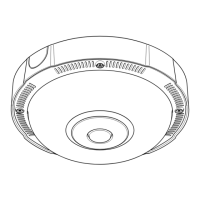
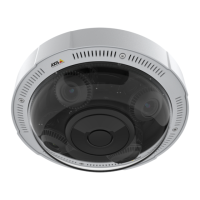
AXISP3727-PLEPanoramicCamera
Thedeviceinterface
Rotate:Selectthepreferredimageorientation.
Zoom:Usetheslidertoadjustthezoomlevel.
Autofocusarea:Click
toshowtheautofocusarea.Thisareashouldincludetheareaofinterest.
Autofocus:Clicktomakethecamerafocusontheselectedarea.Ifyoudon’tselectanautofocusarea,thecamerafocuses
ontheentirescene.
Resetfocus:Clicktomakethefocusreturntoitsoriginalposition.
Focus:Usetheslidertosetthefocusmanually.
Image
Appearance
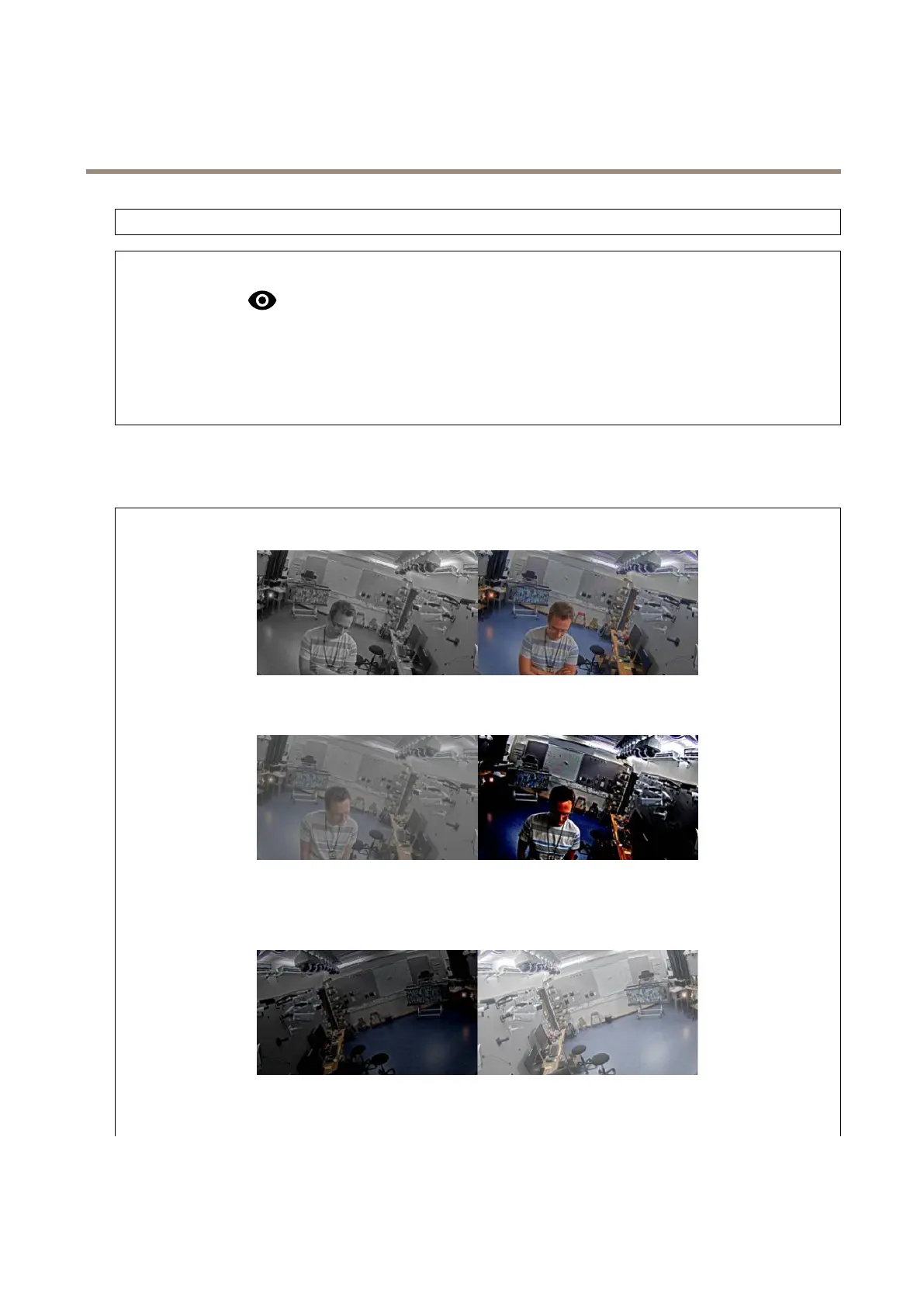
Saturation:Usetheslidertoadjustthecolorintensity.Youcanforexamplegetagrayscaleimage.
Contrast:Usetheslidertoadjustthedifferencebetweenlightanddark.
Brightness:Usetheslidertoadjustthelightintensity.Thiscanmakeobjectseasiertosee.Brightnessisappliedafterimage
capture,anddoesn’taffecttheinformationintheimage.Togetmoredetailsfromadarkarea,it’susuallybettertoincrease
gainorexposuretime.
Sharpness:Usetheslidertomakeobjectsintheimageappearsharperbyadjustingtheedgecontrast.Ifyouincreasethe
sharpness,itmayincreasethebitrateandtheamountofstoragespaceneededaswell.
15



 To Next Page