AXISP47-PLVEseries
Thewebinterface
Capturemode:Acapturemodeisapresetcongurationthatdeneshowthecameracapturesimages.Whenyouchange
thecapturemode,itcanaffectmanyothersettings,suchasviewareasandprivacymasks.
Mountingposition
:Theorientationoftheimagecanchangedependingonhowyoumountthecamera.
Powerlinefrequency:Tominimizeimageicker,selectthefrequencyyourregionuses.TheAmericanregionsusuallyuse60Hz.
Therestoftheworldmostlyuses50Hz.Ifyou'renotsureofyourregion'spowerlinefrequency,checkwiththelocalauthorities.
Rotate:Selectthepreferredimageorientation.
Zoom:Usetheslidertoadjustthezoomlevel.
Focus:Usetheslidertomanuallysetthefocus.
AF:Clicktomakethecamerafocusontheselectedarea.Ifyoudon’tselectanautofocusarea,thecamerafocusesonthe
entirescene.
Autofocusarea:Clicktoshowtheautofocusarea.Thisareashouldincludetheareaofinterest.
Resetfocus:Clicktomakethefocusreturntoitsoriginalposition.
Note
Incoldenvironments,itcantakeseveralminutesforthezoomandfocustobecomeavailable.
Image
Appearance
Sceneprole:Selectasceneprolethatsuitsyoursurveillancescenario.Asceneproleoptimizesimagesettings,
includingcolorlevel,brightness,sharpness,contrast,andlocalcontrast,foraspecicenvironmentorpurpose.
•Forensic:Suitableforsurveillancepurposes.
•Indoor
:Suitableforindoorenvironments.
•Outdoor
:Suitableforoutdoorenvironments.
•Vivid:Usefulfordemonstrationpurposes.
•Trafcoverview:Suitableforvehicletrafcmonitoring.
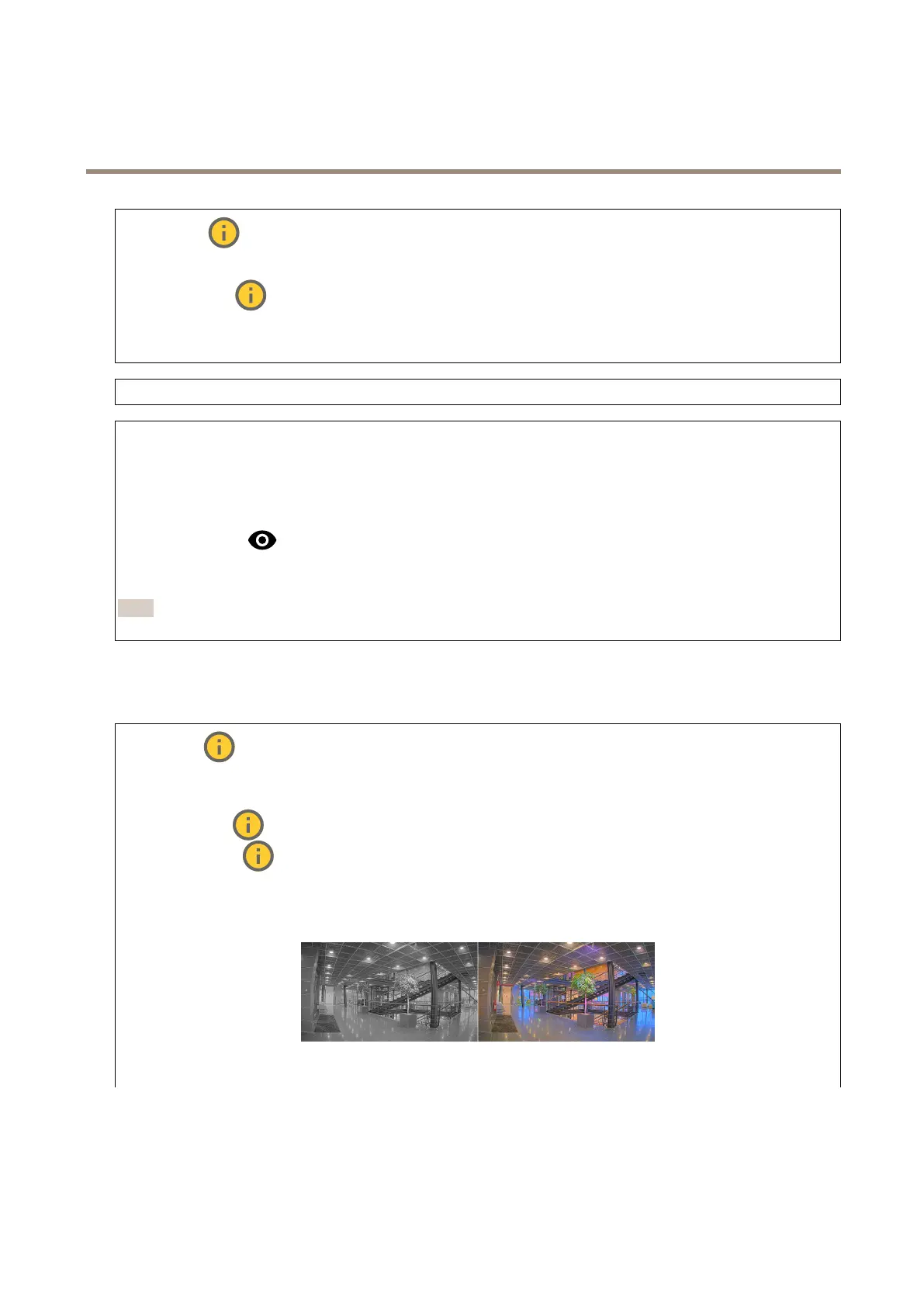
Saturation:Usetheslidertoadjustthecolorintensity.Youcan,forexample,getagrayscaleimage.
Contrast:Usetheslidertoadjustthedifferencebetweenlightanddark.
19


 To Next Page
 Loading...