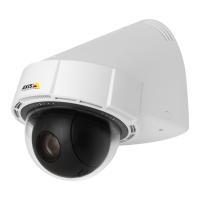
AXISP5624–EPTZDomeNetworkCamera
AccesstheProduct
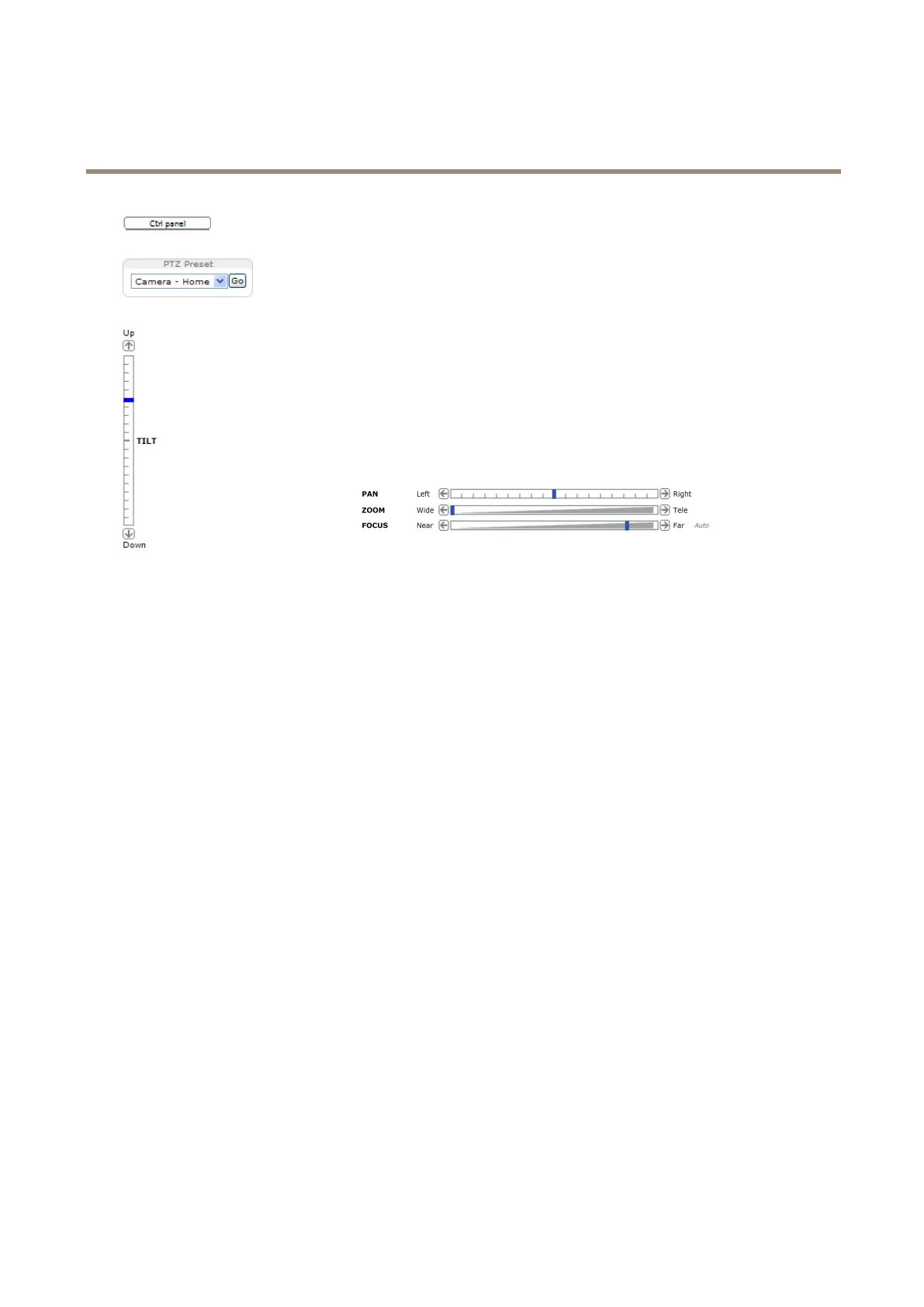
ClicktheCtrlpanelbuttontoopenthePTZcontrolpanelwhichprovidesadditionalPTZcontrols.
User-denedbuttonscanalsoappearintheControlpanel.SeeControlsonpage28.
SelectaPTZpresetpositiontosteerthecameraviewtothesavedposition.SeePresetPositions
onpage25.
PanandTiltbars–Usethearrowstopanandtiltthecameraview,orclickona
positiononthebartosteerthecameraviewtothatposition.
Zoombar–Usethearrowstozoominandout,orclickonapositiononthebarto
zoomtothatposition.
Focusbar–Usethearrowstofocusthecamera,orclickonapositiononthebar
tosetthefocusposition.Usingthefocusbarwilldisabletheproduct’sautofocus.
Tore-enable,usethePTZcontrolpanelwhichisopenedbyclickingtheCtrlpanel
button(seeabove).
ThePTZcontrolscanbedisabledunderPTZ>Advanced>Controls,seeControlsonpage28.
12



 To Next Page