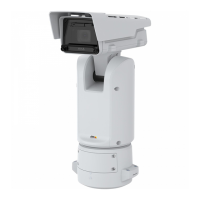
AXISP5676-LEPTZCamera
Configureyourdevice
3.UsetheTonemappingslidertoadjusttheamountofWDR.
4.Ifyoustillhaveproblems,gotoExposureandadjusttheExposurezonetocovertheareaofinterest.
FindoutmoreaboutWDRandhowtouseitataxis.com/web-articles/wdr.
Stabilizeashakyimagewithelectronicimagestabilization(EIS)
ElectronicImageStabilization(EIS)canbeusedinenvironmentswheretheproductismountedinanexposedlocationandsubjectto
vibrations,forexample,windorpassingtrafc.
EISmakestheimagesmoother,steadierandlessblurry.Italsoreducesthelesizeofthecompressedimageandlowersthe
bitrateofthevideostream.
Note
TheimageiscroppedslightlywhenEISisenabled,loweringthemaximumresolution.
1.GotoVideo>Installation>Imagecorrection.
2.TurnonImagestabilization.
Verifythepixelresolution
Toverifythatadenedpartoftheimagecontainsenoughpixelsto,forexample,recognizelicenseplates,youcanusethepixel
counter.
1.GotoVideo>Image.
2.Click
.
3.Click
forPixelcounter.
10



 To Next Page