AXIS P7214 Video Encoder
Live View Cong
Live View Cong
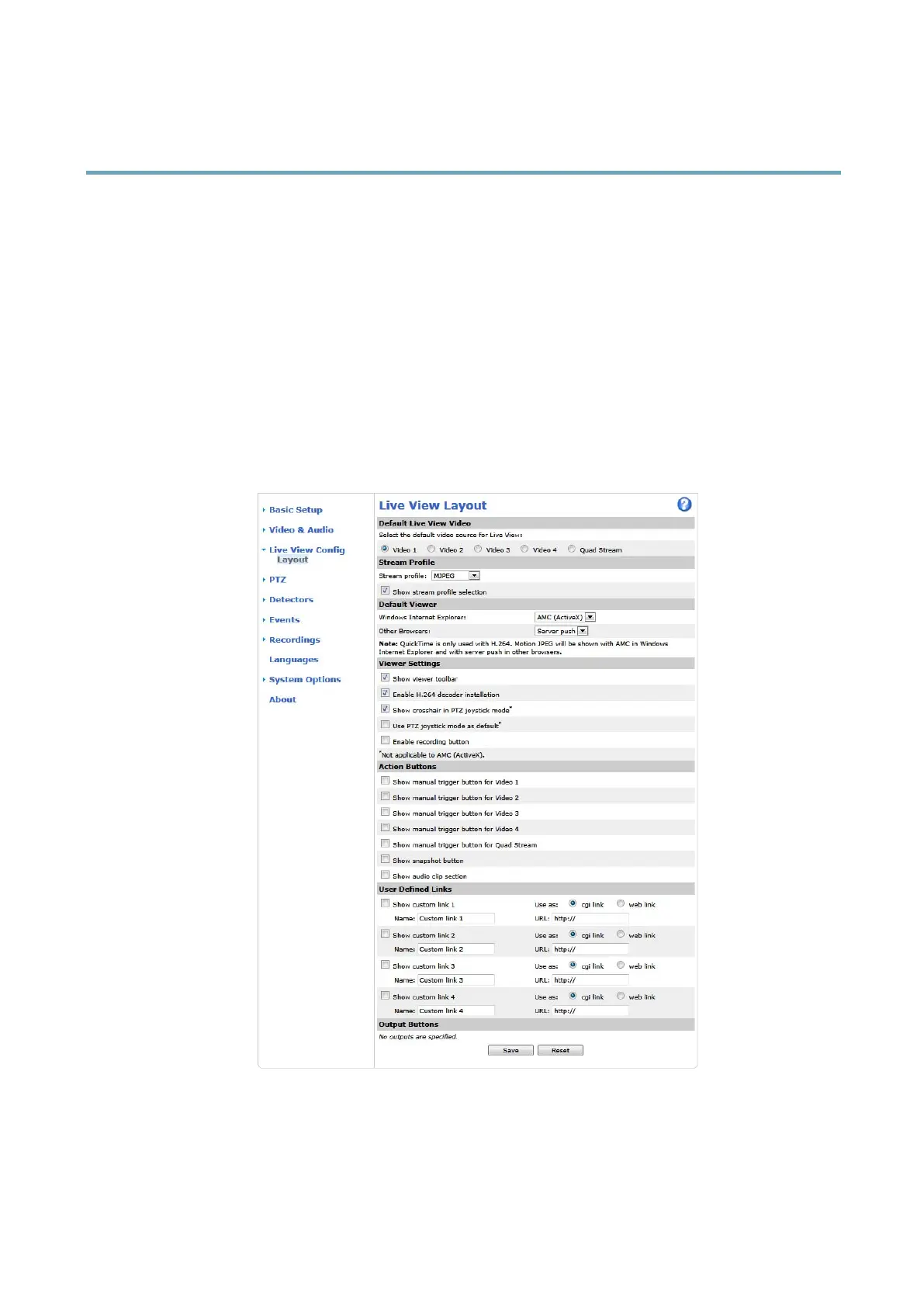
You can customize the Live View page and alter it to suit your requirements. It is possible to dene the following features of
the Live View page.
• Stream Prole. See page 19.
• Default Viewer for Browser. See page 25.
• Viewer Settings. See page 25.
• Action Buttons. These are the buttons described in Controls on the Live View Page, on page 10.
• User Dened Links. See page 25.
• Output Buttons. See page 25.
Default live view video
Select the default video source to be displayed in the Live View page from Setup > Live View Cong This could be one of the 4
video streams or Quad stream. See Quad stream, on page 19.
24



 To Next Page