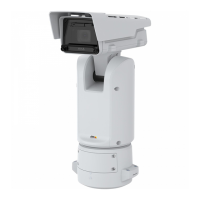
AXISQ1656BoxCameraSeries
Thewebinterface
Sceneprole:Selectasceneprolethatsuitsyoursurveillancescenario.Asceneproleoptimizesimagesettings,
includingcolorlevel,brightness,sharpness,contrast,andlocalcontrast,foraspecicenvironmentorpurpose.
•Forensic:Suitableforsurveillancepurposes.
•Indoor
:Suitableforindoorenvironments.
•Outdoor
:Suitableforoutdoorenvironments.
•Vivid:Usefulfordemonstrationpurposes.
•Trafcoverview:Suitableforvehicletrafcmonitoring.
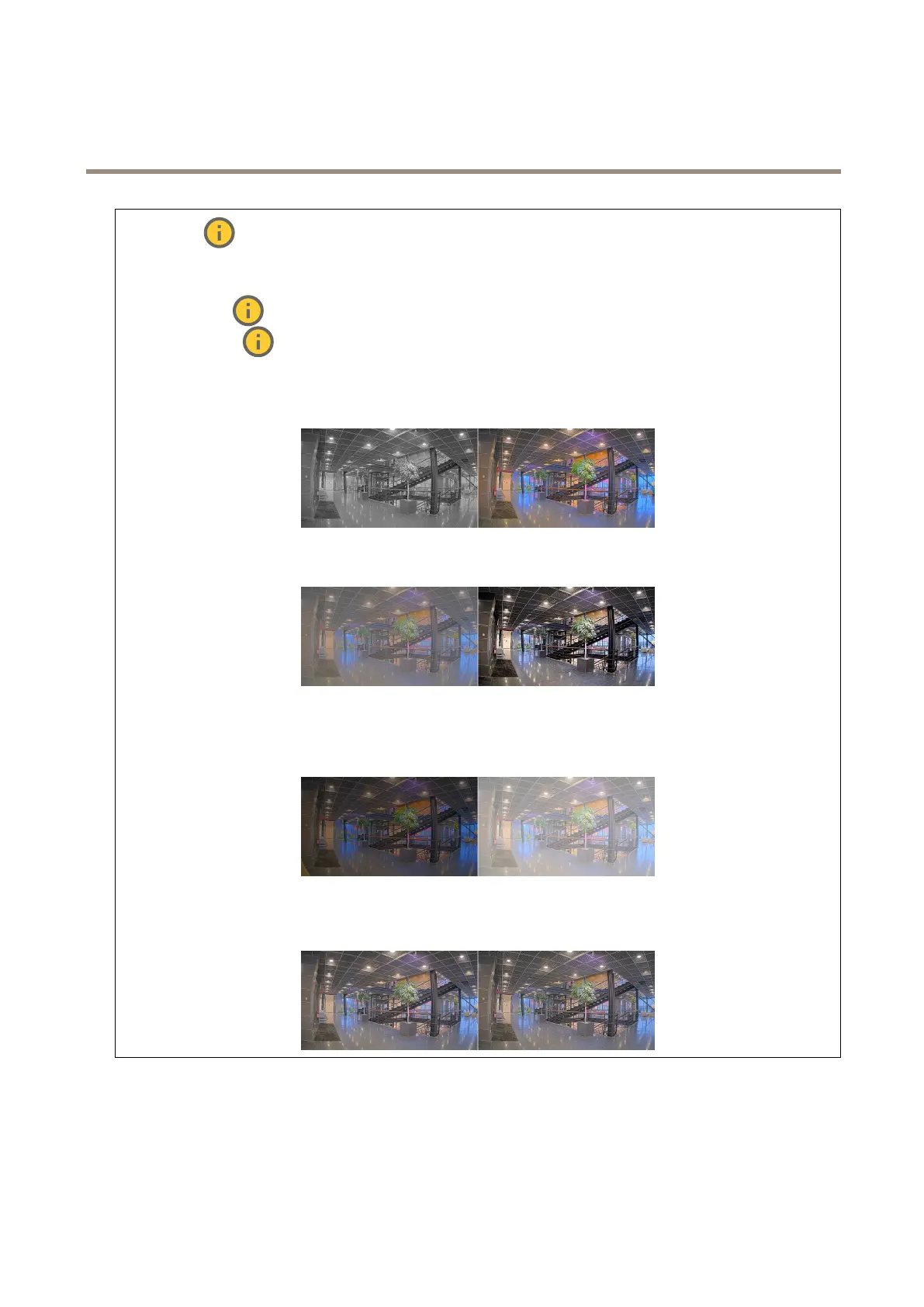
Saturation:Usetheslidertoadjustthecolorintensity.Youcan,forexample,getagrayscaleimage.
Contrast:Usetheslidertoadjustthedifferencebetweenlightanddark.
Brightness:Usetheslidertoadjustthelightintensity.Thiscanmakeobjectseasiertosee.Brightnessisappliedafterimage
capture,anddoesn’taffecttheinformationintheimage.Togetmoredetailsfromadarkarea,it’susuallybettertoincrease
gainorexposuretime.
Sharpness:Usetheslidertomakeobjectsintheimageappearsharperbyadjustingtheedgecontrast.Ifyouincreasethe
sharpness,itmayincreasethebitrateandtheamountofstoragespaceneededaswell.
Widedynamicrange
23



 To Next Page
 Loading...