Digital input –
Supervised input –
Digital output –
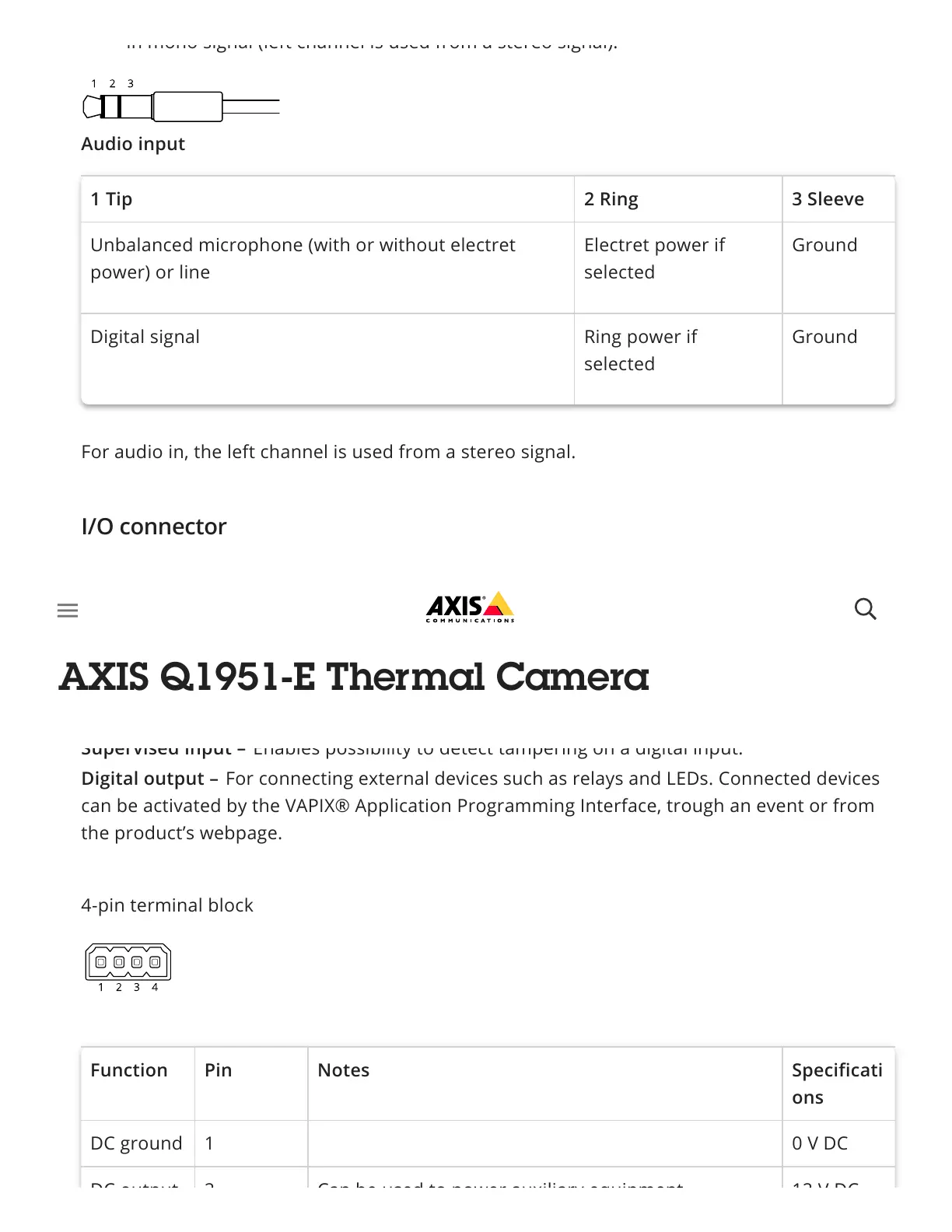
Audio input
1 Tip 2 Ring 3 Sleeve
Unbalanced microphone (with or without electret
power) or line
Electret power if
selected
Ground
Digital signal Ring power if
selected
Ground
For audio in, the left channel is used from a stereo signal.
Use the I/O connector with external devices in combination with, for example, motion
detection, event triggering, and alarm notifications. In addition to the 0 V DC reference point
and power (DC output), the I/O connector provides the interface to:
For connecting devices that can toggle between an open and closed circuit, for
example PIR sensors, door/window contacts, and glass break detectors.
Enables possibility to detect tampering on a digital input.
For connecting external devices such as relays and LEDs. Connected devices
can be activated by the VAPIX® Application Programming Interface, trough an event or from
the product’s webpage.
4-pin terminal block
Function Pin Notes Specificati
ons
DC ground 1 0 V DC
DC output 2 Can be used to power auxiliary equipment 12 V DC
in mono signal (left channel is used from a stereo signal).
I/O connector



 To Next Page