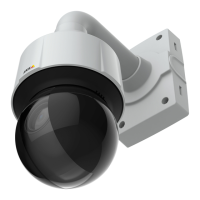
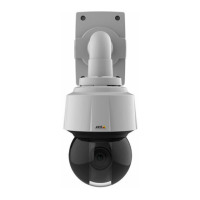
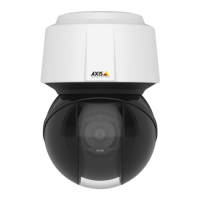
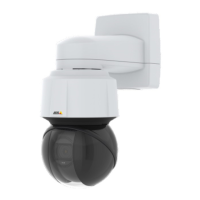
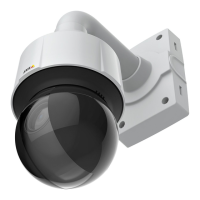
Q6100-ENetworkCamera
Repainttheproduct
1.Loosenthefourscrewsfromthedomeringandremovethecoverring.
2.Removethefourscrewsfromthedomering.
3.Slowlylifttheinneredgeofthedomering.Becarefulnottoscratchordentthedome.
4.Carefullylifttheinneredgeallwayroundtoreleasethedomering.
5.Removethesixscrewsfromtheringandremovetheringfromthedome.
Repainting
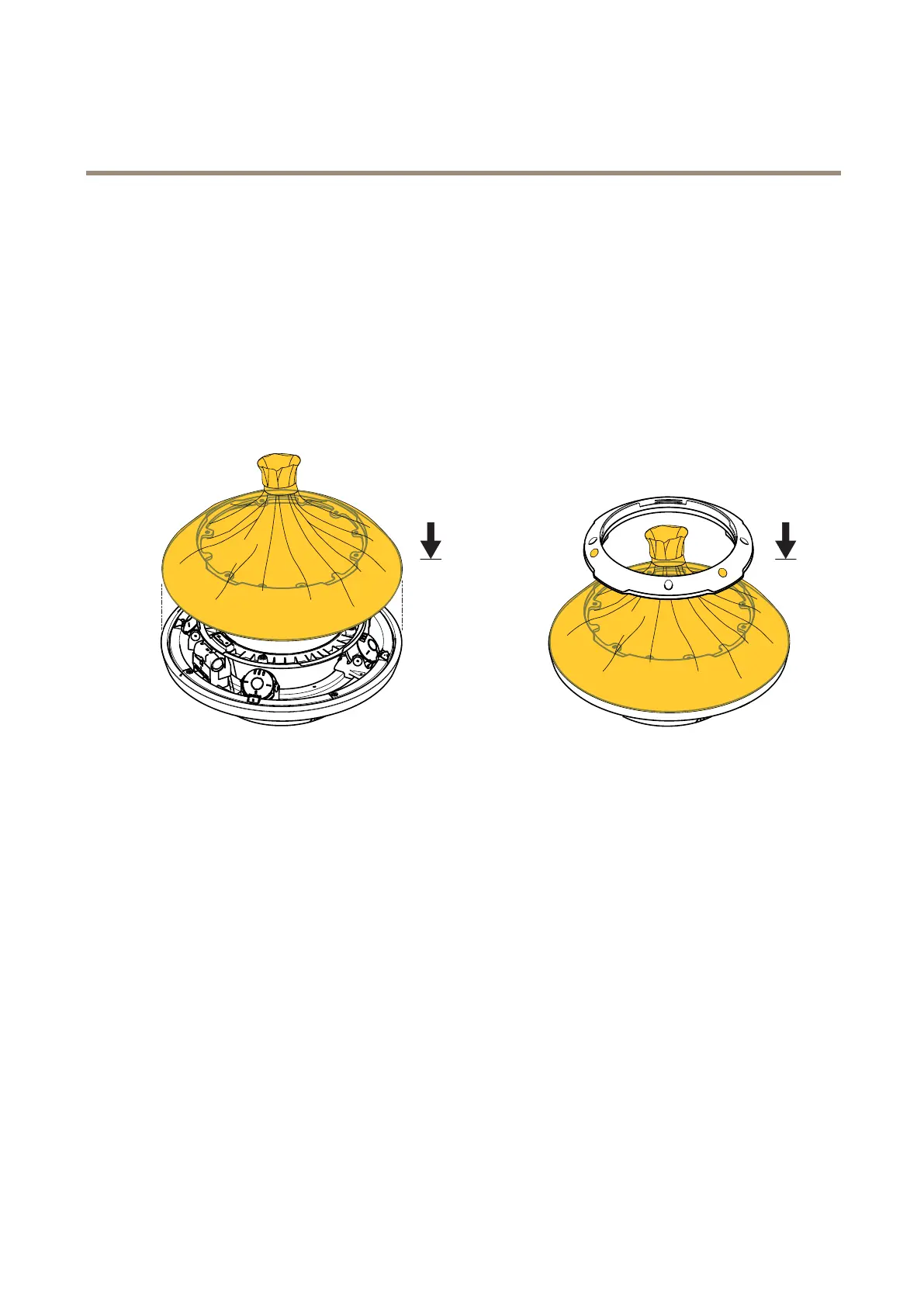
1.Maskthedomeincludingtheedgeandthethreemicrophonemeshes.
2.Placethedomeonthecameraunit.Makesuretheedgeofthetopcovercanbepainted.
3.Placetheringontopofthemaskeddome.
5



 To Next Page