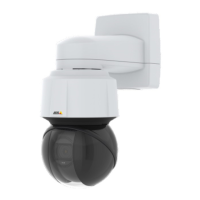
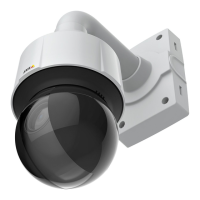
Q6100-ENetworkCamera
Repainttheproduct
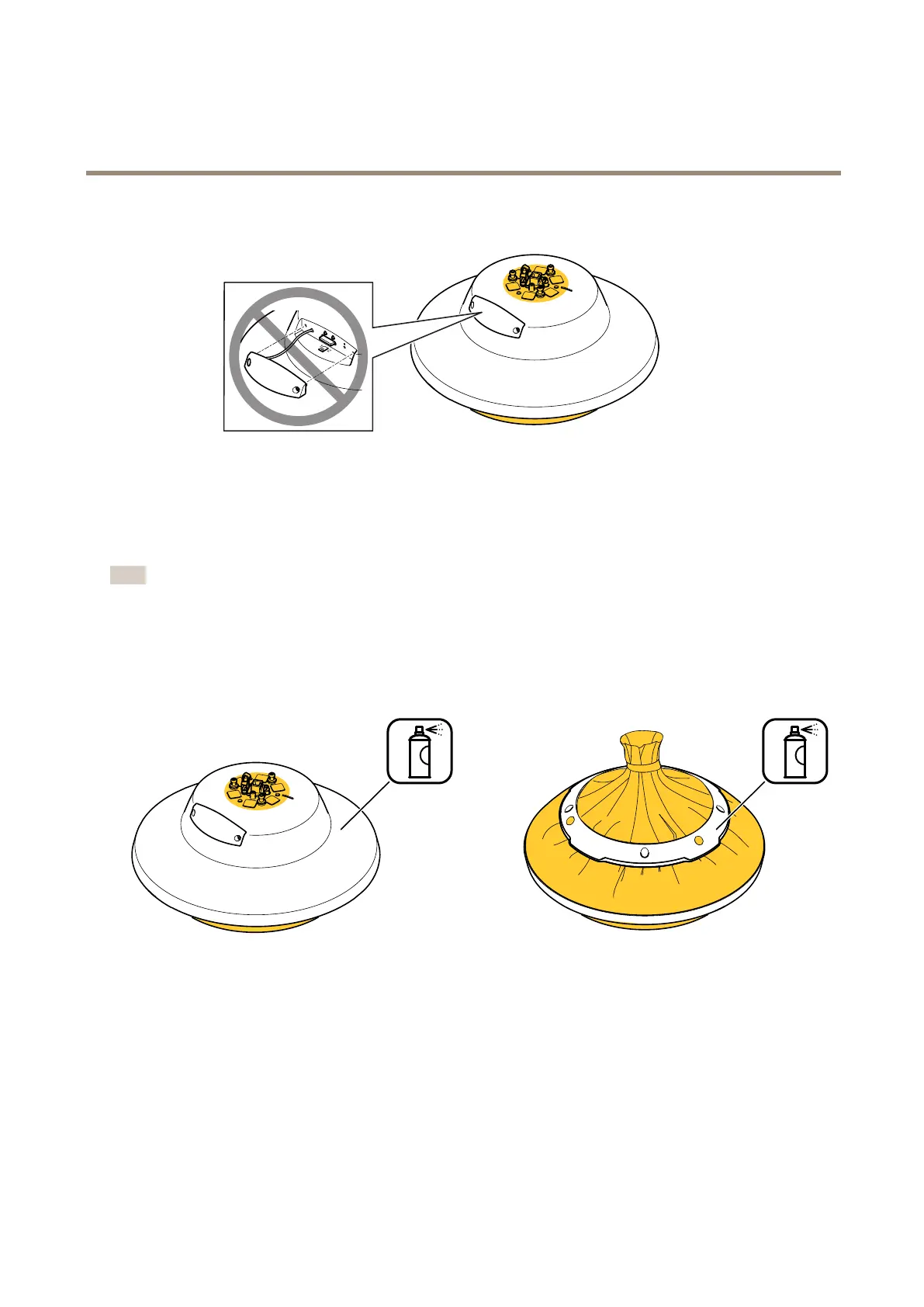
4.Masktheholderhookandallholes.
5.Makesureallnecessarypreparationsofthecameraunitandthecoverringhavebeenmade.SeePreparationsonpage3.
Note
TheSDlidshouldnotberemovedduringrepainting,orelsetheSDlidgasketwillbedamaged.
6.Applyathinandevenlayerofspraypaintaccordingtotheinstructionsofthepaintmanufacturer.
7.Letthepaintdry.
8.Togetabettercoverageandclearercolor,applyasecondlayerofspraypaint.
9.Whenthepaintisdry,removethemasking.
6



 To Next Page