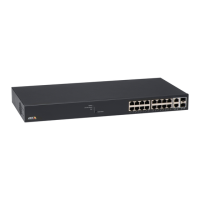
AXIST8504–EOutdoorPoESwitch
Webinterface
Webinterface
Webinterfacemenu
Status
GotoStatustoviewtheunitstatus.Thepageisupdatedautomaticallyeveryfewseconds.
Note
TheEthernetnetworklinkisalwaysenabled,regardlessofPoEconguration(enabledordisabled).
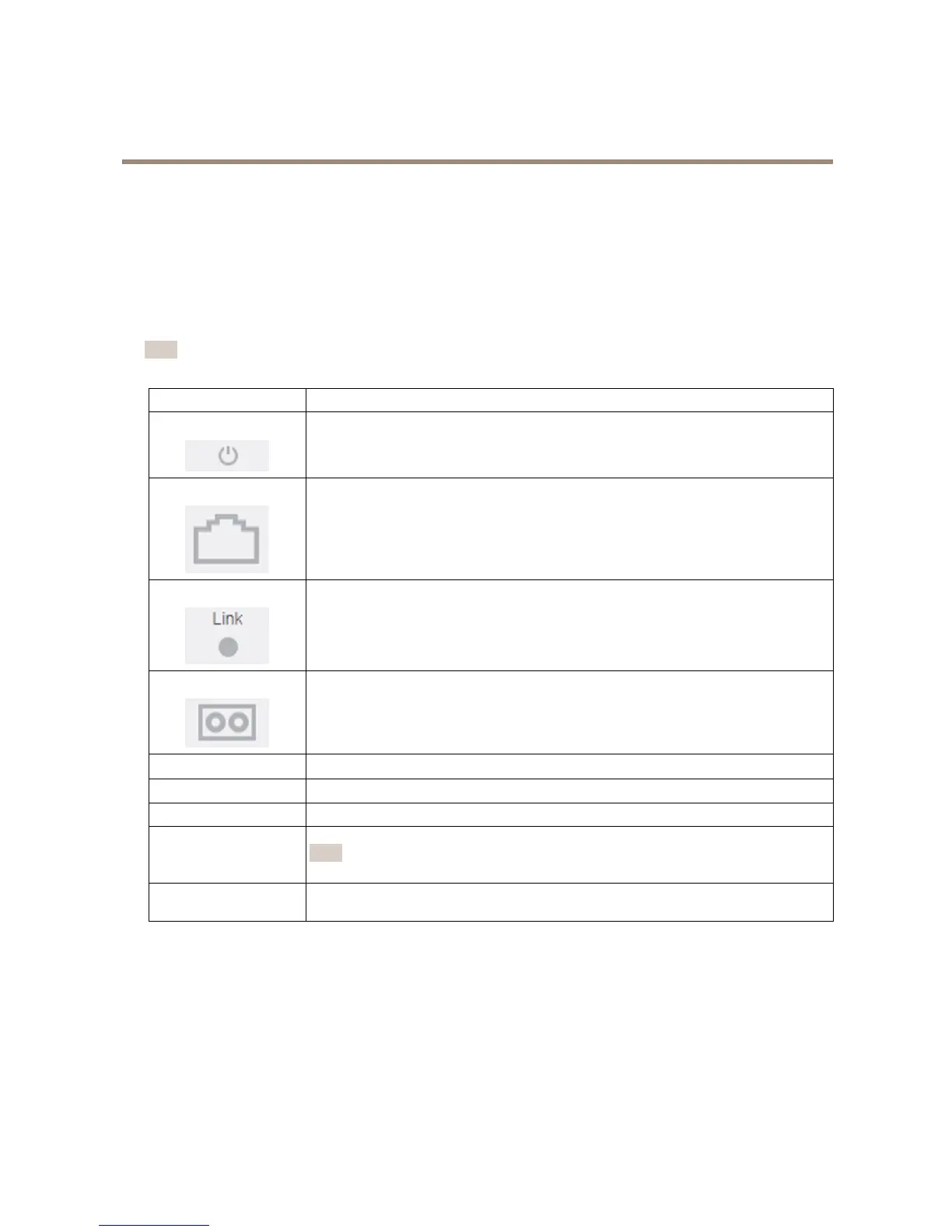
ParameterDescription
Bluesymbol—PoEpowerisprovided
Graysymbol—NoPoEpower
Bluesymbol—PoEportisenabled
Graysymbol—PoEportisdisabled
Bluesymbol—Ethernetlinkison
Graysymbol—NoEthernetlink
Bluesymbol—SFPmoduleisinsertedintotheuplinkport
Graysymbol—UplinkporthasnoSFPmoduleinserted
Network
ReportstheEthernetlinkspeed(10/100/1000MB)andifthenetworkconnectionisupordown
Status
ReportsthePoEportstatus,ifitisenabled,disabled,deliveringpower,etc.
PowerusageReportstheactualpowerconsumptionandthemaximumpoweritcandeliver
PoEreset
ClickResettoturnoffthePoEportpowerandrestorethePoEpowerbackon.
Note
APoEportwhichisdisabledbySSHorSNMPwillbeenabledafteraPoEreset.
TotalpowerusageReportstheaggregatedpowerconsumedbyallPoEportsandthepercentageoftheconsumed
powerrelativetotheinternalpowersupplypowercapabilities.
Basic
GotoBasictoviewbasicinformationabouttheproduct.
IPaddressinuse-GotoIPaddressinusetoviewinformationaboutIPv4andIPv6addresses,masks,defaultgatewaysand
DomainNameServers(DNS).
Productinformation-GotoProductinformationtoviewgeneralproductinformationsuchasproductname,serialnumber,
softwareversionandPoErmwareversion,andSFPmoduleinformationsuchasSFPtype,vendor,partnumberandserialnumber.
9



 To Next Page