142.5mm 142.5mm
48 | 49
GB
℃
Plug the power line plug into the power socket, the power indicator lights ,and
shows room temperature accordingly .
ON/OFF: Press this button to turn on the unit at low speed, the indicator light
on. Press it again to turn off the unit.
SPEED: Press this button to select desired fan speed, LOW MID HIGH
LOW , in Normal Mode.
SUPER SPEED: Press this button to turn to the max wind speed (Fourth speed ),
and the fan only can be running with Normal wind mode; Press it again to turn to
original wind mode setting.
WIND: Press this button to select desired wind mode, NATURE SLEEP
NORMAL NATURE, in turn. The corresponding wind mode indicator will
be displayed.
SWING: Press this button for Fan Oscillation with left and right direction,
press it again to stop; Press this button to start Fan Oscillation with up and
down direction, press it again to stop Oscillation.
Press once this button to release negative ions into the air, to freshen the air
and care health. Press again this button to cancel.
TIMER: It can be set between 0.5 to 7.5 hours, increased by 0.5 hour intervals.
ION:
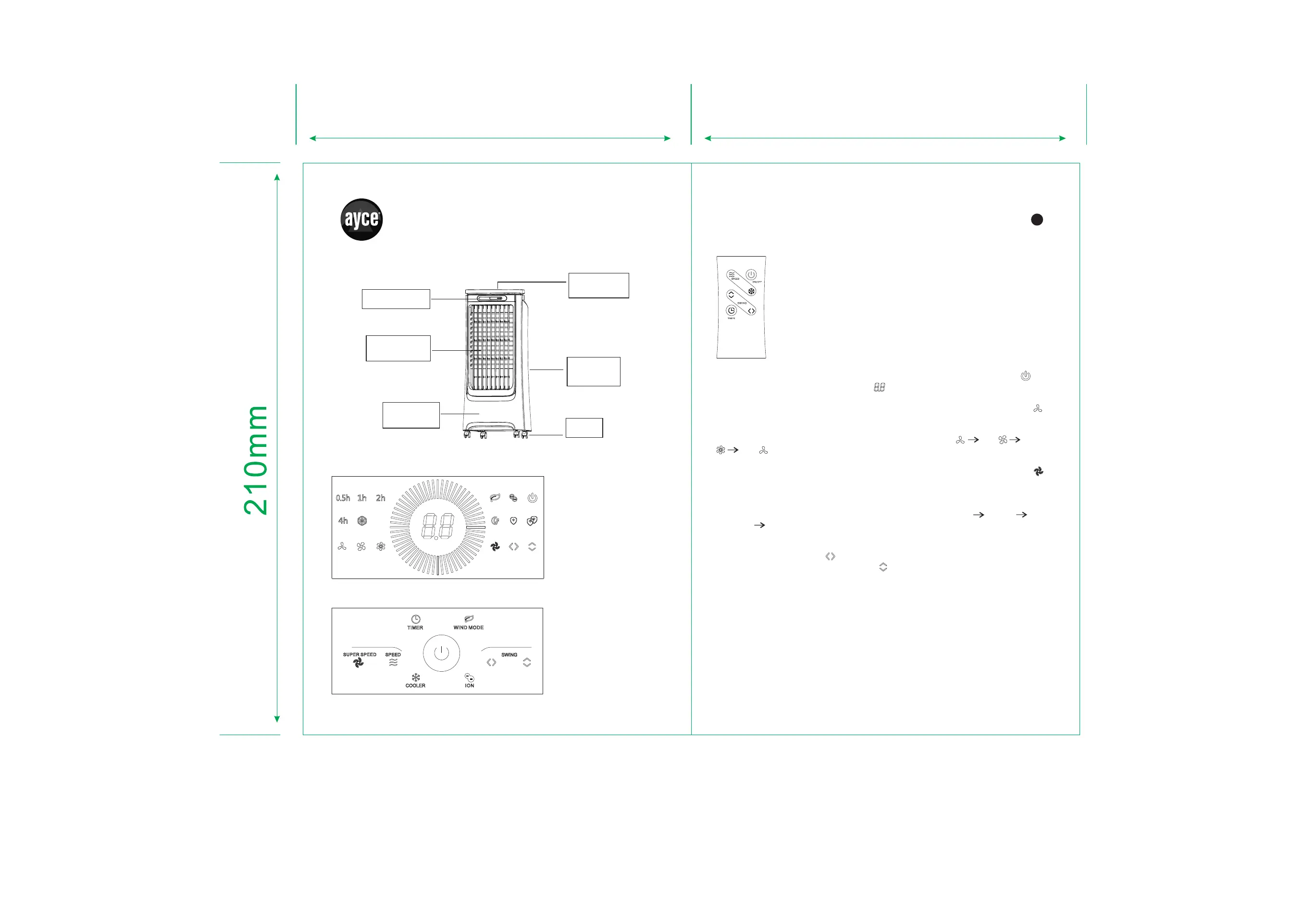
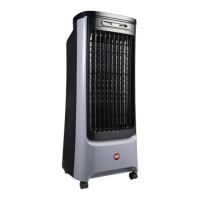
PARTS DESCRIPTION
Control
Panel
Perfume box
Outlet of air
flow
Front
Cabinet
Rear
Cabinet
Wheel
OPERATION
Display
℃
Control panel
Remote control
the control panel on unit for ON/OFF.
Install one CR2032 lithium button battery (include).
Note: ation function is a little different as Remote control oper
COOLE R


 To Next Page