Setting up the unit
To activate the unit, use the included power cable to connect it to a suitable 230V, 50Hz power outlet.
The device will need a few seconds to start up and will continue in the previously used mode. If that is the
DMX mode and no signal is detected, the fixture will switch to the last selected stand-alone mode.
The device can now be set as desired, using the menu display or the included remote control. The remote
control allows you to control the ComPar 2 when it's set to stand-alone mode, or when it's connected in a
master-slave setup. This way, standard colour presets, colour fades, sound-controlled modes, etc. can be
selected.
If you need additional options, the menu display and buttons can be used to select the right settings.
Use the display and the menu buttons underneath to set preferences, change settings and scroll through the
menu. “Enter” is used to save a certain setting or preset. Press “Menu” for at least 2 seconds to return to the
main menu.
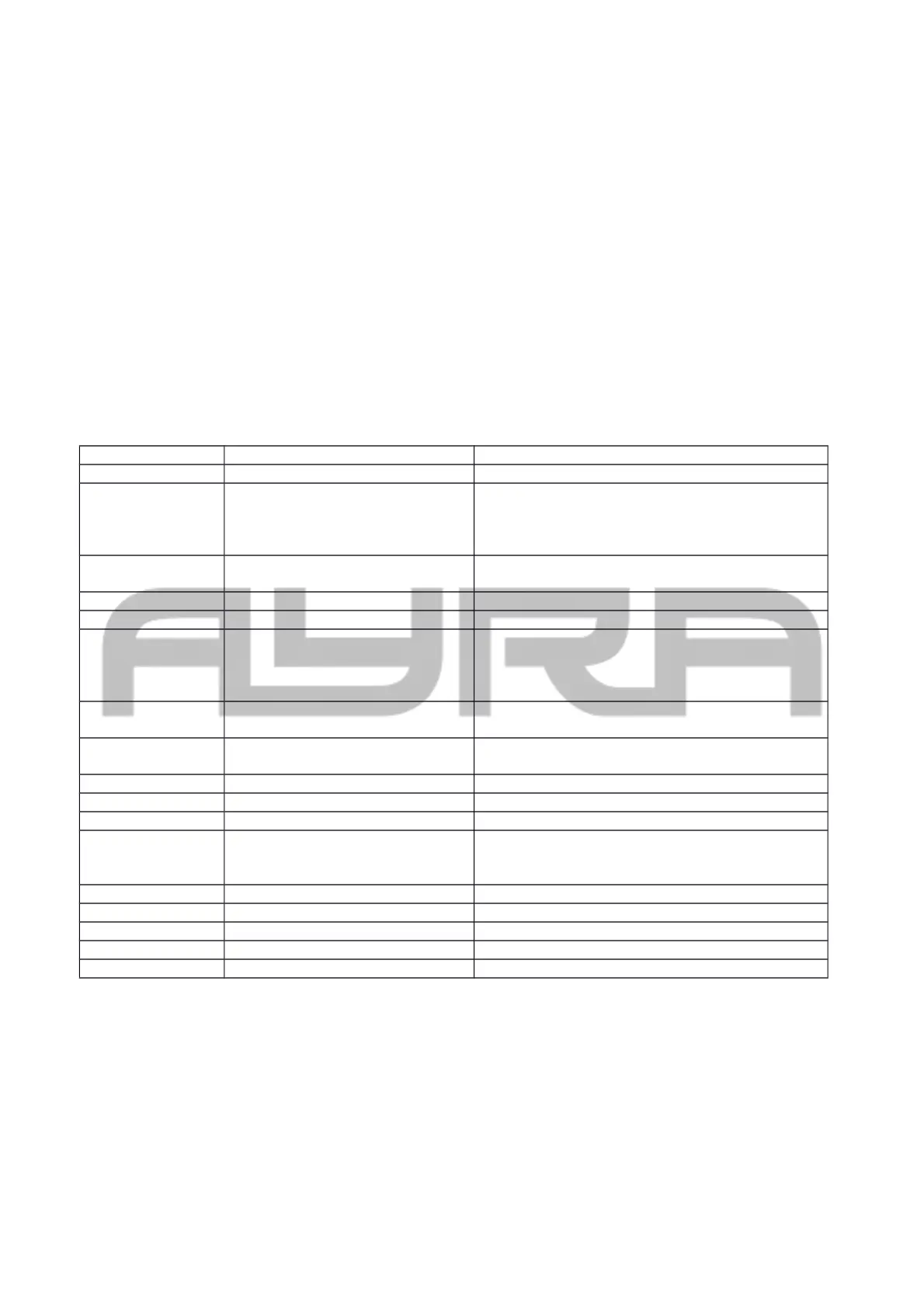
The table below explains each feature and value.
display Mode Function
ADDR DMX address setting Address 001 … 512
CHND DMX channel mode 2CH – 2 Channel mode
3CH1 – 3 Channel mode RGB
3CH2 – 3 Channel mode dimmer, strobe, macro
6CH – 6 Channel mode
SLND Slave mode Master: Master unit
Slave: Slave unit (follows master commands)
SHND Show modes
COLO COL1 – COL7: Colour preset
RGBW: CR00 – CR99: Dimmer red
CG00 – CG99: Dimmer green
CB00 – CB99: Dimmer blue
CF00 – CF99: Flash speed (strobe speed)
JUMP JU00 – JU99: Colour jump speed
JF00 – JF99: Flash speed (strobe speed)
FADE FA00 – FA99: Colour fade speed
FF00 – FF99: Flash speed (strobe speed)
SHOW Sound-controlled operation
SOUN Sound mode on/off ON/OFF: Switch sound sensitivity on or off
SENS Sound sensitivity 00 – 99: Sound sensitivity in %
BALA Colour balance RED: Red correction 000 – 255
GREE: Green correction 000 – 255
BLUE: Blue correction 000 - 255
LED ON/OFF LED display on/off when not in use
DISP Dlsp / dslp Display flip
TEST Test mode Easy way of checking LEDs during maintenance
HOUR Working hours 0000 – 9999 working hours
VER Firmware version Shows firmware version
ADDR: DMX address setting, used to determine the DMX starting channel. Starting with the selected
channel, the fixture will respond to values corresponding with the number of used channels. (For example, if
you set the starting address to value 003, the fixture will respond to channels 3, 4, 5, etc.)
CHND: The fixture's channel mode makes it possible to select the right channel mode setting for each
application. For simple and basic setups, users may prefer to use the 2CH mode. For advanced setups,
users may prefer to choose the 6CH mode to be able to control every feature.
All information and illustrations shown in this user manual are subject to change without further notice.
User manual version: 1.0 Creation date + author initials: 04-11-2015 RV Revision date + author initials:


 To Next Page
 Loading...