- 18 -
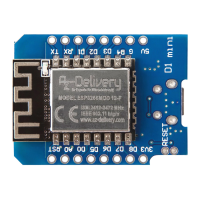
D1 Mini with Arduino IDE
To set-up the Arduino IDE so that the D1 Mini module can be programmed via
the Arduino IDE, follow the next steps.
The first thing to do is to install the USB driver, which can be downloaded here.
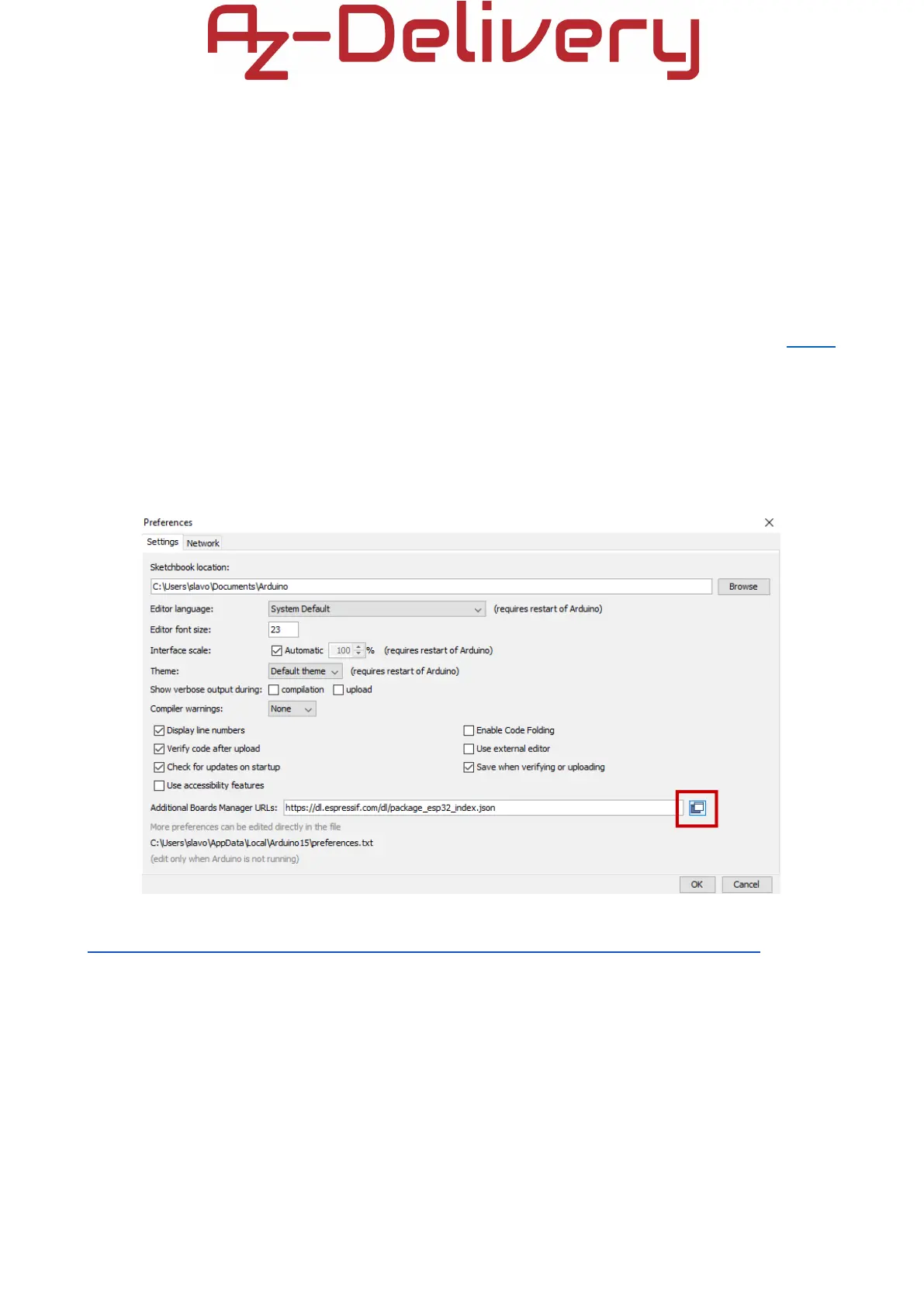
Next, install the ESP8266 core. To install it, open the Arduino IDE and go to:
File > Preferences
and find the Additional URLs field.
Then, copy the following URL:
https://arduino.esp8266.com/stable/package_esp8266com_index.json
and paste it in the Additional URLs field.


 To Next Page