-26-
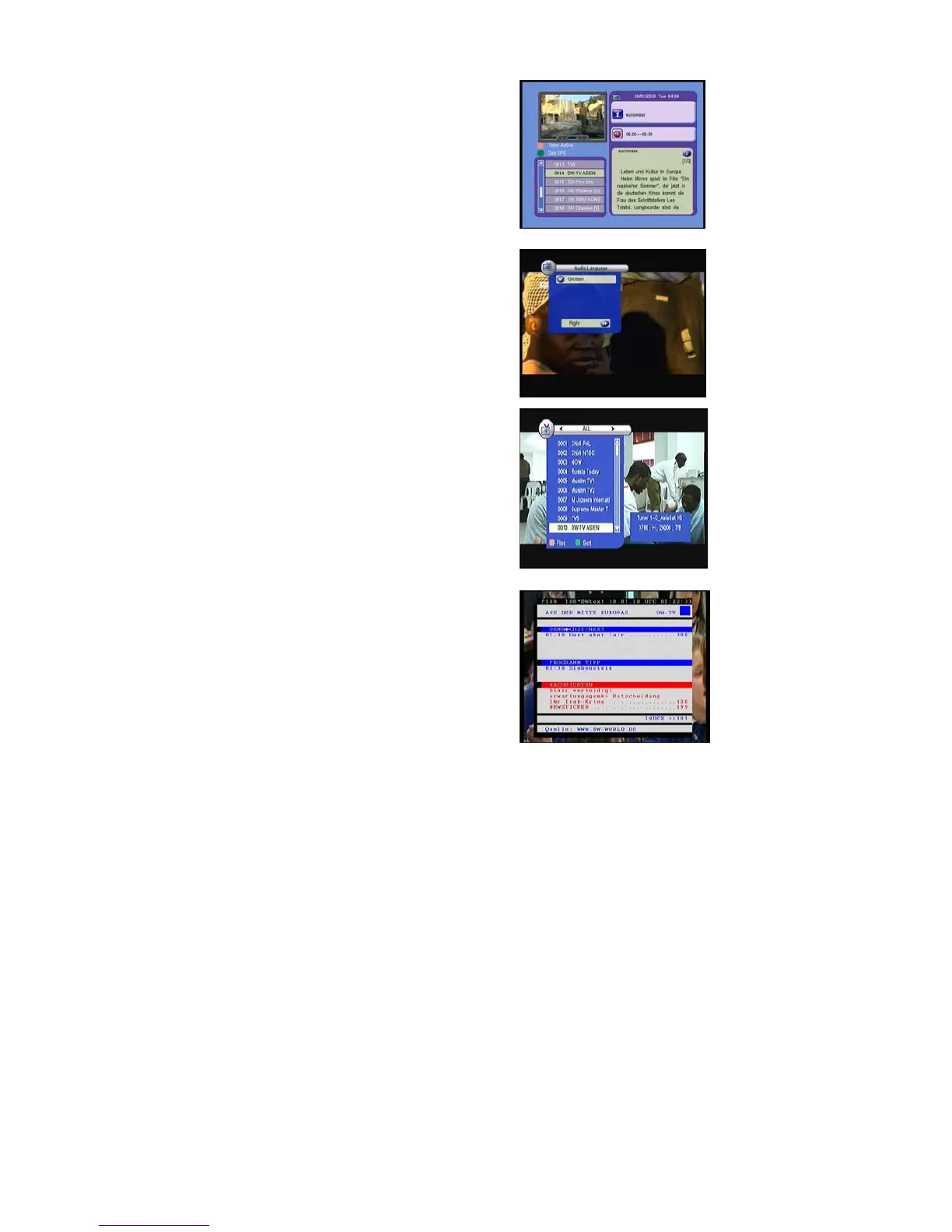
You can Switch Day EPG and Weekly EPG
by Pressing Green Key. In this menu, press
Right/Left button, you can view the different time
EPG of one day. In the end, you can get the
detailed information about that program by
pressing INFO Key.
AUDIO
In viewing mode press AUDIO button and you will
get this window. You can set the Audio mode
here.(stereo, left, right).
Channel List-OK
In viewing mode press OK button and you will get
this window. Press
/ to view channel in
different type, ALL, FTA, Scramble.
1) Press the Red button, you can put in the
channel name and quickly find the channel you
want .
2) Press the Green button; you can watch the
channels sort by alphabet A-Z
TXT:
Show the teletext content if teletext is transmitted.



 To Next Page