-12-
4. Installation and Operation
After connecting the receiver to other required equipment, turn on the receiver, there
should be no channel information available at the first startup; you need to follow the
procedure to setup your receiver to search the channel
--Main Menu--
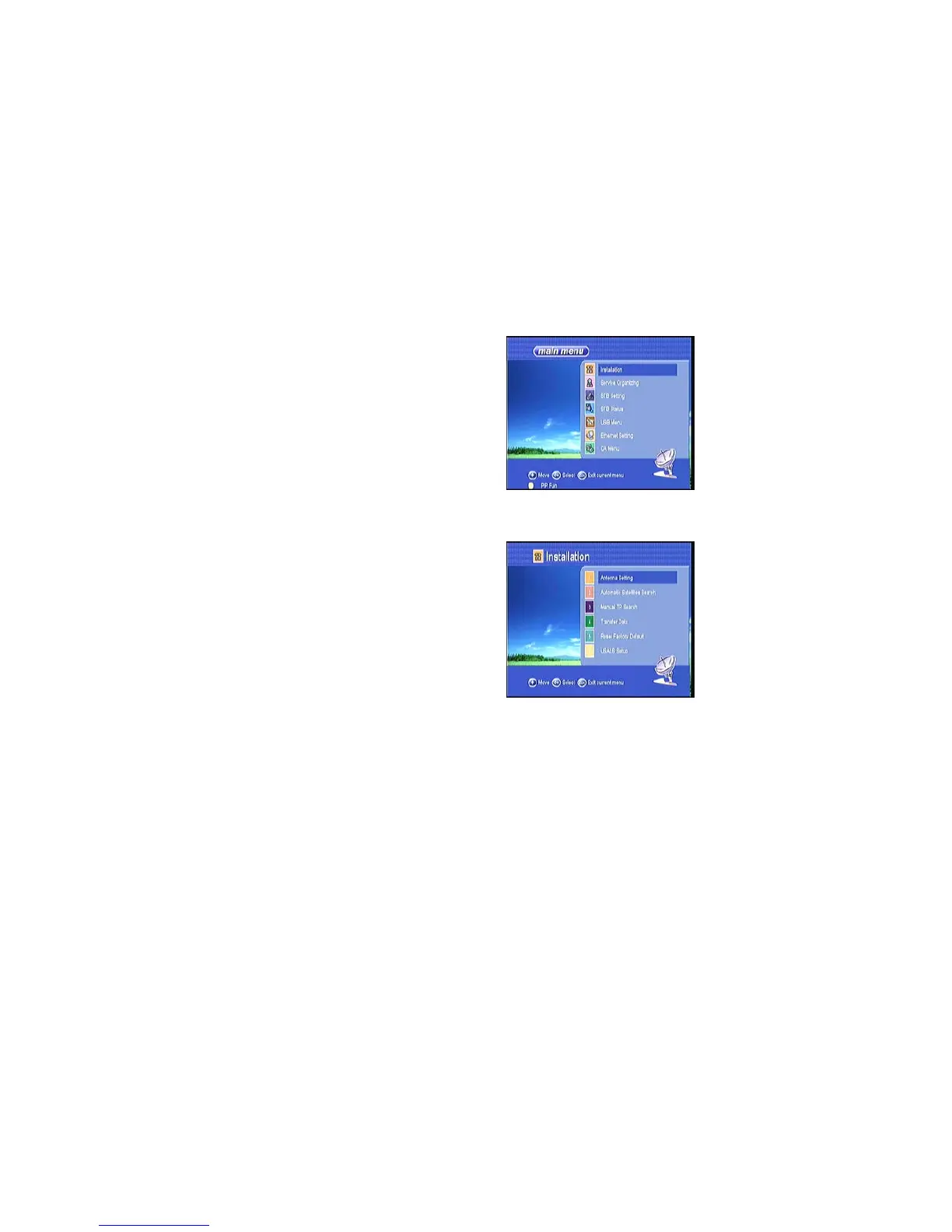
Press MENU button to activate main menu, main menu consists of Installation, service
organization,STB setting ,STB status, USB Menu, Ethernet Setting, CA Menu.
Use UP/DOWN button to select your subject and press OK to confirm your selection
and enter that sub menu, press EXIT button you can return to the previous menu.
4.1 Installation
Select Installation, press OK button to activate
Installation menu, the Installation window will be
displayed.
4.1.1Antenna Setting
Press OK to Enter Antenna Setting; here you
can make Satellite Search, TP search, blind
Search and other Functions.



 To Next Page