-13-
a: Satellite List
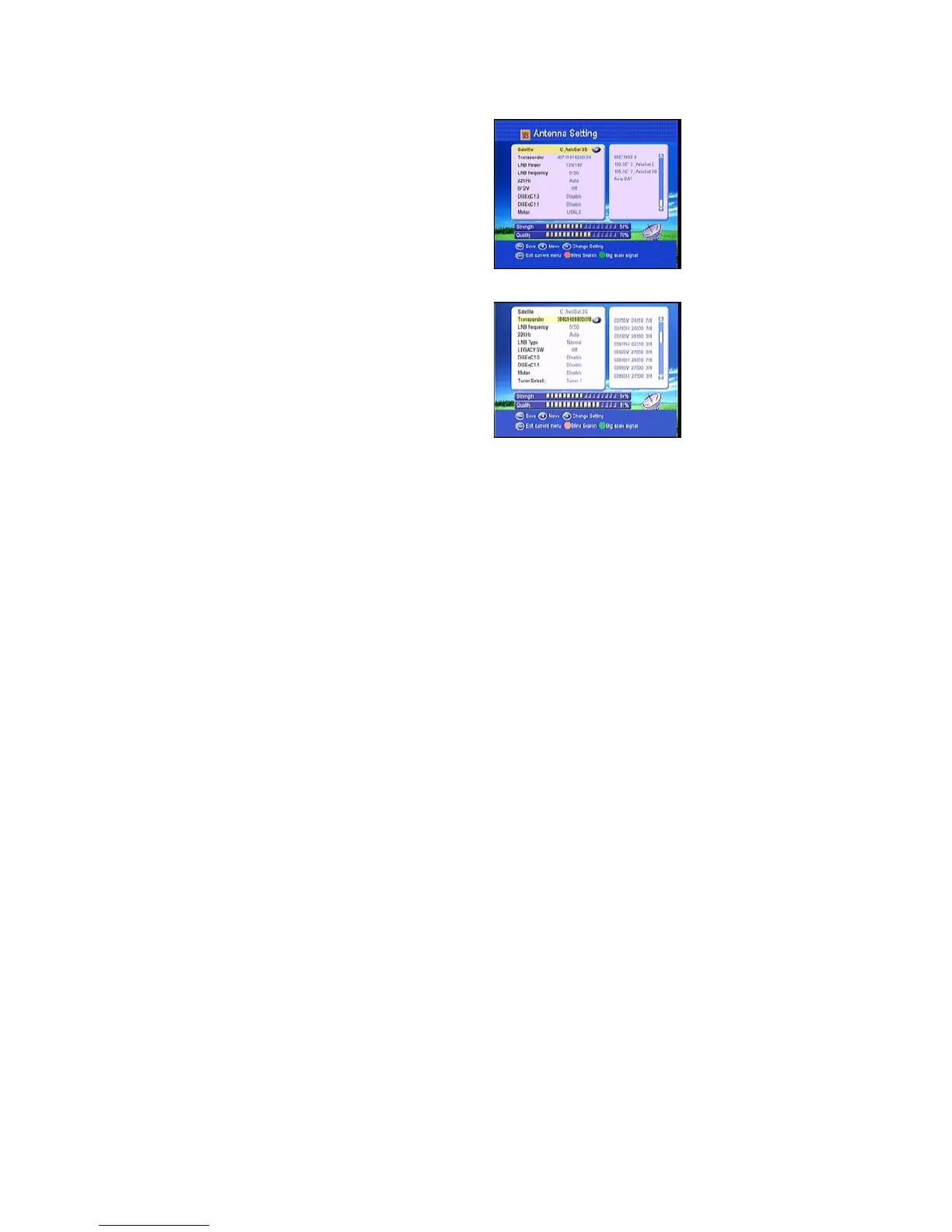
Enter this picture, you can see the presorted
Satellite list, in this menu, you can press the
UP/DOWN keys choose the satellite which
you want to use, then press the OK to confirm
the setting, you can setting other parameters.
b: Transponder List
If you change the satellite, the transponder
will be changed automatically. You will find
the transponder list of selected satellite here.
Choose TP which you want to use, then press
the OK to confirm the setting, you can setting
other parameters.
c: LNB frequency and power
Here you need to check the LNB frequency according to your antenna, set the correct
frequency or define yourself, and keep LNB power to be 13/18V.
d: 22KHz
In case you are using two antennas connected to a 22KHz tone switch box. You can
supply either 22KHz by setting “ ON” or “ OFF” to select antenna.
e: DiSEqC1.0 DiSEqC1.1
If you connect antenna to DiSEqC Switch, you need to specify the DiSEqC input to which
your selected satellite have been configured.



 To Next Page