-14-
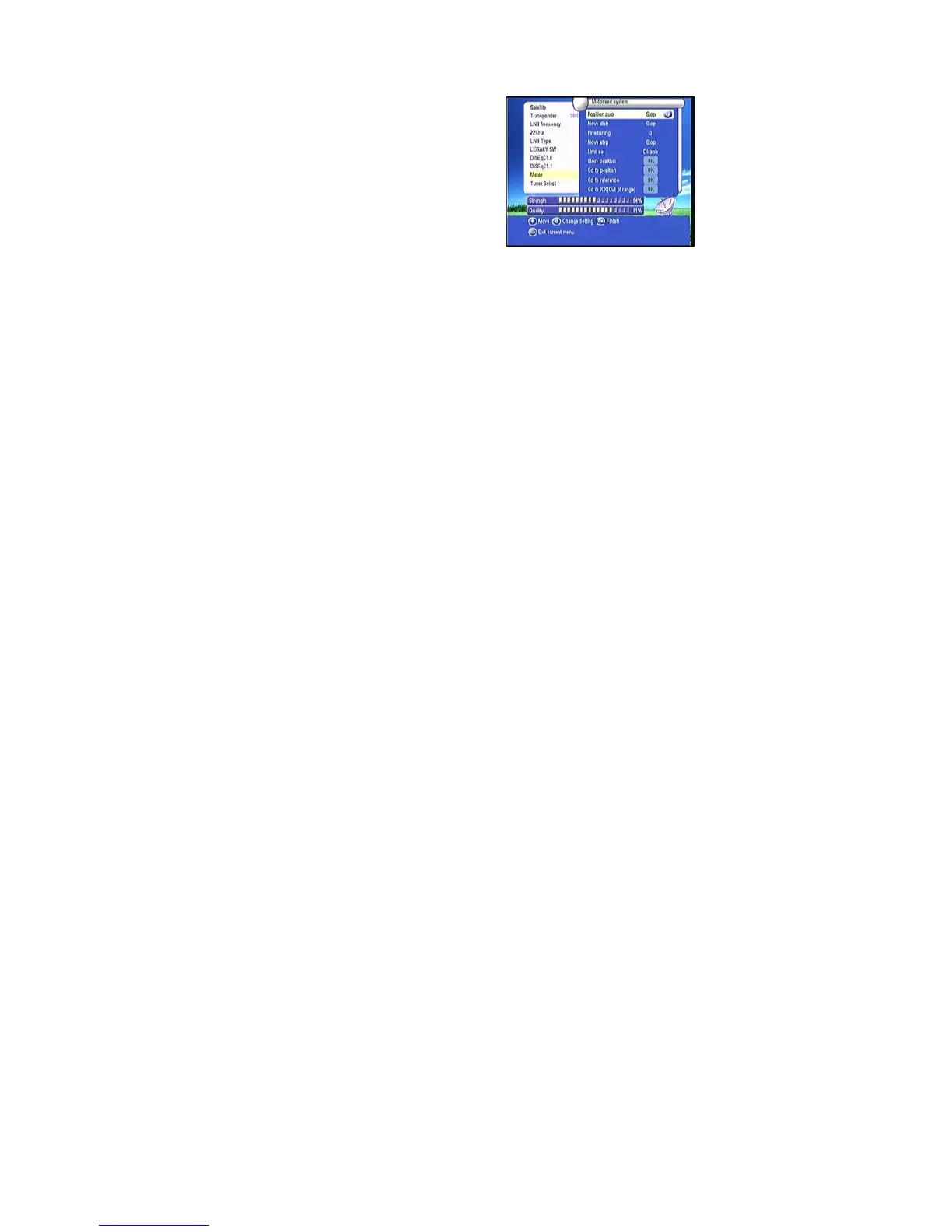
f :Motor
When you Enable this option, and press OK, you
will get this window to show you how to adjust
position of the dish.
Move Auto [W/E]
Press RIGHT/LEFT button, the dish will be
motorized to East/West
continuously, it will stop until it find the best signal.
Move west-east
Push RIGHT/LEFT button, the dish will be motorized to East/West step by step until you
find the best signal showed on the signal bar.
Fine Tuning(1)
Input digital button to set the moving step; Press RIGHT/LEFT button to move steps.
Store Position
Save the current position you searched.
Go to Position
Press OK button to move the dish to the stored position.
Go to Reference
Press OK button to move the dish to 0 position.
Pres Exist after setup, and you can search channel now
Set West Limit
Enable West limit.
Set East Limit
Enable East limit.
Disable Limit
Disable West limit and East limit.
USALS:
If you use USALS and select the Motor Mode to USALS, here one more option
you can move the dish to exact position of the satellite.



 To Next Page