-15-
g:Tuner Select
Enter this menu, select tuner which one you input the signal, tuner1 or tuner2 supply
change
NOTE:
If you don’t know any message about the satellite you can press the RED key
using blind search.
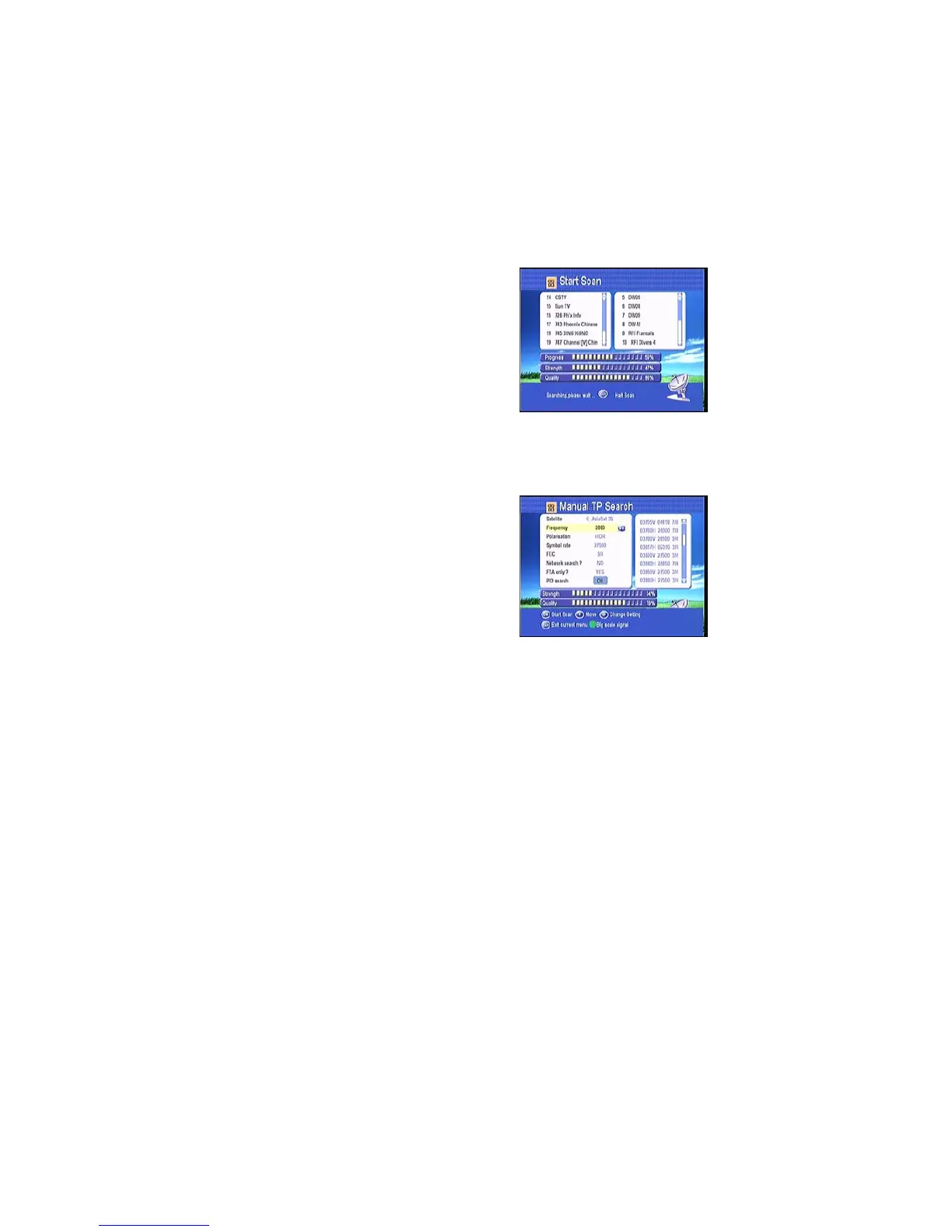
4.1.2 Automatic Satellites Search
Selecting one satellite, and press OK to mark, you
can select more satellite at this time, but make sure
they are all configured to your DiSEqC Switch,
after this step , select all channel scan, free
channel scan or blind search, Pressing OK will
start searching, During searching
the TV Channel and Radio Channel will be listed separately.
4.1.3 Manual TP Search
Here you need to select one satellite which your
dish pointed, then select the frequency, you need
to setup the Polarization of that selected
transponder, symbol rate, FEC,Network search (if
the transponder contains this function), if you know
the PID figure for that channel, you can input and
search by this way.



 To Next Page