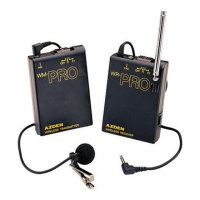
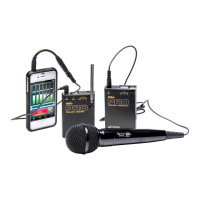
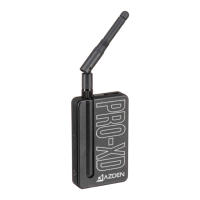
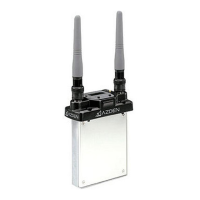
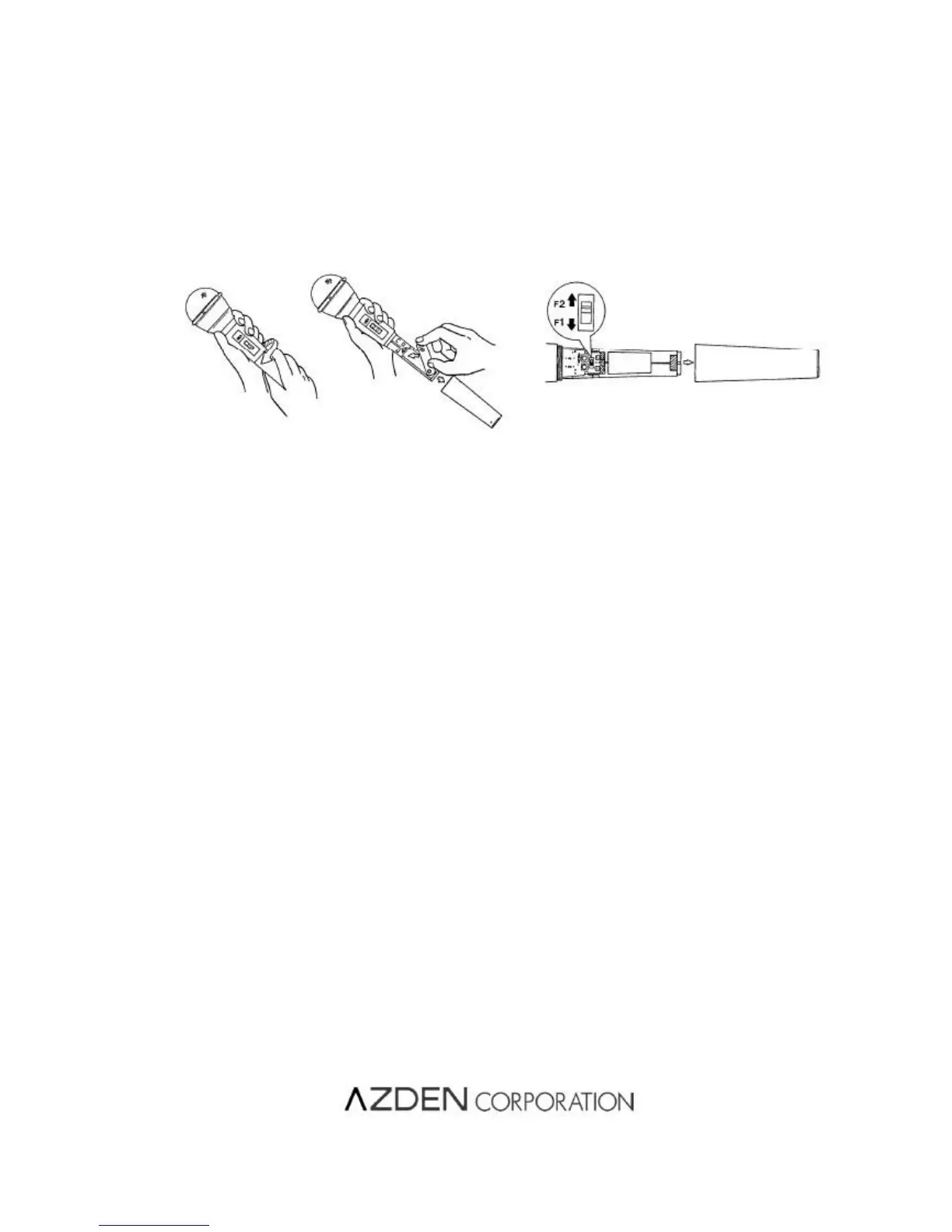
(2) FREQUENCY SELECTION : (see diagram)
The WM/T-PRO factory pre-set to F1. When turning the system on, make sure that the Receiver is also set to
F1. To change to F2, remove the bottom hale of the microphone case as you did when loading the battery. On
the back of the microphone there is a small 2-position switch. Slide thee switch to position F2. Replace the
bottom half of the microphone case and turn it clockwise until it is snug. DO NOT OVERTIGHTEN. Make sure
that you also change the Receiver frequency to F2.
(3) 3 POSITION POWER SWITCH :
The bottom position is is “Off”, the top position is “On”, and is middle is “Standby”. In the “Standby” position the
unit is on, but the microphone element is muted. This allows the microphone to be passed around noiselessly.
Remember to set the mic to it’s “On” position before speaking. When the slide switch is in the “On” or “Standby”
positions the red LED will stay lit, if the Receiver is also operating and on the same frequency.
Loading Battery Frequency Set-up
NOTES :
● Do not store or use the unit in high heat or humidity.
● Do not use near a broadcast station, airport or plane and you must change frequencies if you are interfering with
other transmissions.
● The system will work continuously for 10 hours on one set of batteries. If sound quality is poor, change batteries.
● Remove batteries when not using the system.
SPESIFICATIONS :
F1 ; 187.550MHz
F2 ; 187.900MHz F2 ; 187.900MHz
Modulation system : FM modulation
Double superheterodyne system
Modulation sensitivity :
Earphone (1)
Velcro(1)
Design and specifications subject to change without notice.
1-12-17,KAMIRENJAKU, MITAKA,TOKYO, 181-8533 JAPAN
PRINTED IN JAPAN


 To Previous Page
 Loading...