SECTION 3: Setting Up Your Internet
Connection
The Web User Interface is used to configure your router’s settings.
It can easily be accessed through any Web Browser.
3.1 ACCESSING THE WEB USER INTERFACE
Open your web browser.
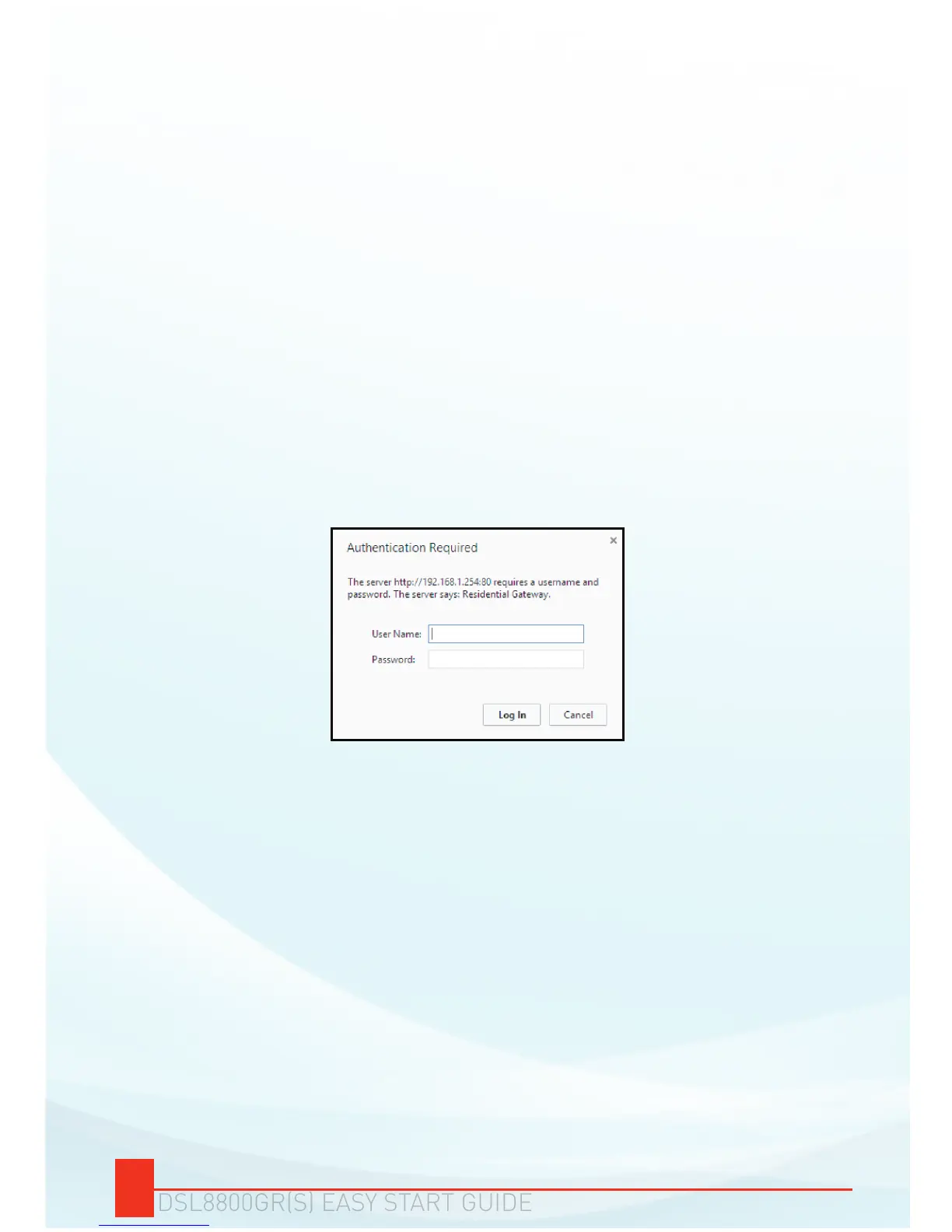
Type-in 192.168.1.254 on the address bar and then press Enter.
You will be prompted to enter a username and password for
authentication. Type admin as its username and admin as its
password then click Log In.
a.
b.
c.
To access the Web User Interface :
You will be redirected to your DSL8800GR(S) Web User Interface’s
Quick Setup page.


 To Next Page