PT-5IT SYSTEM BOARD AWARD BIOS SETUP
2
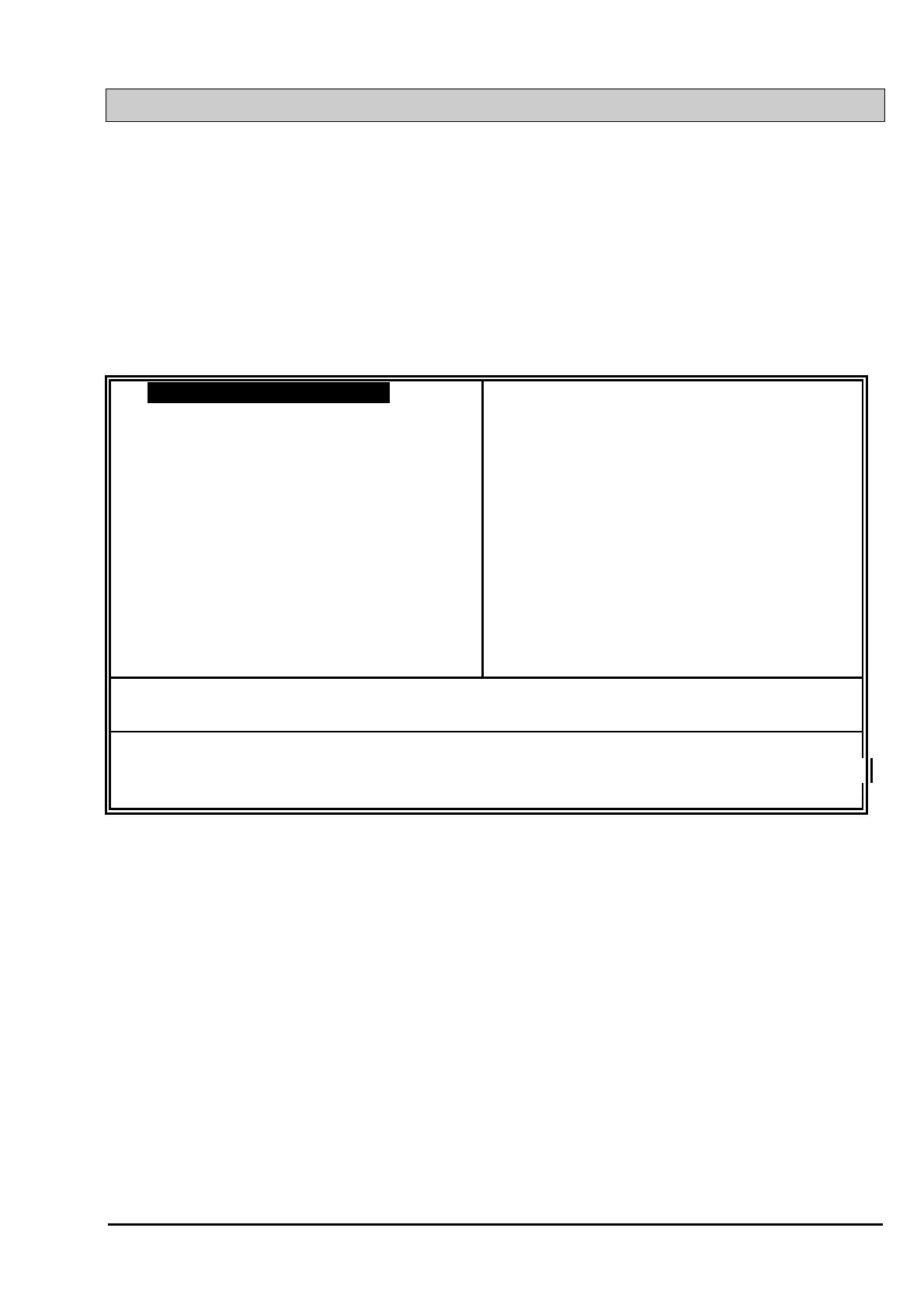
To execute the Award BIOS Setup program, press DEL key. The simulate screen in
figure 5-2 MAIN MENU will be displayed at this time.
A. MAIN MENU
ROM PCI / ISA BIOS (2A59IXXX)
CMOS SETUP UTILITY
AWARD SOFTWARE, INC.
STANDARD CMOS SETUP SUPERVISOR PASSWORD
BIOS FEATURES SETUP USER PASSWORD
CHIPSET FEATURES SETUP IDE HDD AUTO DETECTION
POWER MANAGEMENT SETUP HDD LOW LEVEL FORMAT
PNP/PCI CONFIGURATION SAVE & EXIT SETUP
INTEGRATED PERIPHERALS EXIT WITHOUT SAVING
LOAD SETUP DEFAULTS
ESC : Quit
: Select Item
F10 : Save & Exit Setup (Shift)F2 : Change Color
Time, Date, Hard Disk Type ...
Fig. 5-2 CMOS SETUP MAIN MENU screen.
A. CONTROL KEYS
Listed below is an explanation of the keys displayed at the bottom of the screens
accessed through the BIOS SETUP program :
Arrow Keys : Use the arrow keys to move the cursor to the desired item.
Enter : To Select the desired item.
F1 : Display the help screen for the selected feature.
(Shift)F2 : To change the screen color, total 16 colors.
ESC : Exit to the previous screen.
PgUp(-)/PgDn(+) : To modify the default value of the options for the highlighted
feature.



 To Next Page