1
I. AWARD BIOS SETUP
A. GETTING STARTED
When the system is first powered on or reset, the BIOS will enter the Power-On Self
Test routines ( POST : Display a copyright message on the screen followed by a
diagnostics and initialization procedure.) (If an EGA or VGA card is installed, the
copyright message of the video card maybe displayed on the screen first.) The BIOS
will indicate any error or malfunction by a series of beeps or display the error message
on screen.
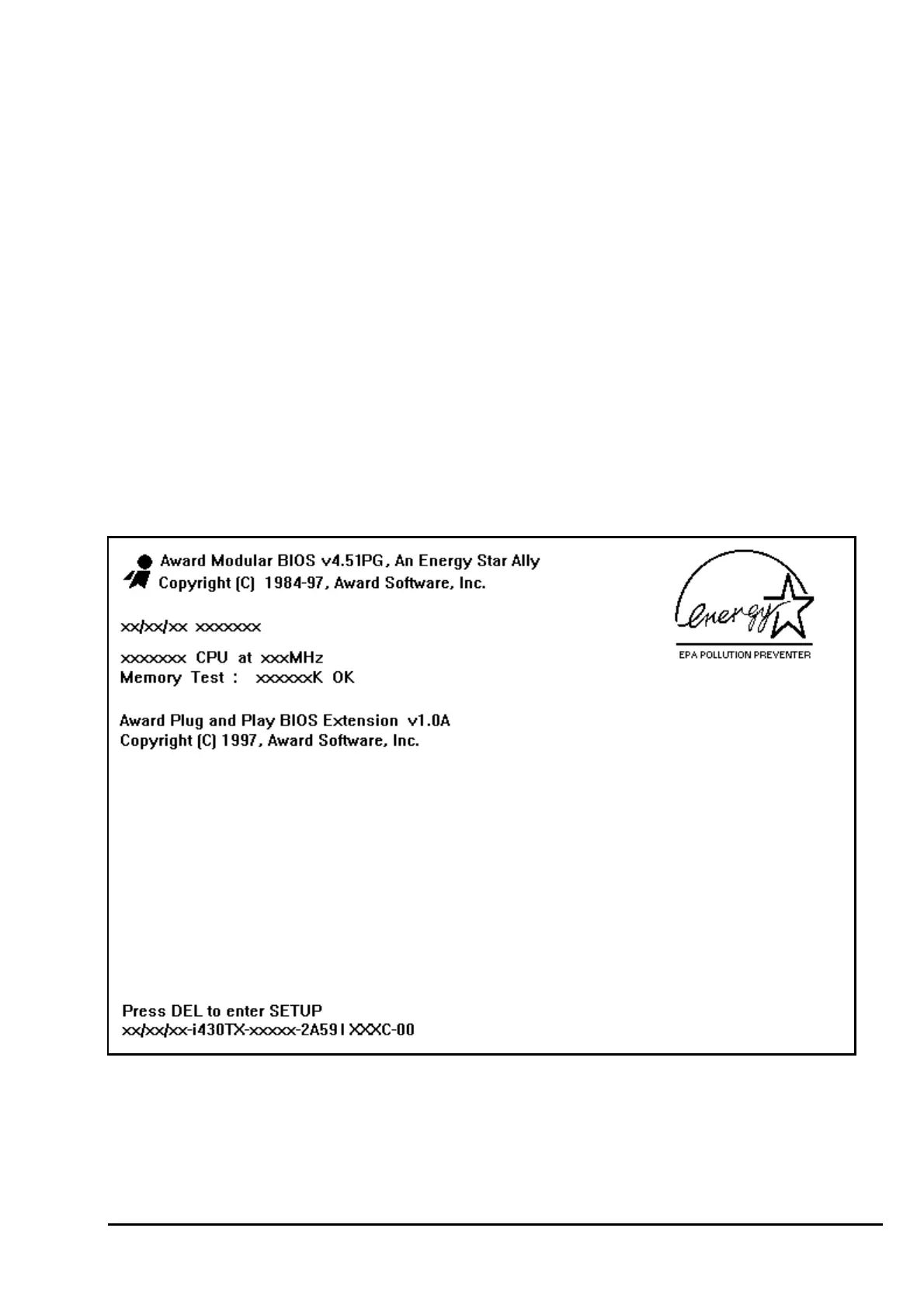
Normally, the simulate figure 5-1 will display on the screen when the system is powered
on.
Fig. 5-1 Initial Power-On screen.
After the POST routines are completed, the following message appears :
" Press DEL to enter SETUP "



 To Next Page