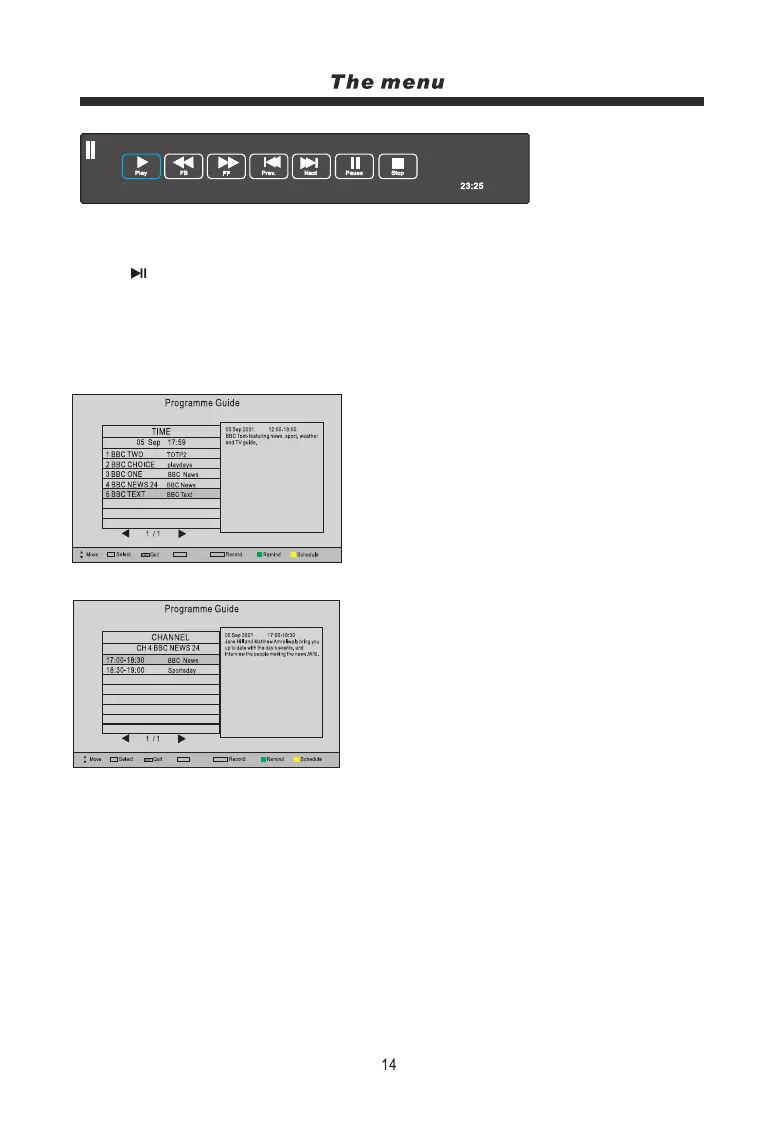
[-00:01:21/00:10:00]
Shift Time/max Shift Time:
Note:
1. Display and exit the navigation menu by pressing the Exit button.
2. Press the STOP button to exit the Timeshift mode.
3. Press button on the remote control or select Play to play the timeshift you are recording
from the beginning.
EPG menu
Display the programme guide by pressing the EPG button.
Press the INDEX button to select CHANNEL or TIME.
Programme list by TIME
Press buttons to highlight the date,
now press the t/ubuttons to select the
date you want to view (7 day EPG)
p/q
Programme list by CHANNEL
Press the buttons to highlight the channel
option, press t/ubuttons to select the channel
you want to view.
p/q
You can select a programme for recording using the buttons.
Index: Press the INDEX button to return to and highlight the top of the table.
Record: Press REC button to display the Recorded Mode menu, and set the timer record. When the
programme starts it will be recorded to the USB device.
Remind: Press the GREEN button to display the remind menu, and set the time. When the programme
starts the TV will automatically switch to this programme.
Schedule: Press the YELLOW button to display the schedule list.
p/q
OK
Index
INDE X
RECORD
OK
Index
INDE X
RECORD
OK



 To Next Page