EasyManua.ls Logo

Baldor ID15J1F50-ER - User Manual

Baldor ID15J1F50-ER
89 pages
Print Icon
To Next Page IconTo Next Page
Loading...
Series 15J
Inverter Control
7/04 MN715J
Installation and Operating Manual

Table of Contents

Questions and Answers

  • S
    samuel81Aug 11, 2025
    How to clear the fault log on Baldor ID15J1F50-ER Controller?
    • J
      Jacob ClayAug 11, 2025
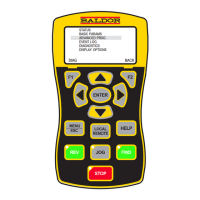
      To clear the fault log on your Baldor Controller, follow these steps: Apply power, press the DISP key several times, press ENTER, then SHIFT, then RESET, then SHIFT again, and finally press ENTER.
  • J
    jermainecooperAug 21, 2025
    How to access the fault log on Baldor ID15J1F50-ER?
    • D
      dustinmckeeAug 21, 2025
      To access the fault log on your Baldor Controller, apply power, press the DISP key, press ENTER, press the 2 key, press ENTER again, and then press the RESET key.
  • R
    Robert JenkinsAug 31, 2025
    What to do if there is no keypad display on Baldor ID15J1F50-ER?
    • H
      Herbert CunninghamAug 31, 2025
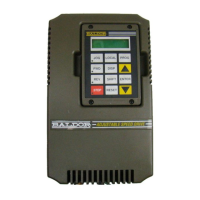
      To address a missing keypad display on your Baldor Controller, use the procedure to adjust the display contrast. Ensure the keypad is properly connected to the keypad connector on the main control board.

Baldor ID15J1F50-ER Specifications

General IconGeneral
ModelID15J1F50-ER
CategoryController
ManufacturerBaldor
Input Frequency50/60 Hz
Enclosure TypeNEMA 1
Communication PortsRS-485
Phase3-phase
Control MethodV/Hz, Vector Control
Input Voltage208-240 VAC
AC Voltage Output0-230 VAC

Related product manuals