EasyManua.ls Logo

Banana Pi BPI-M2+ - BPI-M2+ IR Interface

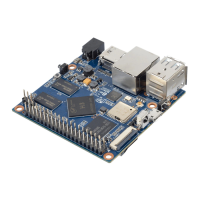
Banana Pi BPI-M2+
172 pages
Print Icon
To Next Page IconTo Next Page
To Previous Page IconTo Previous Page
Loading...
BPI-M2+IRinterface
BPI-M2+supportIRinterfaceonboard.youcanuseitasremotecontrol.
1,installlirc
apt-getinstalllirc
apt-getinstallevtest
2,edit/etc/lirc/hardware.confasbelow:
nano/etc/lirc/hardware.conf
#/etc/lirc/hardware.conf
#
#Argumentswhichwillbeusedwhenlaunchinglircd
LIRCD_ARGS="--uinput"
#Don'tstartlircmdevenifthereseemstobeagoodconfigfile
#START_LIRCMD=false
#Don'tstartirexec,evenifagoodconfigfileseemstoexist.
#START_IREXEC=false
#Trytoloadappropriatekernelmodules
LOAD_MODULES=true
#Run"lircd--driver=help"foralistofsupporteddrivers.
DRIVER="UNCONFIGURED"
#usually/dev/lirc0isthecorrectsettingforsystemsusingudev
DEVICE="/dev/input/event0"
MODULES="sunxi-ir"

ctrl+Osaveandctrl+xexit.
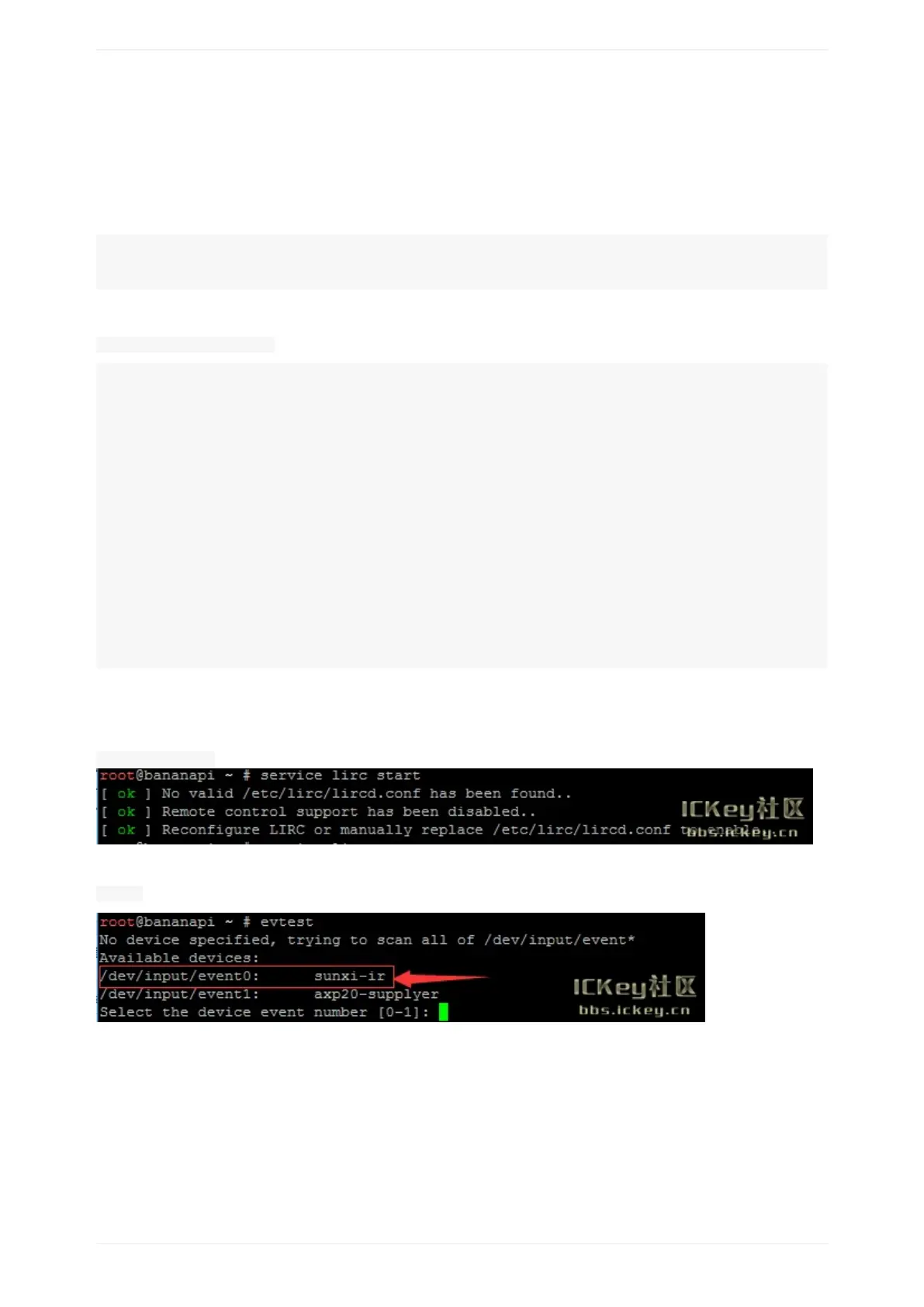
3,testlirc
servicelircstart
4testremote-controlunit
evtest
BPI-M2+IRinterface
20

Table of Contents

Other manuals for Banana Pi BPI-M2+

Related product manuals