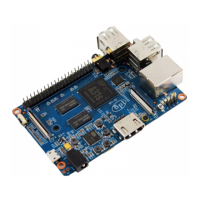
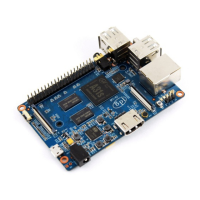
HowtoburnLinuximagetoeMMC
OS:pleasedownlodimagefromforumdownloadlink
http://www.banana-pi.org/m2plus-download.html
Step1:StartupthecomputerwiththeSDcardwhichhasbeenburntwiththeLinuximages.
Step2:Puttheimageswhichyou'dliketoburntotheEMMCStoragetotheUSBdrive.
Step3:Run"fdisk-l"commandlineonyourBPI-M2+andyoucanseetheEMMCpathas"/dev/mmcblk1"
sudofdisk-l
Step4:Switchtothepathofimages,andrunthecommand.
xxx.imgisyourimagefilename
Step5:Whenfinishburning,removetheSDcard,andrestarttheBPI-M2+
Step6:CheckifthesystemstartsnormallyontheEMMCflashboot.


 To Next Page