BKcSuite Setup
Setup Using a PC and BKcSuite
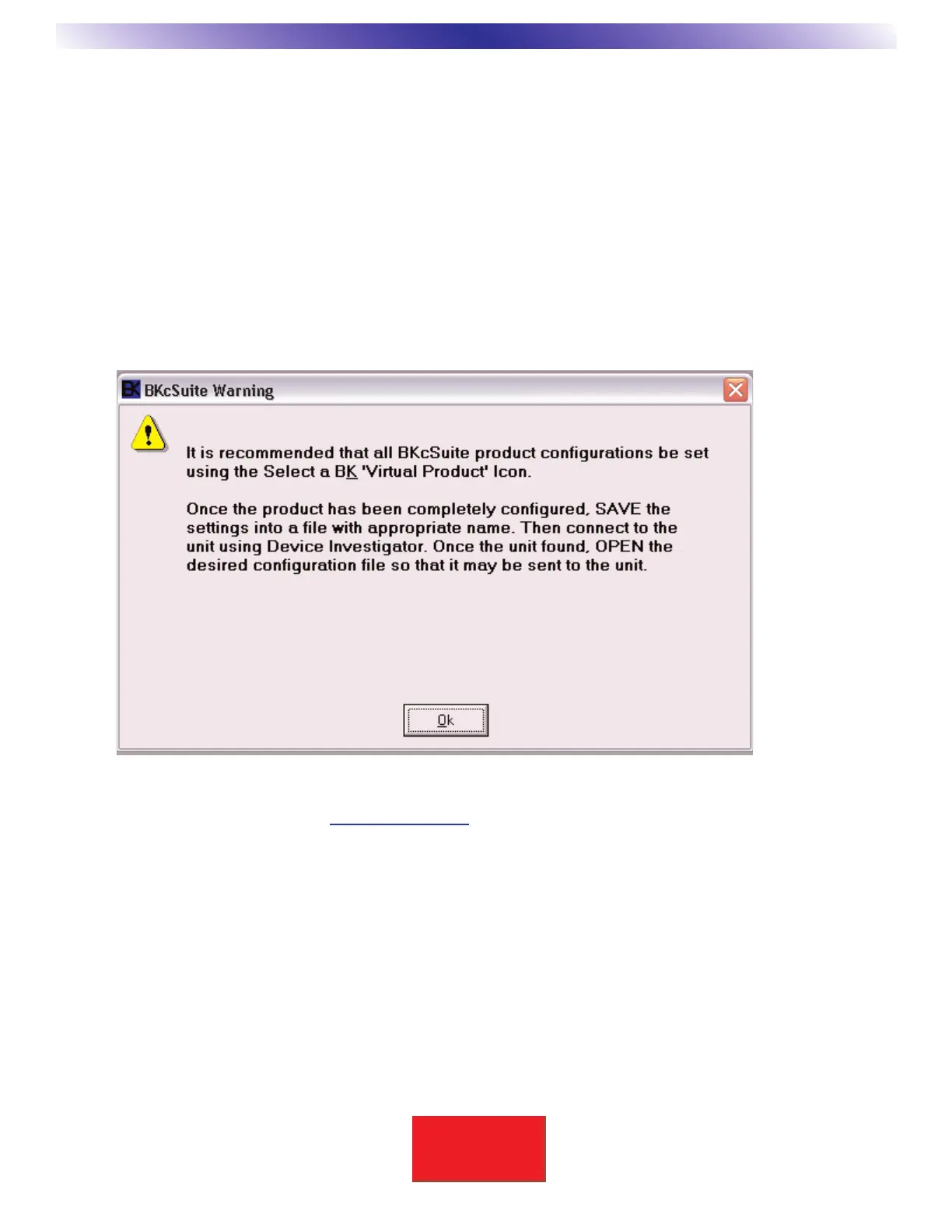
B& K Tool Suite may be installed using the CD-ROM included with the HD6 Transcoding Video Switcher. The
software is also available online at www
.bkcomp.com. Your PC should be equipped with a CD-ROM or DVD
drive. B& K Tool Suite includes software for setting up B & K Receivers, Preamplifiers, SR10.1 remote, and
CK1.2 / CK1.1 Keypads and Video Switchers.
The installation path for BKcSuite is [c:/program files/B &K Components Ltd/BkcSuite.exe].
***Warning - PC requirements - 128MB RAM, Pentium grade or better processor, Windows 98SE operating
system or greater. (Exception- BKcSuite may not be compatible on some Windows NT machines) ***
Note: This section applies only if it is desired to operate the HD6 in a stand-alone configuration.
Do not perform this setup if the HD6 is to be connected to a CT Series Receiver.
Instead, set up the CT Receiver as desired - refer to the CT Receiver manual. The CT setup may be set either
stand-alone or connected through the HD6.


 To Next Page