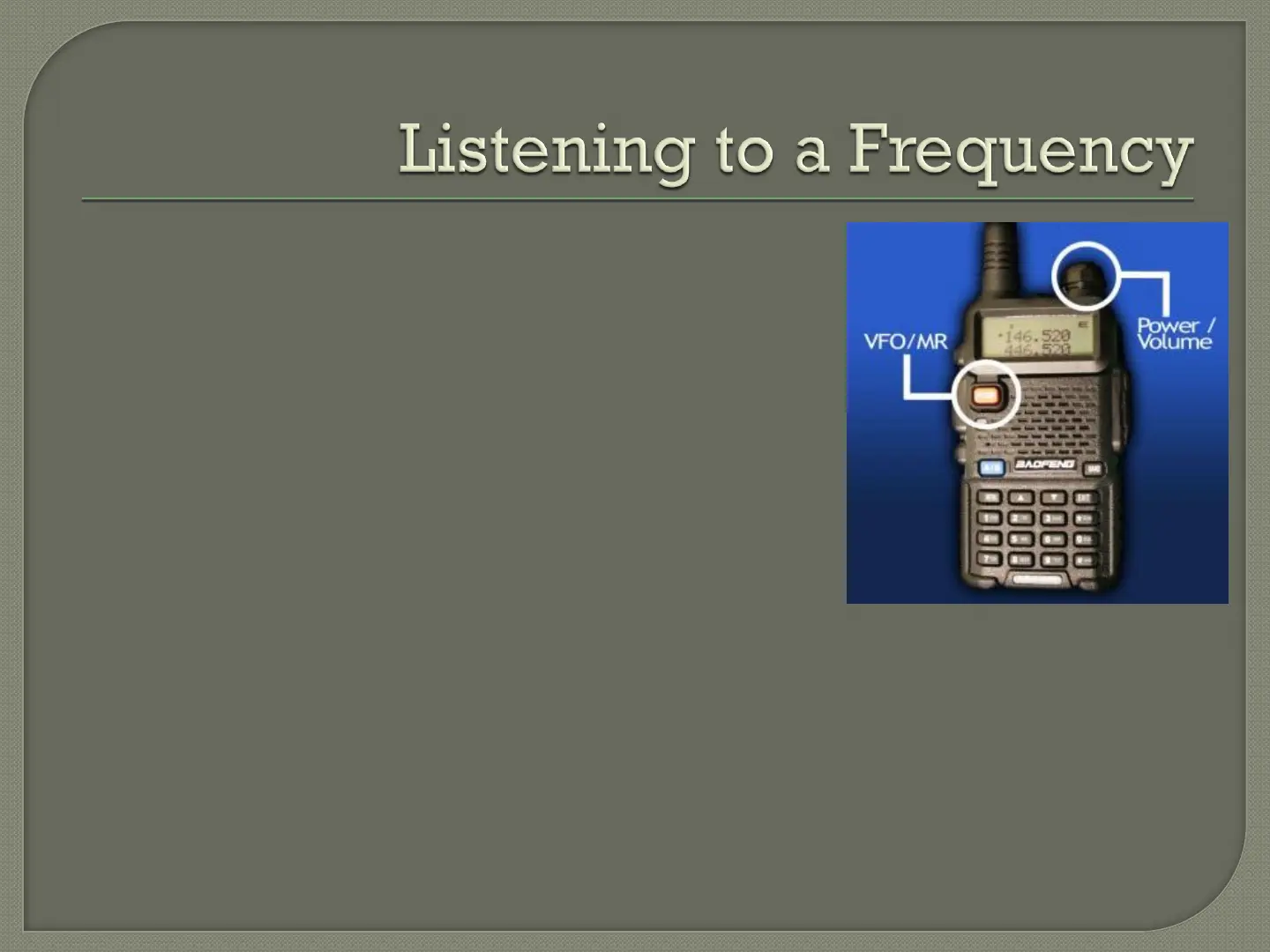
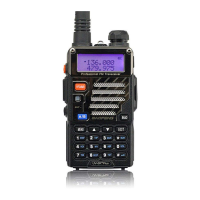
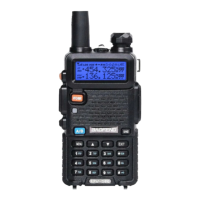
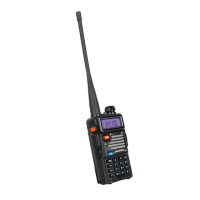
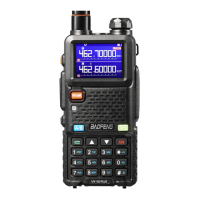
1. Turn on the radio – Use the knob on the top
of the radio to set the desired volume.
2. Press “VFO/MR” – The radio will toggle
between Frequency Mode and Channel
Mode. The radio voice will tell you which
mode you are in.
3. Enter A Frequency – Use the number keys to
enter the frequency. Don’t worry about the
decimal point - it appears automatically. For
example : to enter a frequency of 152.000 MHz, simply enter
“152000”
Tip : Press the “UP” arrow key to add a “half step” to the
frequency. For example, enter “147225 UP ARROW” for 147.2255
MHz.




 To Next Page