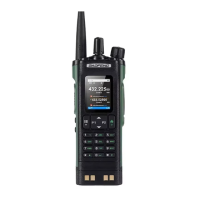
1. Equipment
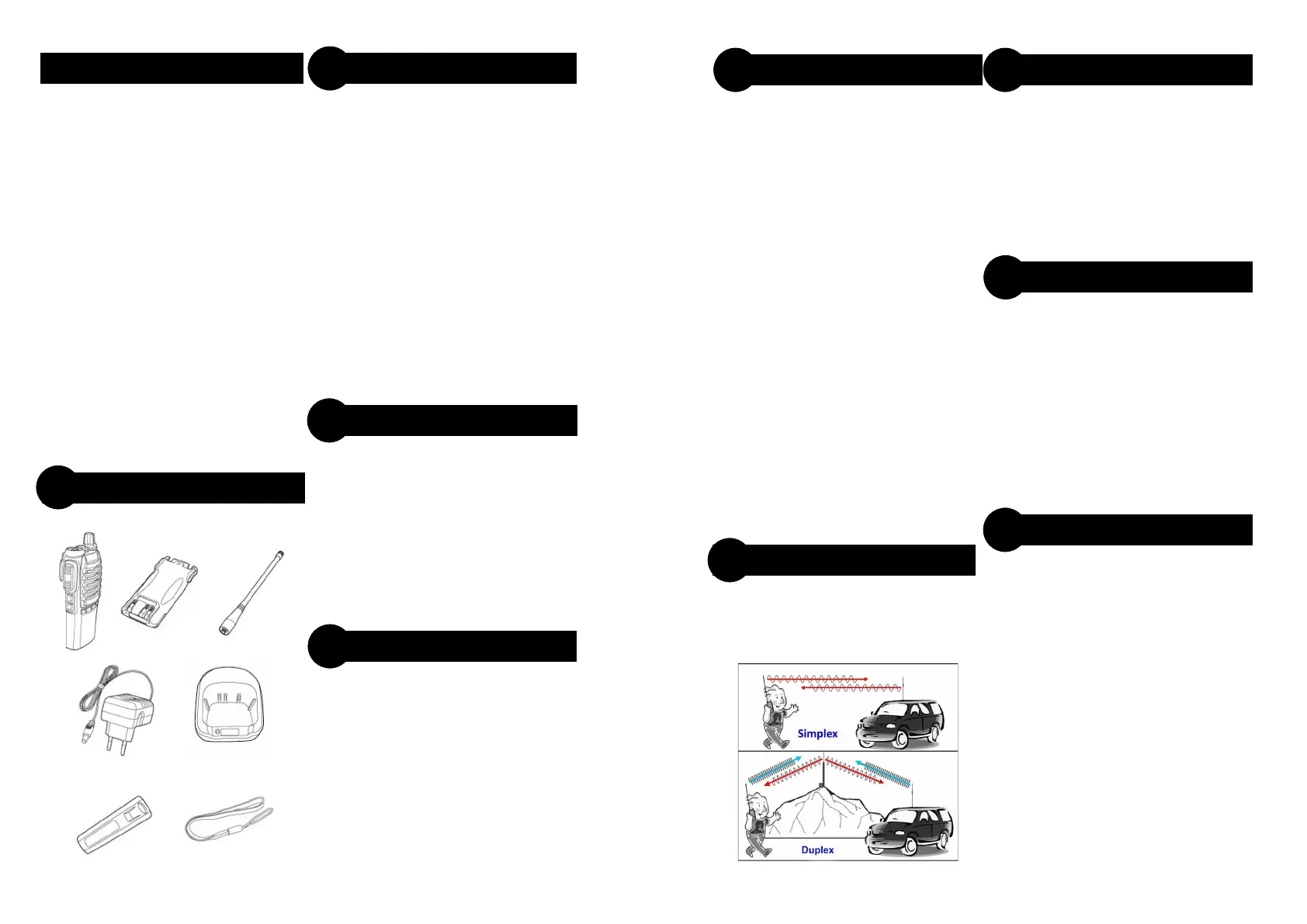
2. Accessories
3. Safety Warnings
4. Important Information
5. About UHF CB Radio
6. Unusable Channels
7. Fitting Battery
8. Battery Charging
9. Battery Tips
10. Fitting Antenna
11. Channel Selector
12. Radio Overview
13. Radio Settings
14. Channels 1 to 8 for Repeater
15. Channel Scanning
16. FM Radio Receiver
17. Specifications
18. Channel Listing (back cover)
A full range of parts and accessories
available from www.techoman.co.nz
• Extended flexible antennas
• External whip antennas
• Vehicle antennas
• Additional batteries (standard and high
capacity)
• Earpiece/microphones
• Tactical headset/microphones
• Handheld microphone/speakers
• Handheld microphone/speaker/antennas
• Charger cradles and USB cords
• Waterproof bag covers
• Car cigarette lighter charge cables
• Antenna tuning/power meters, and more
• This radio is a transmitting device.
• When transmitting, keep the antenna more
than 25 mm from any part of the head or
body.
• Do not transmit near flammable or
explosive atmospheres.
• Do not allow children to operate a radio
transmitter unsupervised.
READ ALL INSTRUCTIONS carefully and
completely before operating your radio and
retain this manual for future reference.
NEVER connect the radio to a power source
other than the supplied battery. This may
damage your product.
DO NOT use your radio with a damaged
antenna.
AVOID storing or charging your radio in
direct sunlight.
CONTENTS
EQUIPMENT
ACCESSORIES
1
2
SAFETY WARNINGS
3
Press and hold on [MENU] key for 2 seconds
to enter function setting menu.
Press [UP] or [DOWN] button to step through
setting options:
1. Squelch level—default=3. 0=open
Setting with 9 needs the strongest sig-
nal
2. Saving mode—battery save mode (1 to
4). Receive sleep ratio for receive —
the higher number increases the re-
ceive sleep time but you may miss the
first few syllables before the receiver
operates. 1=1:1, 2=1:2, 3=1:3, 4=1:4
3. VOX—Select Voice Activated Swtch
level—off, 1 to 10 where 1 is low micro-
phone sensitivity and 10 is high sensi-
tivity
4. Dual Standby– Leave turned on for both
PTT buttons to work
5. BEEP—button beeping on or off
6. Voice Prompt Language—English and
Chinese selection
Your radio is programmed for channels 1
to 8 to work via a radio repeater if one is
available in your area. Otherwise use
channels 9 to 80 to talk direct
To activate channel scanning press and
hold the channel [UP] button.
The green light will flash when scanning
and radio will hold for a transmission
then continuing 2 sec’s after
transmission.
Press [[PTT1] or PTT2] to stop scanning.
Your radio has an FM Radio built in to
enjoy music, news etc that you can use
to step through FM radio stations.
Press [F] to switch on FM radio. After the
FM radio starts, press [UP] or [DOWN]
buttons to search FM radio stations. The
FM radio will automatically mute when
receiving incoming communication, then
turn back on when finished. To turn FM
radio off press the [M] button.
Voltage
• Battery Voltage: 7.4 Volts
Transmitter
• Output Power: 5 Watts (high)/1 Watt
(low)
• Transmission: Narrow Band FM (F3E)
• Frequency Range: 476.425 to
477.4125 MHz
• Maximum Frequency Deviation:
2.5kHz
• Adjacent channel power: <-60dB
Receiver
• Sensitivity: -122dBm(12dB SINAD)
• Audio Power: 1 W
CHANNELS 1 TO 8
14
CHANNEL SCANNING
15
FM RADIO RECEIVER
16
IMPORTANT
4
RADIO SETTINGS
13
SPECIFICATIONS
17


 To Next Page
 Loading...