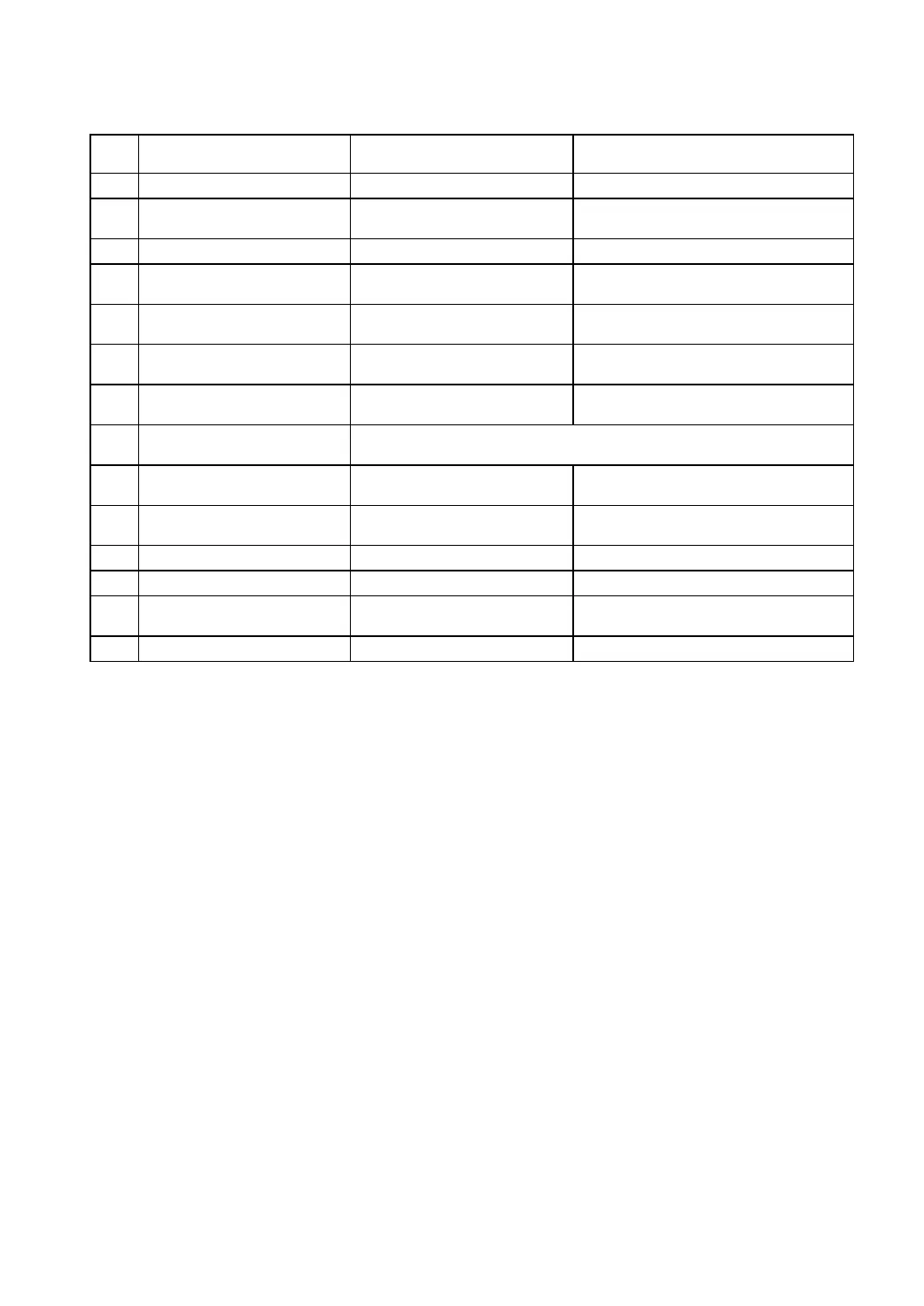
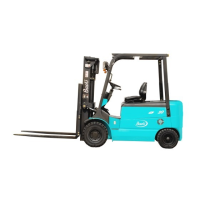
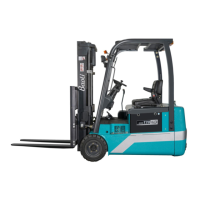
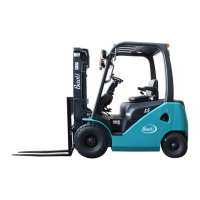
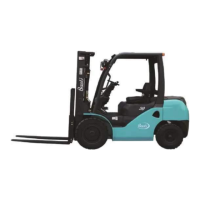
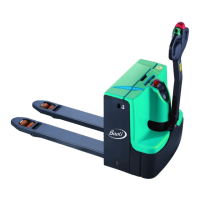
Function and working condition of operation device:
Pull the lever backward fully.
Control head
combination lamp,
headlamp, rear lamp.
Push or pull the double-shift
switch when lighting.
Adjust hand wheel’s
angle.
Change traveling
direction.
Pull the lever forward, the truck
travels forward.
The horn sounds when
pressing the button.
Operating lever,
turning lamps
Indicate turning
direction.
Pull operating lever when
turning.
Control electrical
system.
Connect the meter and power
when turning right (shiftⅠ).
Refer to Chapter of Electric System in this manual.
Operating lever,
tilt cylinder
Tilt backward when pulling
backward, it’s forward
oppositely.
Operating lever,
lift cylinder
Mast lifts when pulling
backward, descends when
pushing forward.
Press the rear button of battery
cover to open the lock
Depress the pedal to brake.
2.6.2 Operating manual
(1) Start: Before starting, put the hand brake switch on the brake position, the shift
direction switch and seat switch on neutral. If not, the safe circuit plays its part, and then
the forklift truck can’t start.
Turn the start switch (electric lock) clockwise to shift Ⅰto turn on the power, meter
indicator and electric control circuit, release the hand brake switch.
Push the shift direction switch forward, press down the accelerator pedal, then the
truck goes forward. If pull the direction switch backward, the reverse lamps light and the
back-up buzzers sound. If having operational errors or others, the meter will show different
error codes, some common features as follows:
If pressing down the accelerator pedal first, then turning on the direction switch, the
meter will show code 64 expressing start error.
When turning on the key switch, meter shows error code 50, it expresses that the lift is
in the state of starting.
If “safe” indicates on the meter, seat switch may be on.
If the voltage of the battery is too low, the error code 12 will indicate.
The common error code 90, it shows failed steering sensor, which maybe have been


 To Next Page