19
Taking payments
Chip and PIN
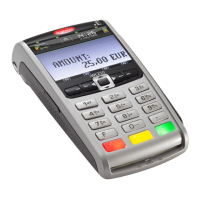
1) At the ‘ready’ prompt, key in
the amount.
Press the
button.
If you make a mistake, press the
button and re-enter the
correct amount.
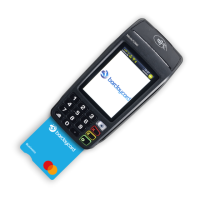
2) Ask your customer to insert their
card into the card reader with the chip
facing up.
3) Ask your customer to enter their
PIN and confirm by pressing the
button.
3G
vodafone UK
13:3 7
03/10/2018
3G
vodafone UK
13:3 7
03/10/2018


 To Next Page