2626
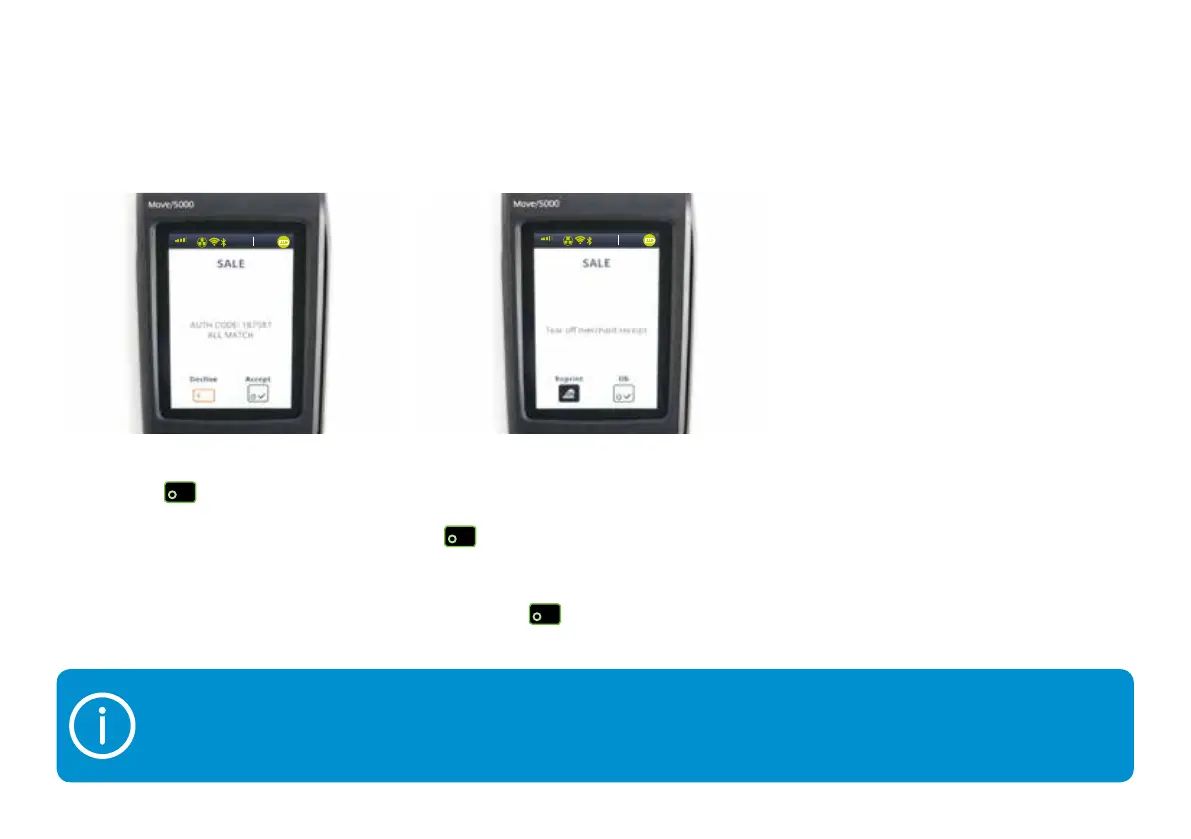
If the payment is authorised, then you know there are sufficient funds on the card. Your card machine will show
you an ‘auth code’ and security message. The security message will let you know how much of the data that
you’ve entered matches what was expected. It’s your choice whether to accept the transaction or decline it if
you aren’t happy with the cardholder’s identity.
5) Your terminal will now print out the
customer receipt – tear this off and
give it to your customer. Press the
button.
The terminal will then print out your
merchant receipt. Tear this off and
press the
button.
4) When the transaction’s successful,
press the
button.
3G
vodafone UK
13:3 7
03/10/2018
3G
vodafone UK
13:3 7
03/10/2018


 To Next Page