EasyManua.ls Logo

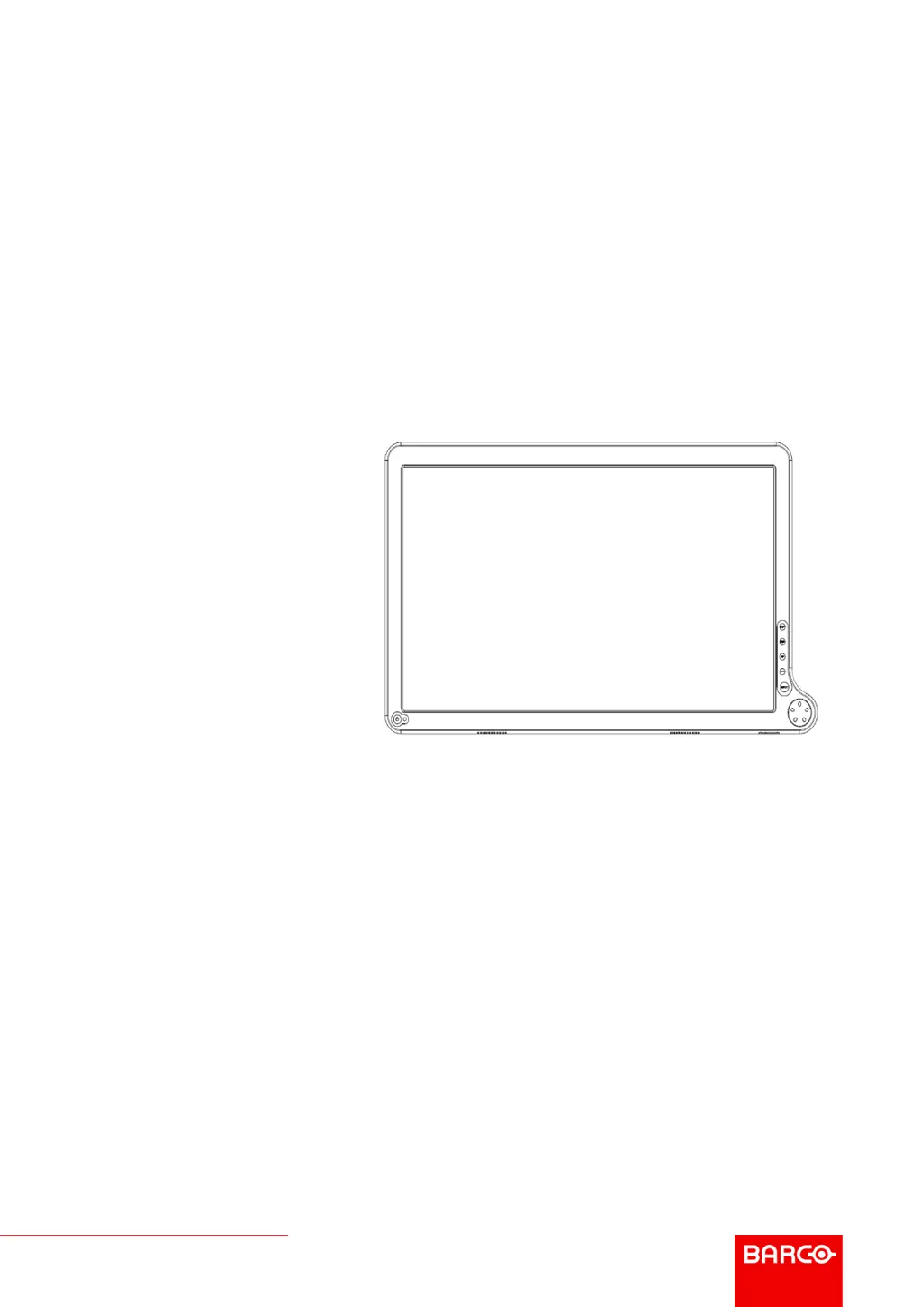
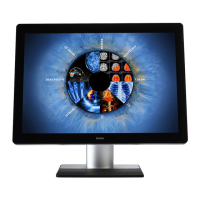
Barco AMM215WTD - User Manual

Barco AMM215WTD
48 pages
Print Icon
To Next Page IconTo Next Page
Loading...
ENABLING BRIGHT OUTCOMES
User Guide
LCD color display
AMM215WTD

Other manuals for Barco AMM215WTD

Questions and Answers

  • G
    Gary PhillipsAug 10, 2025
    What to do if my Barco Monitor has no picture and the Power LED is ON?
    • J
      judithjacobsAug 10, 2025
      If your Barco Monitor shows no picture but the power LED is on, use the On-Screen Display (OSD) to adjust the brightness and contrast to the maximum settings. Alternatively, reset the monitor to its default settings via the OSD.
  • M
    mortonmarkAug 16, 2025
    Why does my Barco AMM215WTD have an unstable picture?
    • J
      James CrosbyAug 16, 2025
      An unstable picture on your Barco Monitor may be due to a mismatch between the graphics adapter's specifications and the display's capabilities, resulting in an input signal frequency incompatibility. Check if the specification of the graphics adapter and the display is in compliance.
  • J
    James CooperAug 22, 2025
    What to do if my Barco AMM215WTD Monitor has no picture and the power LED is blinking?
    • K
      Keith RossAug 22, 2025
      If your Barco Monitor displays no picture and the power LED is blinking, ensure the video signal cable is properly connected to the back of the display.
  • S
    smithmichaelAug 28, 2025
    How to fix a Barco Monitor display that is missing, center shifted, or too small/large?
    • D
      Denise MyersAug 28, 2025
      To correct a display image that is missing, center-shifted, or incorrectly sized on your Barco Monitor, use the Screen Control Menu to adjust the Phase, Frequency, Horizontal, and Vertical settings.
  • P
    Patrick FloresSep 3, 2025
    What to do if my Barco Monitor has no picture and the Power LED is OFF?
    • W
      walkerjodiSep 3, 2025
      If your Barco Monitor has no picture and the power LED is off, check the Standby Power Button and the main Power switch to ensure the monitor is properly turned on.

Barco AMM215WTD Specifications

General IconGeneral
Screen Size21.5 inches
Resolution1920 x 1080
Aspect Ratio16:9
Brightness250 cd/m²
Contrast Ratio1000:1
Power Consumption25W (typical)
ConnectivityVGA, DVI-D, DisplayPort
Video InputsDigital
Input ConnectorsDVI-D, VGA
Viewing Angle178°/178°

Related product manuals