11
Number of
Unused lap
C
E
SPL
3 seconds
or any button
pressed
B
C
E
B
D
PLA
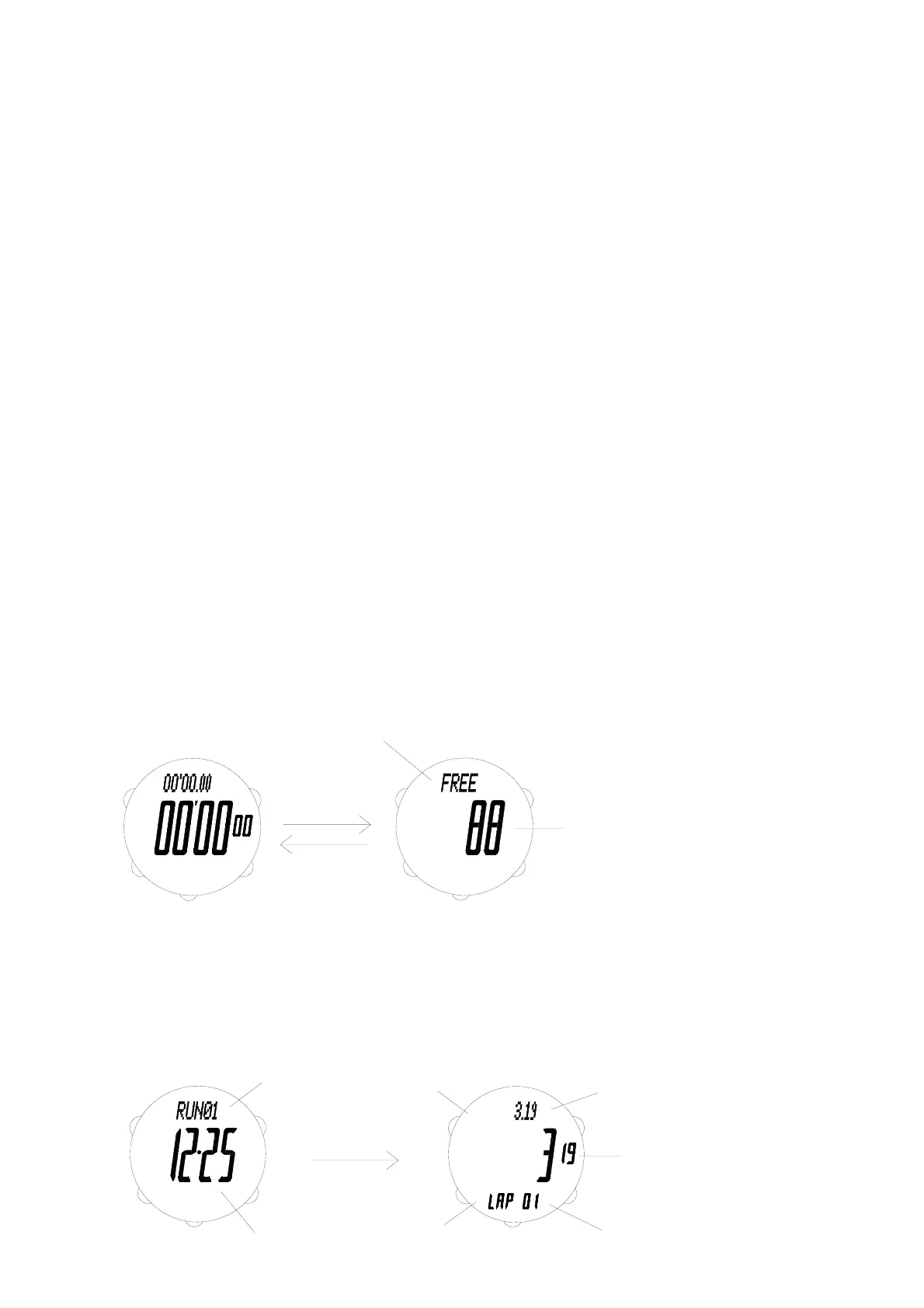
FREE indicator
A
E
D A
Month-Day
Run number
A
E
C
D
B
Split time
indicator
Lap time
indicator
2 second
C
SPL
D
AL P
Lap number
E
Lap Time
B
A
Split Time
To measure elapsed time
1. Press A to start the chronograph.
2. Press B to stop the chronograph.
* You can resume the measurement operation by pressing A.
3. Hold down B until the next run number is shown on the display.
* Data of the current run is stored and chronograph is reset to all zeros.
To measure lap/split times
1. Press A to start a time measurement.
2. Press A again when you want to take the first lap/split time.
3. Press A again when you want to take the next lap/split time.
* You may take up to 100 lap/split times by pressing A.
4. Press B to stop the time measurement.
5. Hold down B until the next run number is shown on the display.
* Data of the current run is stored and chronograph is reset to all zeros.
To measure two (or more) finishes
1. Press A to start a time measurement.
2. Press A again when the first runner finishes.
3. Press A again when the second runner finishes.
* You may record the finish time of up to 100 runners by pressing A.
4. Press B when the last runner finishes.
* Time measurement is stopped.
5. Hold down B until the next run number is shown on the display.
* Data of the current run is stored and chronograph is reset to all zeros.
* The finish times for the runners are the split times stored in Chronograph Data mode.
To clear times in current run
1. Press B to stop the chronograph.
2. Hold down D until the chronograph shows all zeros.
* Times in current run are cleared.
To show number of unused lap
When the chronograph shows all zeros, press E and the number of unused lap (indicated by “FREE”) will be
shown for 3 seconds.
Returns to chronograph display automatically after 3 seconds or when any button is pressed.
CHRONOGRAPH DATA MODE



 To Next Page