7
Temperature
BAROSEA L.
PM
indicator
mbar
F
hPa
/
A or E
Absolute pressure
BAROSEA L.
hPa
/
mbar
A or E
A or E
mbar
hPa
Time
BAROSEA L.
P
/
1. Press A, bearings will be taken and shown for about 10 seconds.
* If no bearing is being taken, the display shows “----”.
2. Hold down A, bearings will be taken and shown continuously and for 10 seconds more after A is released.
BAROMETER MODE
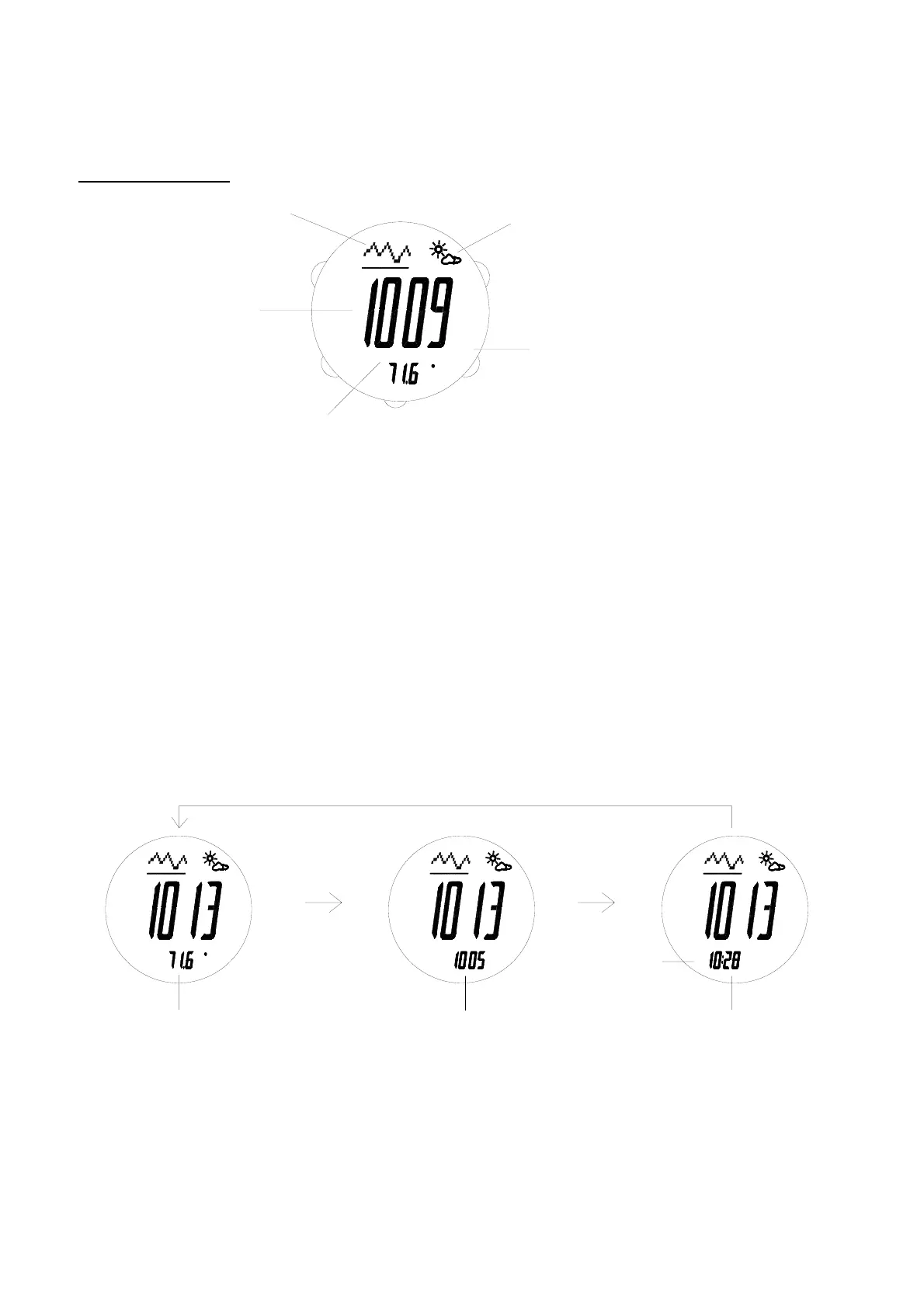
Use C to enter Barometer mode.
* Mode prompt “BARO” is displayed first.
- Barometer mode indicator is shown.
- The barometer is of 1 mbar/hPa resolution and with working range from 300 mbar/hpa to 1100 mbar/hpa.
- Both sea level pressure and absolute pressure can be shown.
- Graph showing the changes in sea level pressure is provided.
* Graph will be cleared only after battery replacement or reset.
- Weather forecast (indicated by the weather indicators) for the coming 24-48 hours is provided.
* Forecast is accurate only if the barometer has been functioning for at least 12 hours.
- Temperature is of 0.1 degree resolution and with working range from -4°F (-20°C) to 158°F (70°C). And unit in
°F or °C selectable.
- There are 3 displays for Barometer mode.
To switch among the 3 displays for barometer mode
BAROSEA L.
hPa
mbar
/
F
A
B
E
C
D
Weather
indicator
Unit indicator
of pressure
Barometer
mode indicator
Current Sea
Level pressure
Graph of Sea
Level pressure



 To Next Page