Need help?
Do you have a question about the BARIX EXSTREAMER and is the answer not in the manual?
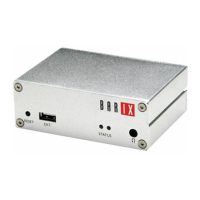
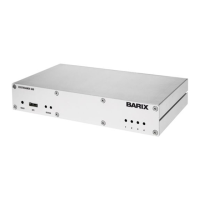
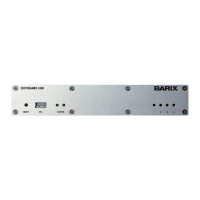
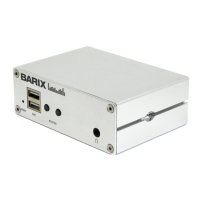
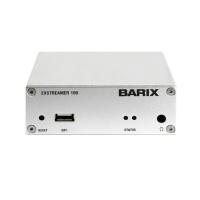
Description of the front panel components including reset button, USB interface, status LEDs, and headphone output.
Description of rear panel components including audio line out, serial port, LAN port, and power input.
Instructions for connecting the network cable to the device and network port.
Guidance on connecting headphones and audio line outputs to monitoring devices.
Instructions for connecting the power supply to the device and electrical outlet.
Information on how the device acquires an IP address and using the Barix Discovery Tool.
Instructions to open a web browser and enter the device's IP address.
Steps to set static IP address, Netmask, Gateway, and DNS settings.
Recommendation to download the full product manual for detailed information.
Guidance on checking status LEDs for power and network connection issues.
Instructions on how to revert the device to factory default settings using the reset button.
 General
| Audio Formats | AAC, MP3, PCM |
|---|---|
| Protocols | TCP, UDP, HTTP |
| Connectors | Ethernet, USB, 3.5mm audio jack |
| Input Interfaces | USB, Ethernet |
| Output Interfaces | Ethernet |
| Streaming Protocols | HTTP |
| Operating Temperature | 0°C to 40°C |

 To Next Page