3 Troubleshooting
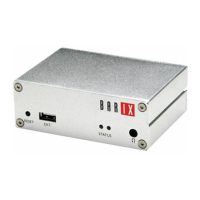
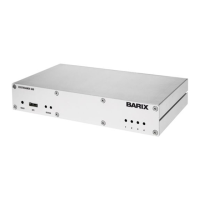
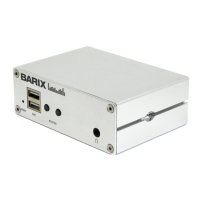
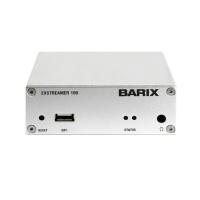
• If the status LEDs (C) stay dark check the power
cabling (installation step 3).
• Check if the green LINK LED (I) is lit, if it is not then
check your network cabling (network port G)
• If you have doubts about the current device settings
you can revert the device to its factory defaults by
pressing the Reset button (A) until the red status LED
(C) blinks (takes about 10 seconds). The device
will restore the factory defaults once the button is
released.
For information about our products, manuals, technical
documentation, latest firmware, support and access to
the user forum please visit www.barix.com.
Barix AG, Seefeldstrasse 303, CH-8008 Zürich
P +41 43 433 22 11
info@barix.com, www.barix.com


 To Previous Page