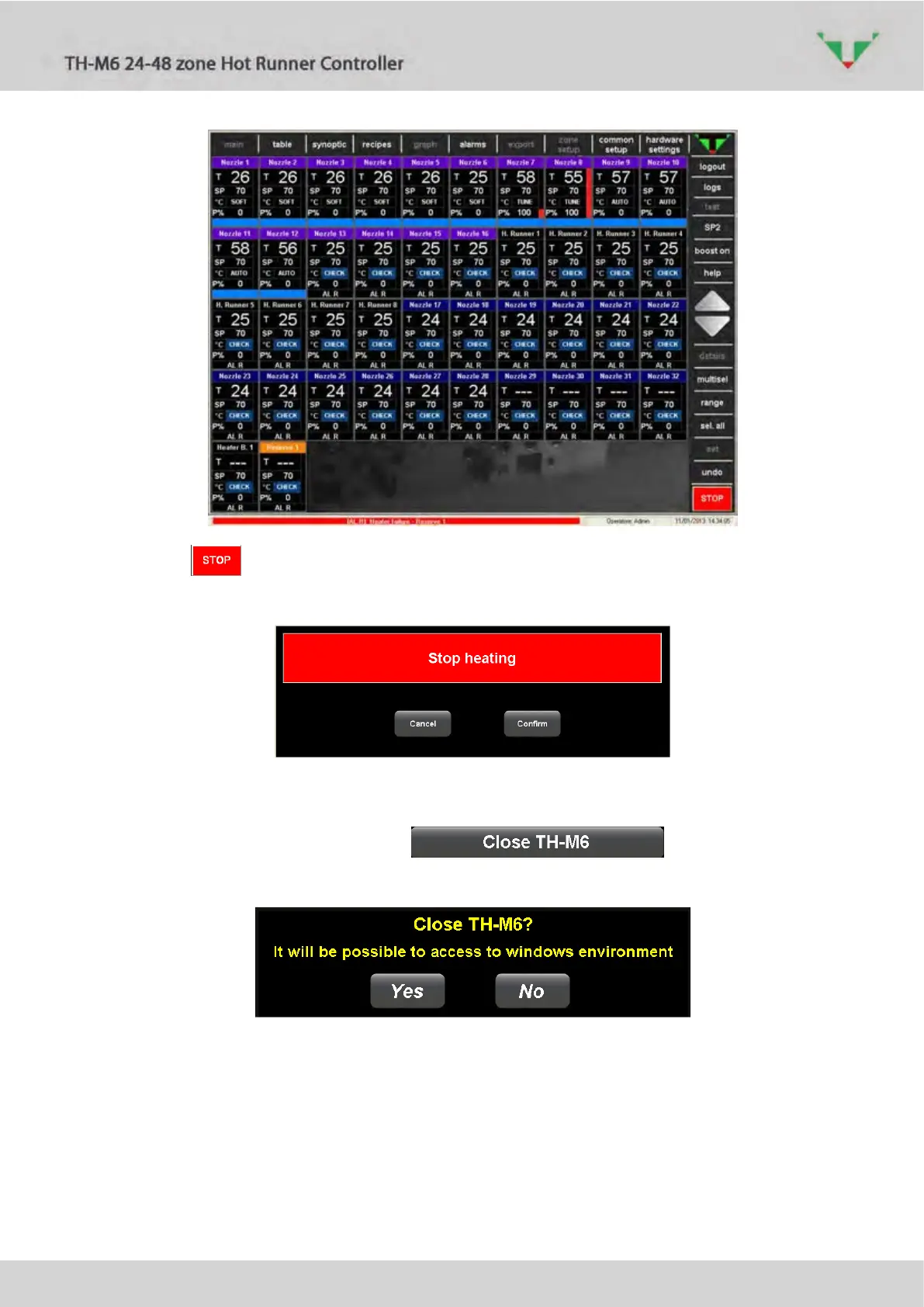
Figure 13: “main” after the heating start
Press the button and confirm (Figure 14): the whole controller go back in “STOP”
mode.
Figure 14
6.3.2 TH-M6 supervisory software exit
Referring to Figure 10, select option to get access to the
normal Windows environment. Confirm (Figure 15).
Figure 15
This operation is possible only if the access is performed by a Thermoplay user. Password is
provided by contacting Thermoplay technical service.



 To Next Page