6.16.6 Alarm acknowledgment
The button in Figure 75: alarm configuration 5 allows to confirm the active
alarm acknowledgment.
6.17 “export” environment
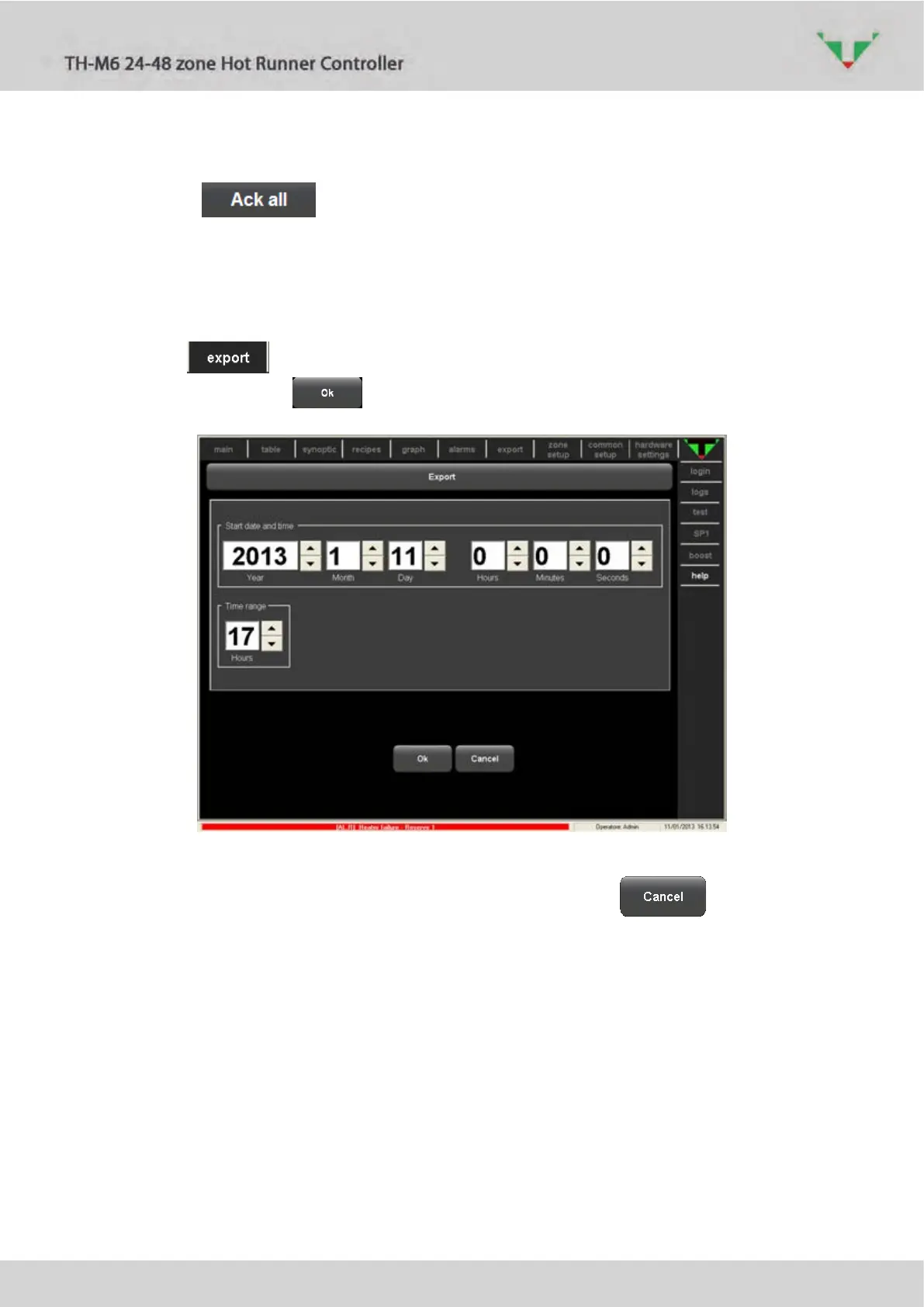
Select in “main” or “table” page the zones of which you need to export historical data. Then
click on the button in the upper bar. In the next window, specify the desired time
range (Figure 78). Click on button to confirm.
Figure 78: time range selection
It’s possible to stop the loading of the requested data clicking on the button (Figure
79).



 To Next Page