6.16 “alarms” environment, recommended actions
6.16.1 Alarms and recommended actions
Table 11: alarms and recommended actions
[AL.SSR] Solid state relays failure
Is a serious alarm. Shut the temperature controller off and
disconnect the heater connected to the zone in which the
anomaly was found. The other zones could continue working.
Contact Thermoplay’s customer service.
Replace the fuse (refer to paragraph 0)
[AL.TC] Thermocouple failure
The thermocouple could be interrupted. Check the
connections between Temperature controller and mould.
[REV.TC] Reversed thermocouple
The thermocouple could be reversed. Check the connections
between Temperature controller and mould.
The temperature does not reach the set point. It could be due
to an error in the correspondence between the heater and the
thermocouple or due to a contact between the
thermocouples two conductors in an intermediate point
between the hot joint and the cold joint. (“pinched
thermocouple”)
The temperature controller finds an anomalous absorption.
Check if there is no leakage of plastic material.
The heater is interrupted or disconnected. Check the
connection between the temperature controller and the
mould.
Wrong or defective connection to the power network. Check
the voltage between phase and neutral wires.
The temperature controller finds a missing phase of power
supply. It is usually necessary to check the connection to the
power supply network.
OFF selected by digital INPUT
“OFF” mode forced from external input
SP2 selected by digital INPUT
Set Point 2 forced from external input
Controller over-temperature
The internal temperature of the temperature controller is too
high. Check that the forced ventilating apertures are free.
The fan mounted on the heat sink is blocked. Contact
Thermoplay’s customer service.
6.16.2 Historical alarms
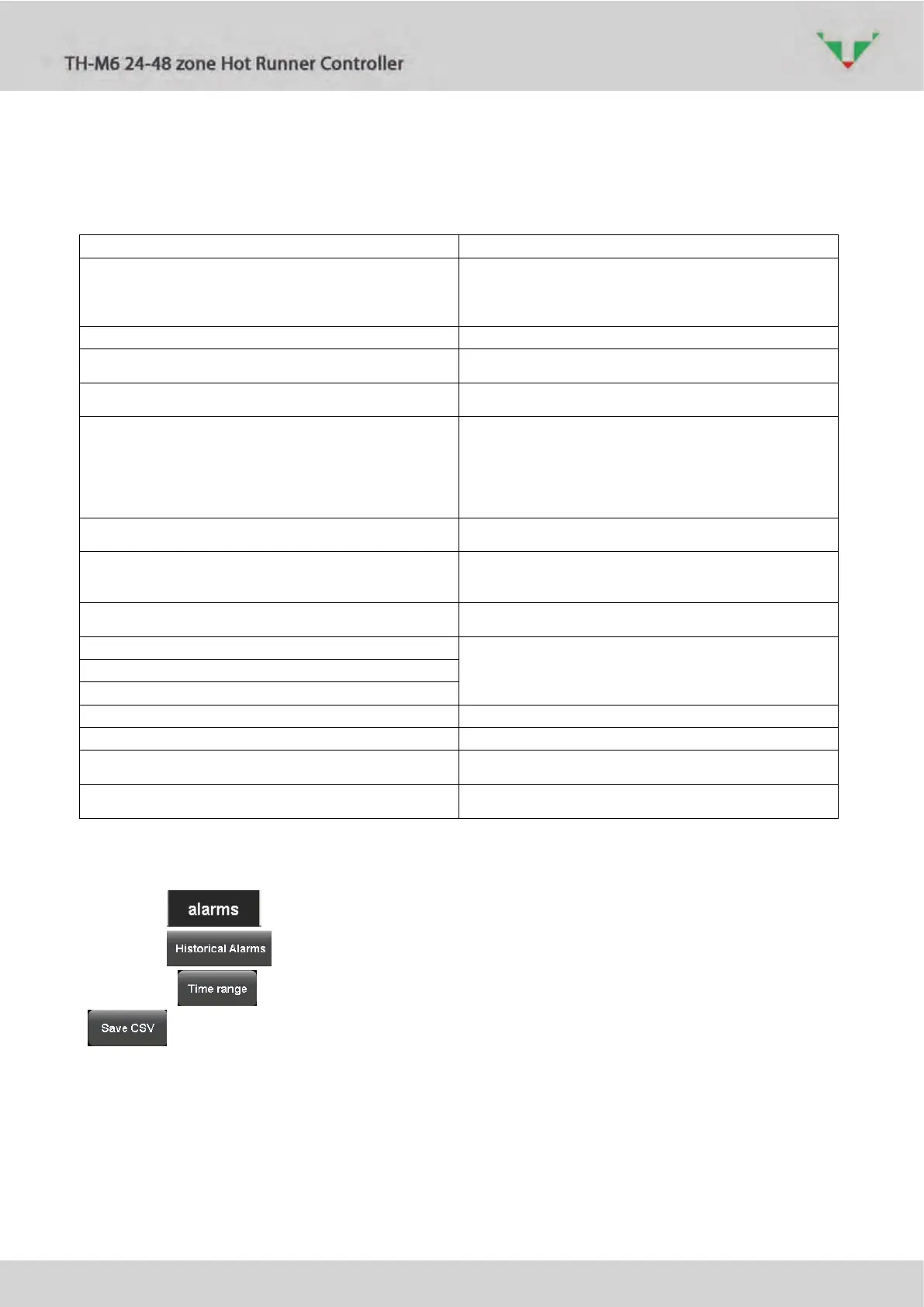
Button open the pages relative to active and historical alarms.
Button show historical (no longer active) alarm list.
Click on button to select a desired time range, fill the blacks of Figure 72. Button
allows to export the list in a tab-delimited file. Insert the name and select the folder
(Figure 73).



 To Next Page