5 System start-up
1. Connect the power supply cable, paying attention to the correspondence between the
network voltage and what is specified in the identification plate.
2. Plug power and thermocouples cable both in the mould and controller side.
3. Turn ON the controller.
4. Wait for the complete start of the terminal. Normally the supervisory software automatically
starts. Otherwise, double-click the icon “Runtime” on the desktop.
Figure 3: start icon
6 Supervisory software
Figure 4: start window
6.1 Common features
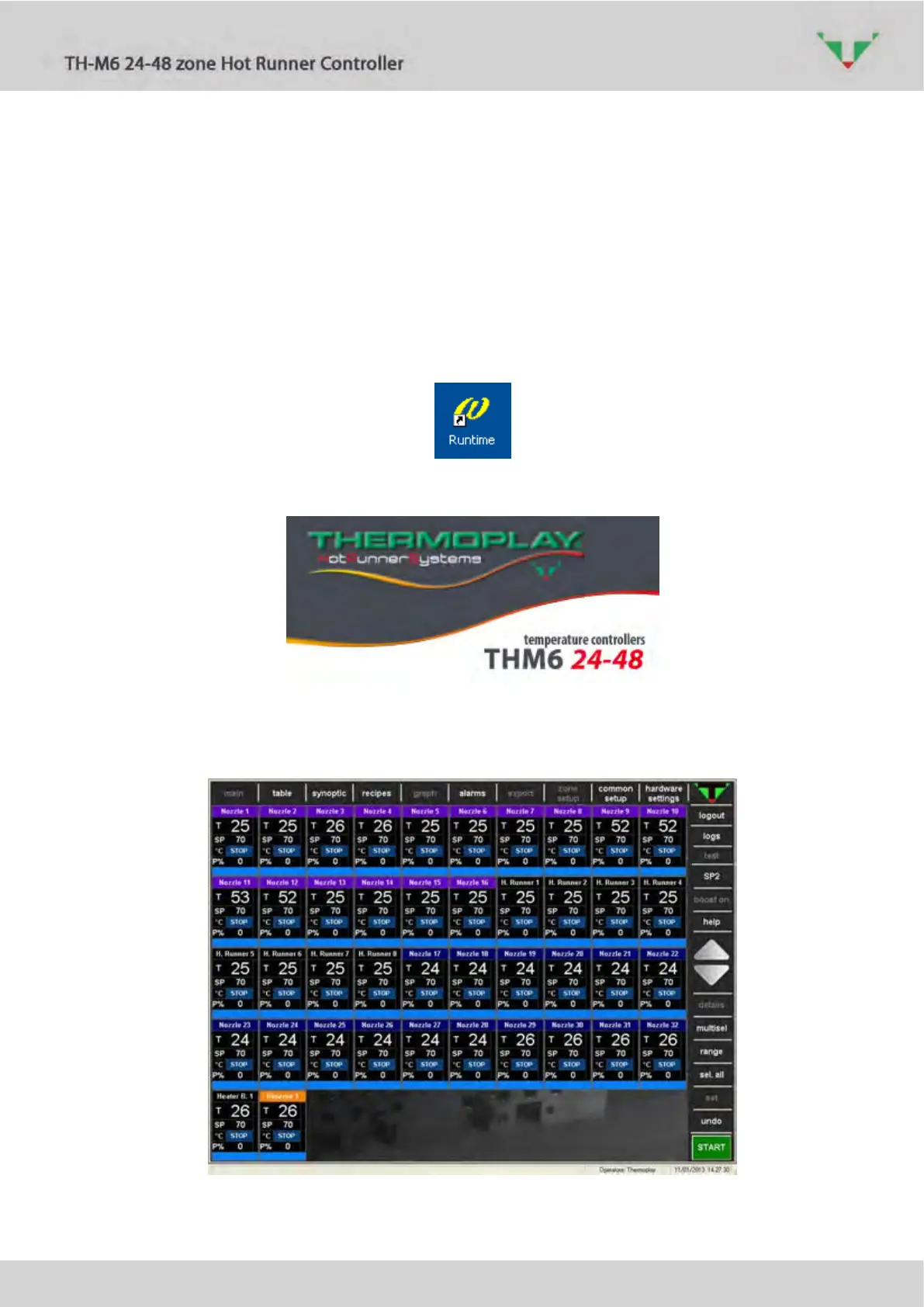
Figure 5: start page “main”



 To Next Page