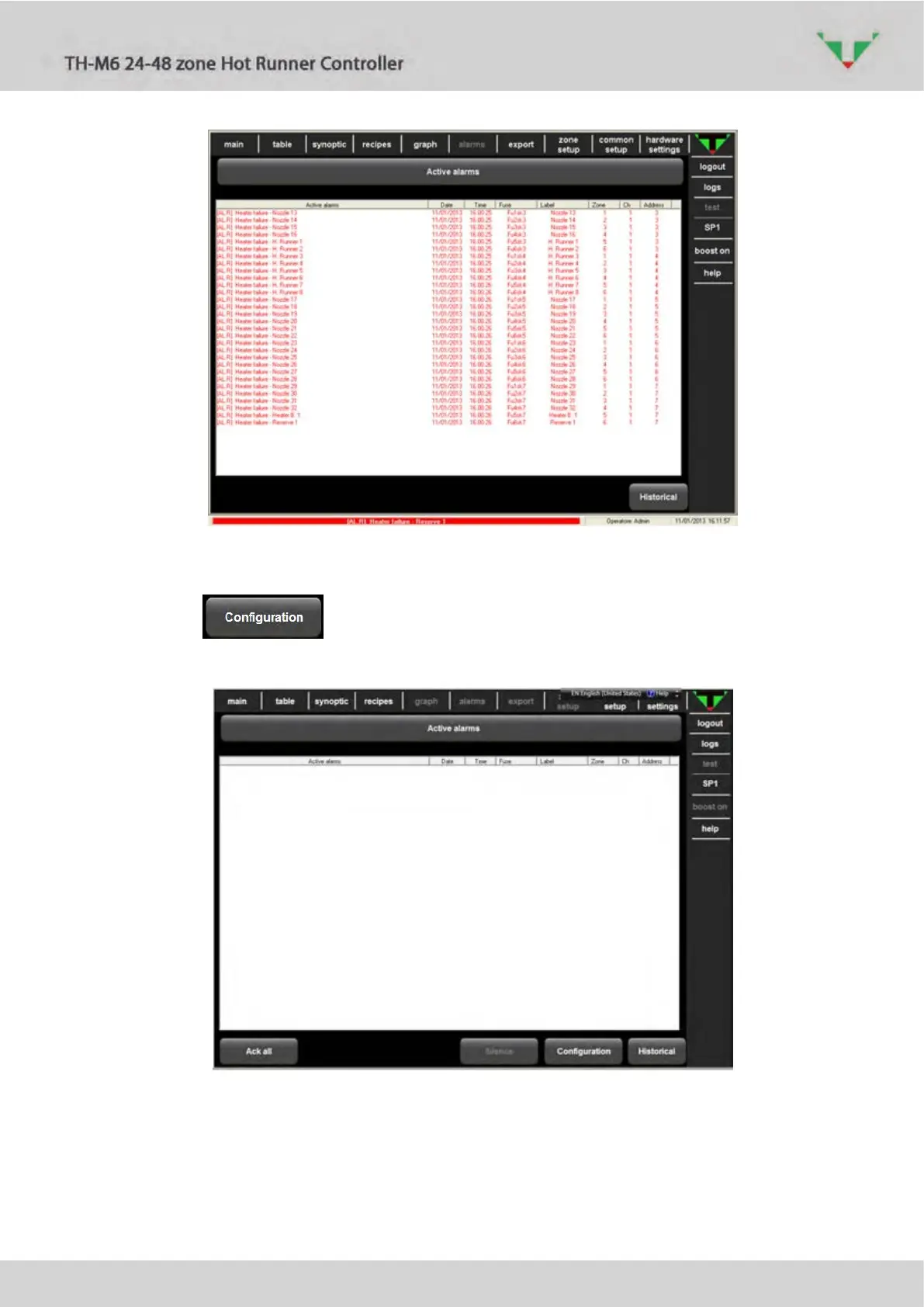
Figure 74: active alarms
6.16.4 Alarm configuration
The button in Figure 75: alarm configuration allows to enter in the alarm
handling configuration.
Figure 75: alarm configuration
In the Alarm Configuration page (Figure 77: alarm configuration settings ) all the alarms
contained in Table 11 are shown and it is possible to set them to “stand-by” (Need acknowledge)
or to alarms (Power down system) that, after a manually set time ( Figure 76: time before stop
), switch the status of all zones to OFF.



 To Next Page