Click on button.
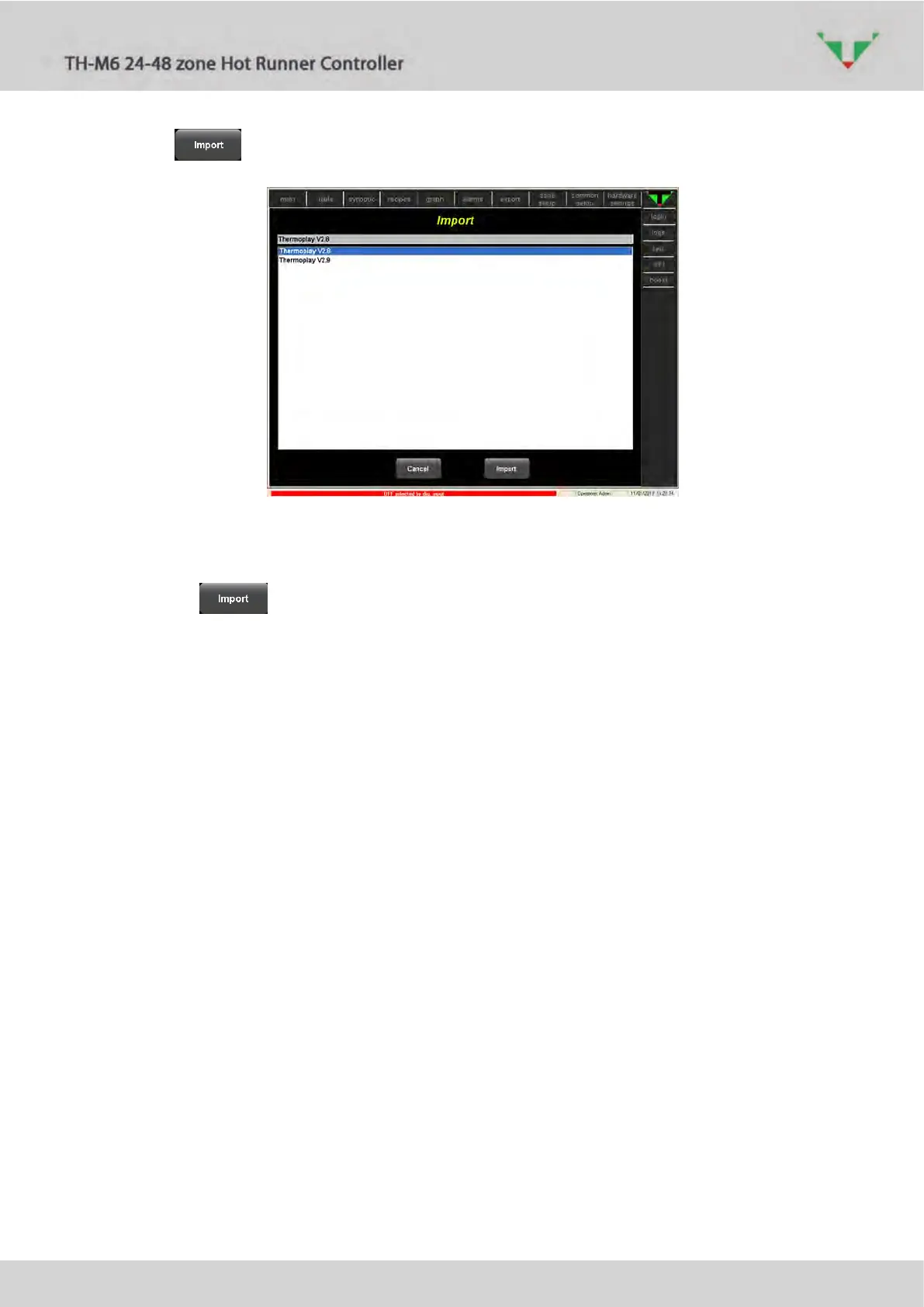
Figure 92
In the list of Figure 92, select the previous project in order to inherit (import) controller
configuration, recipes (and synoptic configurations), event log and historical data and alarm.
Then click on button to proceed. Load the recipe that was active in previous project
(refer to paragraph 6.11.2).
Now you can delete the pervious project:: close the supervisory software, start “Project
Manager”, select in the left side list the old project. Then click on “Project”, “Delete” (Figure 89).



 To Next Page