BCS36x8
ex
Series Connection example
Type 17-A1S4-*HP* and B7-A2S4-****
Page 42 of 78
Subject to technical changes.
05/2020
The hand-held scanner is set as HID device in factory settings. The serial interface still needs to
be activated with the help of a programming barcode.
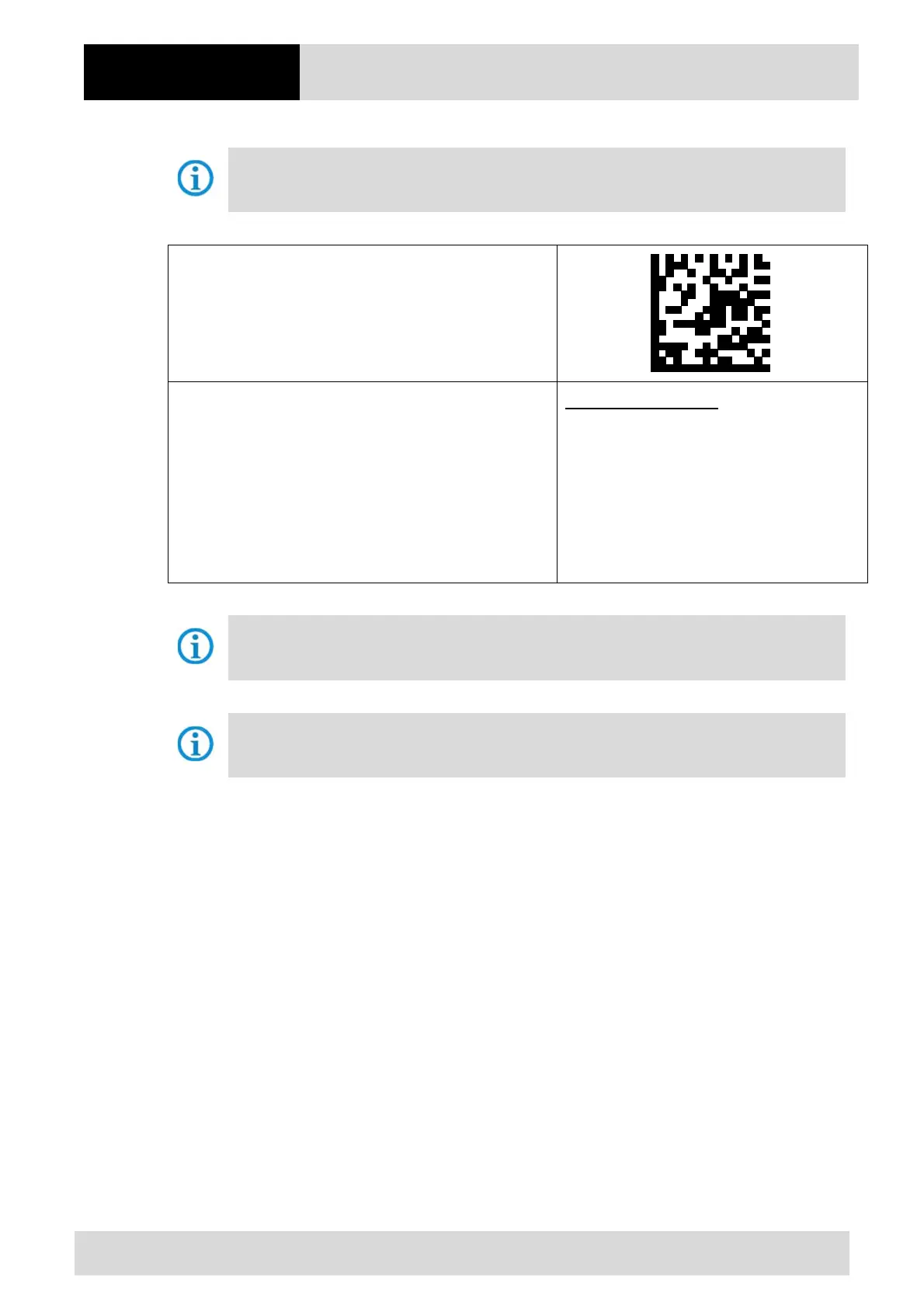
Scan in the “Standard RS-232” barcode to activate the
serial RS232 interface.
Default settings of the serial interface (COM)
RS-232 host parameters
Baud rate: 9600 baud
Parity: None
Stop bits: 1-bit
Data bits: 8-bit
Hardware handshaking: None
Software handshaking: None
The hand-held scanner is paired to the cradle via Bluetooth. The cradle transmits serial data.
The cradle is detected by the host PC as a serial device.
Further customized settings can be performed with the help of the Zebra Product Reference
Guide or the Zebra 123Scan utility.



 To Next Page