BCS36x8
ex
Series Connection example
Type 17-A1S4-*HP* and B7-A2S4-****
Page 70 of 78
Subject to technical changes.
05/2020
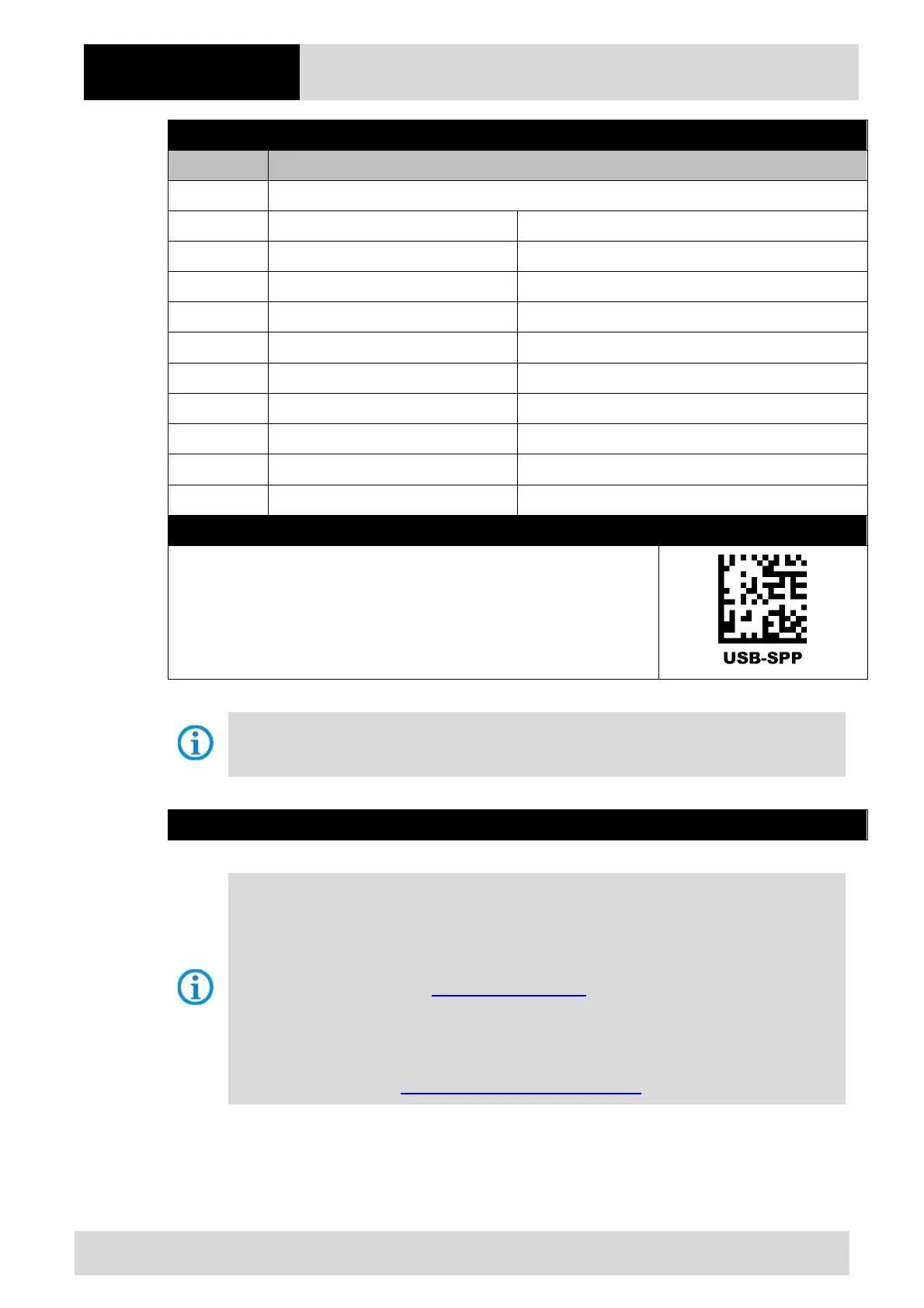
Supply module Ex i BT - terminal assignment
Terminal Mains connection / USB interface
X1 L = 100 V
AC
to 240 V
AC
±10% / 50/60 Hz
X2 N = Neutral conductor
X3 24 V
DC
+ ±10% / 0.4A
X4 24 V
DC
– ±10% / 0.4A
X5
Data- (D–)
X6
Data+ (D+)
X7
–
X8
–
X9
GND
X10
–
Supply module Ex i BT
Scan the programming code for the USB-SPP virtual serial interface.
The supply module Ex i BT is already preset on the hardware side to the Bluetooth scanner
version.
Supply module Ex i BT – FTDI-FT232-R driver
Driver for the supply module Ex i BT.
On connecting the supply module, the drivers are automatically detected by the Windows
operating system and installed if necessary.
If not detected automatically, the driver can be downloaded from the BARTEC download page or
directly from the FTDI website (https://www.ftdichip.com/) and installed manually.
The driver is compatible with:
- Windows 10, 8.1, 8, 7 --- 32/64 bit
BARTEC download page: http://automation.bartec.de/indexE.htm



 To Next Page